AgfaPhoto Compact 104
32
had been recognized, the camera performs 2-second countdown with a beep notice then take a shot
without pressing the Shutter button.
Tips to make a great shape by self portrait photography:
• Lean in towards the camera to reduce double chin.
• Angle your body and bend your arms to look slimmer.
• Keep your shoulders back.
Using HDR Mode
Active HDR mode preserves details in highlights and shadows, creating photos with natural contrast.
Use for high contrast scenes, for example, when photographing brightly light outdoor scenery through
a door/window, or taking pictures of shaded subjects on a sunny day. With this feature, the adjustment
of contrast is accomplished in-camera and requires no additional post-processing for the bulk of images.
Using Aperture Priority Mode
This mode is designed for control the aperture value by user and let camera decide the shatter speed.
The main impact that aperture had on images was with regards to Depth of Field. (DOF)
• Choose lager aperture, only one subject in focus but the background nice and blurred. (Shallow
DOF)
• Choose smaller aperture, an image with everything in focus. (Great DOF)
To set Aperture values
1. Select Aperture Priority Mode from the Scene Mode
submenu.
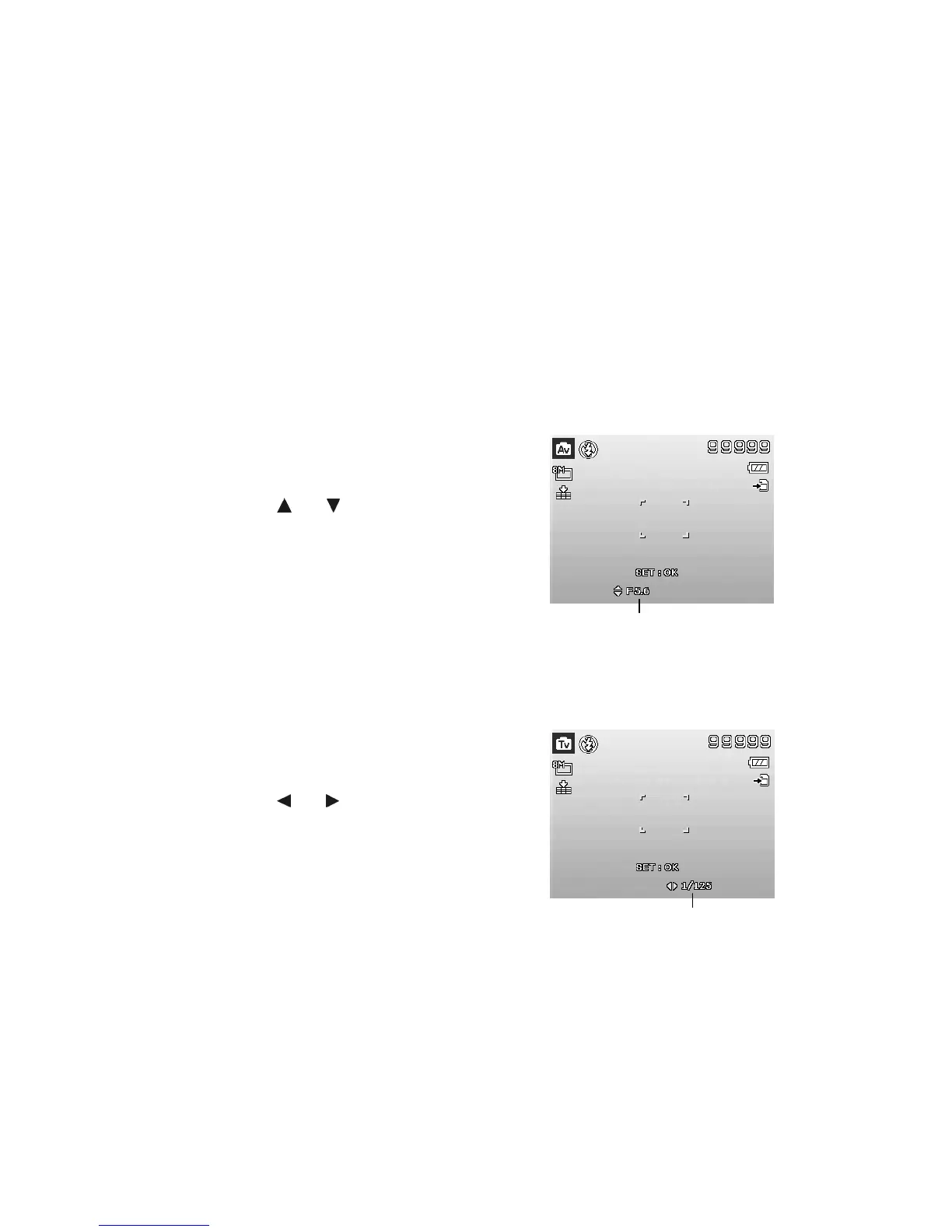
2. Press SET button to enter the adjust mode.
3. Use the or keys to select the aperture
value options.
4.
Press the Shutter button to capture the image.
Displays the aperture value
Using Shutter Priority Mode
This mode is designed for capturing moving subjects. A faster shutter speed is required to freeze a
motion (flying birds), while the slower shutter speed creates a sense of motion (water flowing).
To set Shutter values
1. Select Shutter Priority Mode from the Scene Mode
submenu.
2. Press SET button to enter the adjust mode.
3. Use the or keys to select the shutter value
options.
4.
Press the Shutter button to capture the image.













 To Next Page