AgfaPhoto Compact 104
54
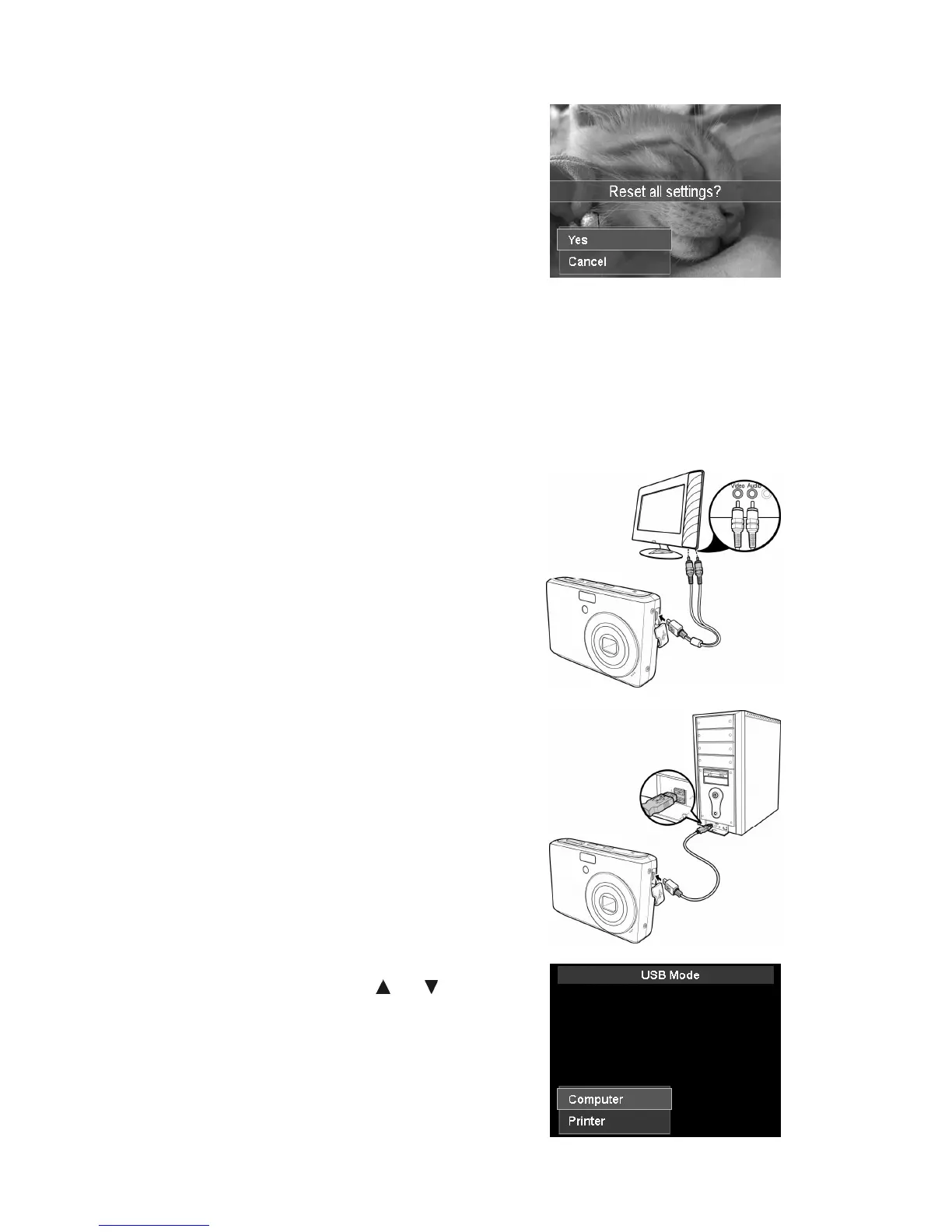
Reset All
Use this function to reset the camera to its factory
settings. However, the following settings are exceptions
and not affected by Reset.
• Date & Time
• Language
• TV Out
• Custom White Balance data
Making Connections
You can connect your camera to: TV, computer, or a printer.
Connecting the Camera to a TV
You can play back your images on a TV screen. Before connecting to any video devices, make sure
to select NTSC/PAL to match the broadcast standard of the video equipment you are going to
connect to the camera.
To connect your camera to a TV:
1. Turn on the camera.
2. Set the TV out to match the TV’s video out format.
See "Setting TV Out" on page 53.
3. Connect the USB/AV 3-in-1 cable to the USB port on
the bottom of your camera.
4. Connect the other end of the cable to the TV’s AV
input port.
5. The LCD monitor turns black and all images and
video clips are displayed on the TV.
Connecting the Camera to a PC
You can transfer images, videos and audio files to your PC.
1. Connect one end of the USB cable to an available
USB port on your computer
2. Connect the other end of the USB cable to the USB
terminal on the camera.
3. Turn on the camera.













 To Next Page