AgfaPhoto Compact 104
22
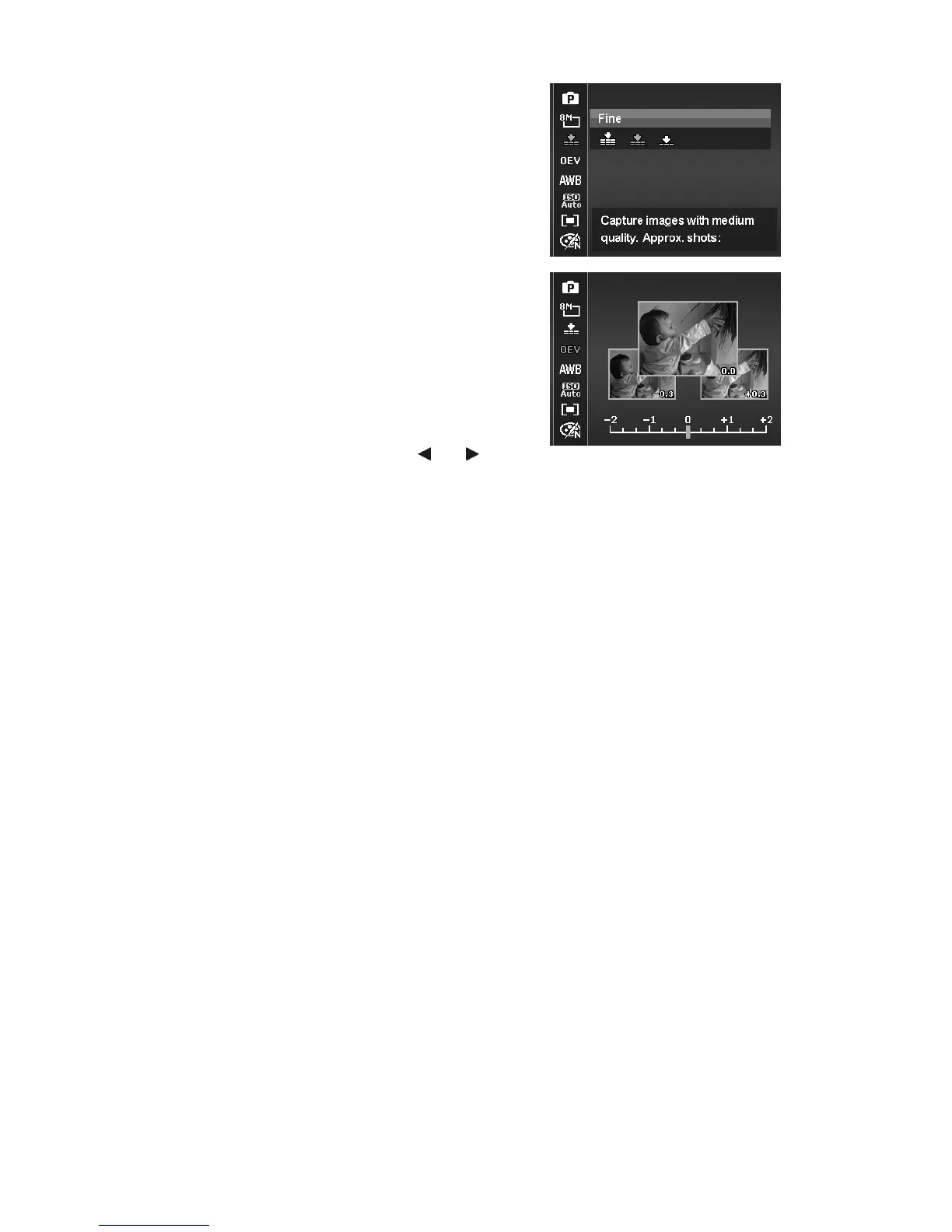
Quality
The Quality sets the quality (compression) at which the
image is captured. The quality determines the amount of
compression applied to your images. Fine quality would
give you the best images with sharper details and less
compression. However, the higher the quality, the more
memory space is required in your memory card.
EV Compensation
Images can be captured with the overall scene
intentionally made brighter or darker. These settings are
used when a suitable brightness (exposure) cannot
otherwise be obtained in circumstances where the
difference in brightness between the subject and the
background (the contrast) is large, or when the subject
that you wish to capture is very small within the scene.
Available for still images only.
•
To adjust EV settings, press the or keys to
increase/decrease the value. As you adjust the
settings, the LCD monitor synchronously displays the
image applying the EV settings. Press the SET button
to save and apply changes.













 To Next Page