AgfaPhoto Compact 104
29
Using Soft Skin mode
When the soft skin mode is activated, it makes wrinkles and lines look less conspicuous, while
preserving resolution in areas of the picture outside of the skin. The camera detects skin color area,
such as the face and processes the image to make the skin appear smooth.
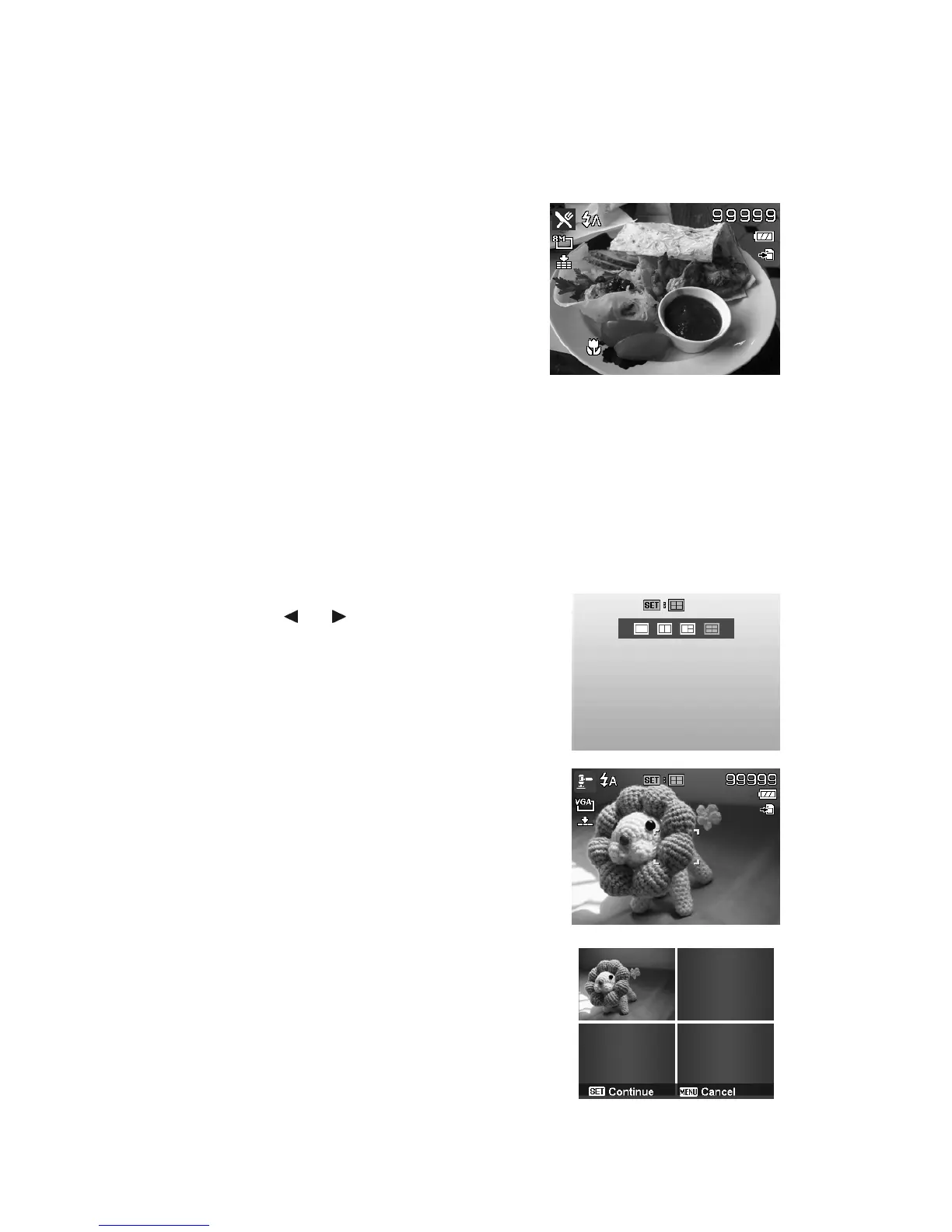
Using Food Mode
How to share your dining experiences and comments of
interesting widgets on your blog by close-up images? Just
get the camera and set the scene with food mode. This
mode features on macro focus and auto flash designed for
close-up photography.
Macro focus and Auto Flash are
enabled by using Food mode.
Using Foliage Mode
A scenic image, such as a garden or forest scene, that full of doll green colors is boring. In foliage
mode, the greens, blues, are brilliantly enhanced making scenic pictures pop out with bright color.
Using Auction Mode
It’s hard and wastes a lot of time to combine several images by software. Select Auction mode and
choose a pattern, then take a few shots from different angle. The camera composes a combined
image in lower resolution suited to online posting.
1. Select Auction mode from Scene mode menu.
2. Use the or keys to choose a pattern.
3. Press the SET button to start shooting.
4. Frame the subject and press the Shutter button to
take the first shot.
5. Press SET button to continue the second shot.
6. Or, press Menu button to go back the first shot.













 To Next Page