AgfaPhoto OPTIMA 104
10
Getting Started
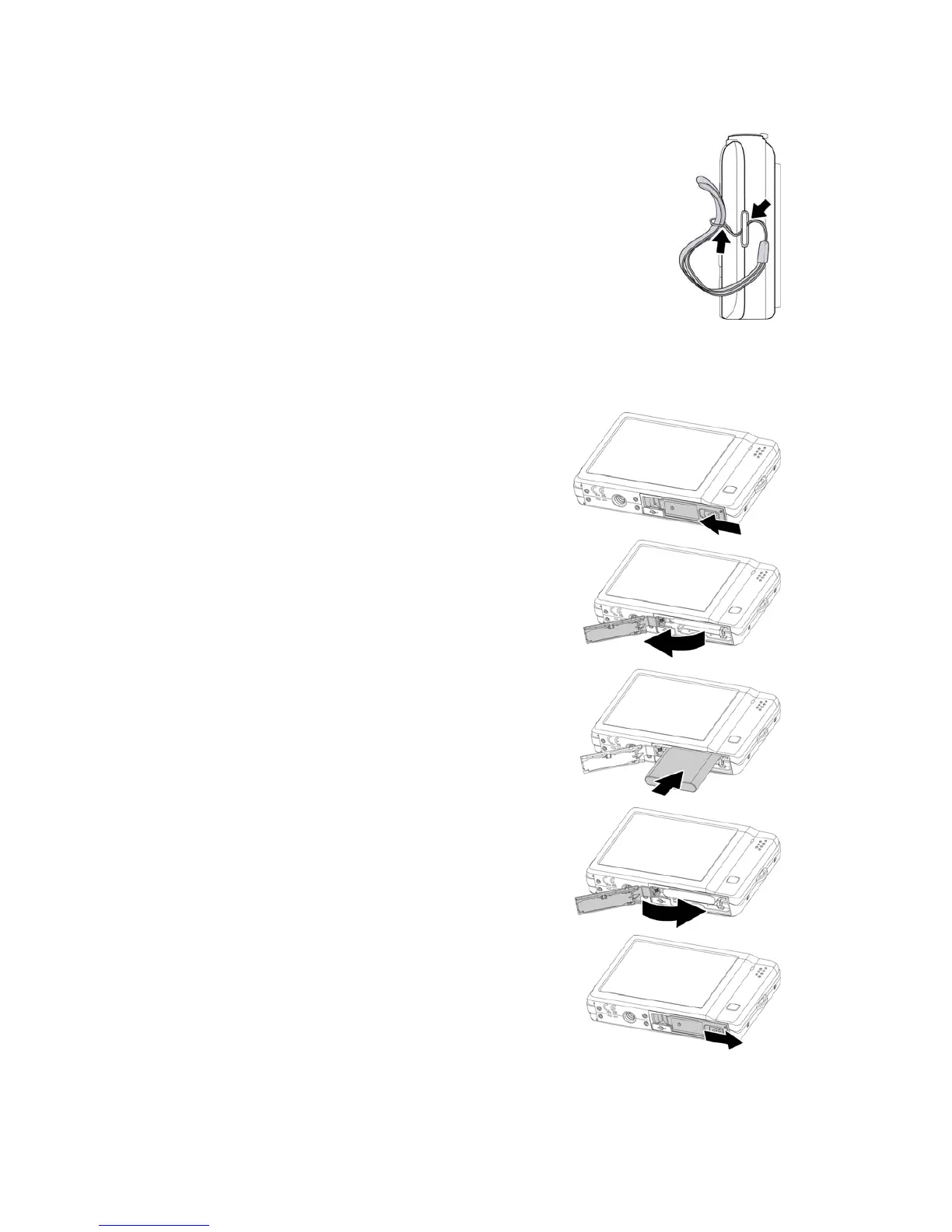
Attach the Camera Strap
Inserting the Battery
Follow these instructions to insert the rechargeable battery into the battery/memory card
compartment.
Please read "Battery Information" on page 4 before inserting/removing batteries.
1. Make sure the power is off before inserting the
battery.
2. Unlock and open the Battery/memory card
compartment at the bottom of the camera.
3. Insert the battery into the compartment with the
terminal facing inside the camera with correct
orientation as shown.
4. Close and lock the Battery/memory card
compartment













 To Next Page