AgfaPhoto OPTIMA 104
58
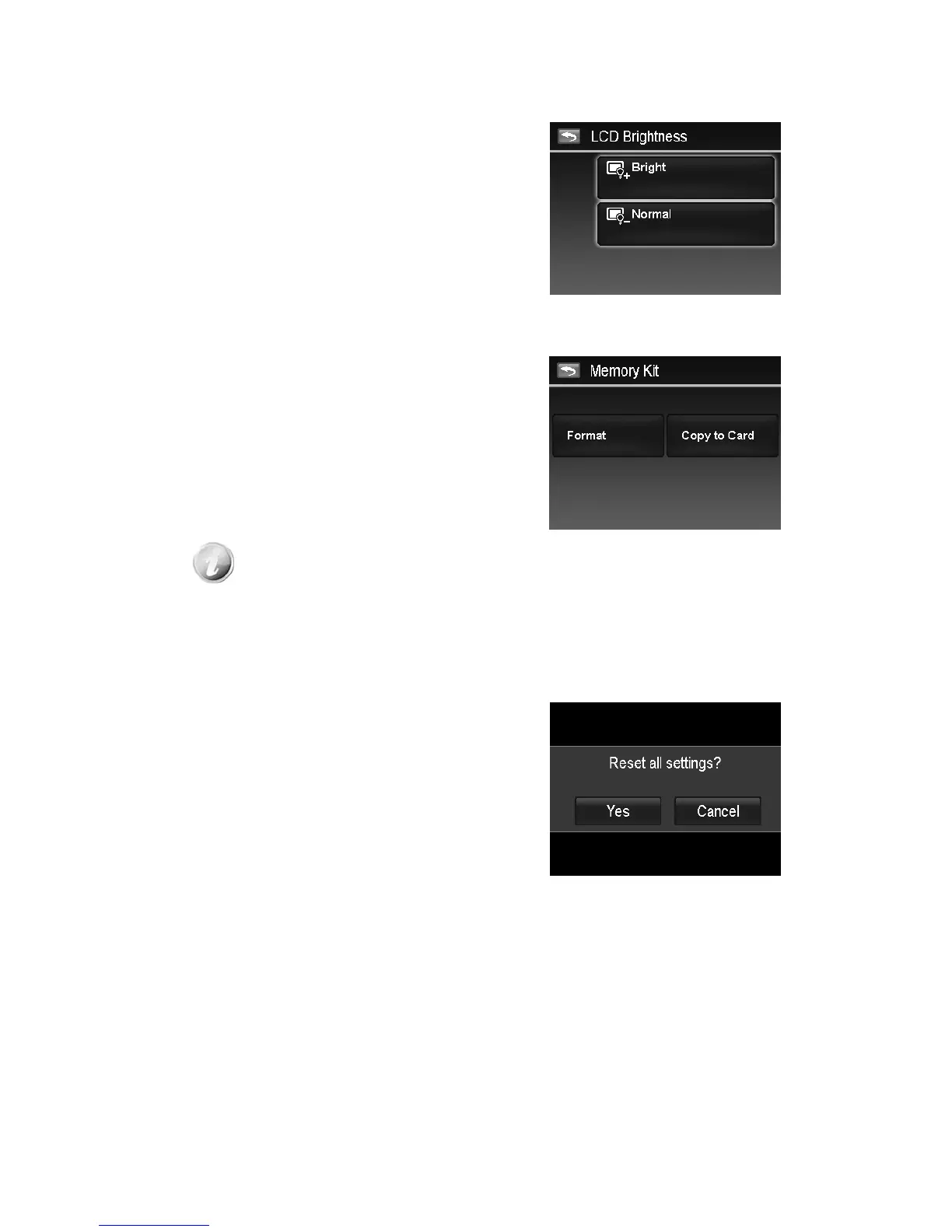
Setting LCD Brightness
Select a brightness level for the LCD monitor.
Available settings are:
• Bright
• Normal
Setting Memory Kit
This utility formats the internal memory (or memory card) and erases all stored images and data.
Available settings are:
• Format. Tap to format currently used memory.
• Copy to Card. Tap to copy all files stored in the
internal memory to the memory card.
• If there is a memory card inserted in the memory slot, the camera automatically
saves all files to the memory card.
• If the images were saved in the internal memory when inserting memory card
into the camera. You can use Copy to Card function in order to copy all images
from the internal memory into memory card.
• If there is no memory card or the internal memory is empty, the Copy to Card
function is disabled.
Reset All
Use this function to reset the camera to its factory settings.
However, the following settings are exceptions and not
affected by Reset.
• Date and Time
• Language
• TV Out
• Custom White Balance data













 To Next Page