AgfaPhoto OPTIMA 104
43
Thumbnail icons:
In playback mode some images may contain icons. These icons indicate the type of file or recording.
Icon Type Description
Voice Record Indicates a voice recording file.
File Error Indicates an error file.
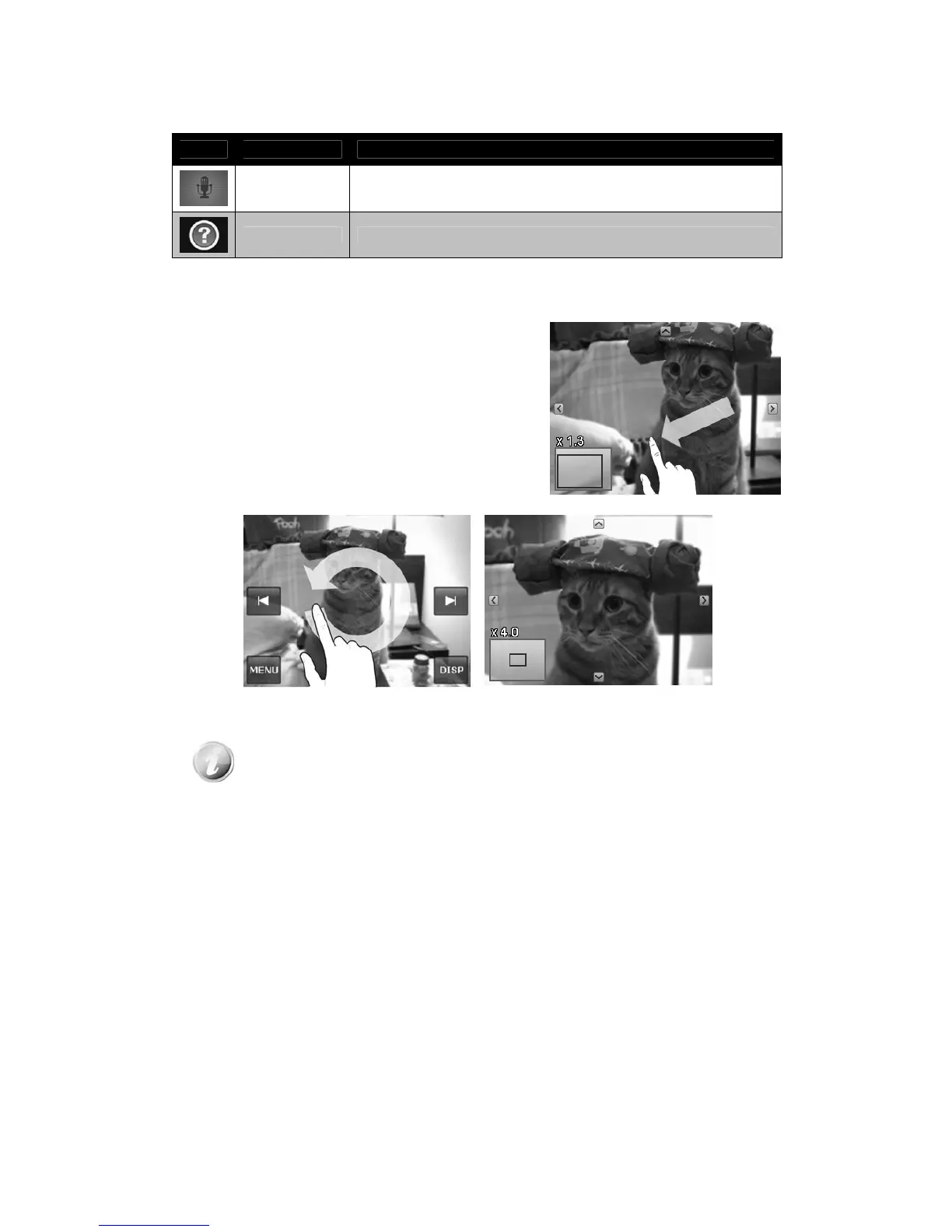
Zooming images
The zoom view function works with still images only.
• In single navigation mode, spin the Zoom dial
clockwise (right) repeatedly until the desired zoom
view.
• The 4 arrows on the LCD monitor indicate that the
image is zoomed in.
• You can zoom to view an image up to 12X.
• Drag the enlarged image to desired position.
• Press the Shutter button to close zoom view.
• Draw a circle (clockwise/counterclockwise) in single navigation mode to enlarge the image up
to 4X.
For 320 x 240 resolution images, you can only zoom in up to 6X.













 To Next Page