AgfaPhoto OPTIMA 104
34
If the Stabilizer is enabled, ISO is automatically set to Auto and cannot be adjusted.
To adjust ISO disable Stabilizer first.
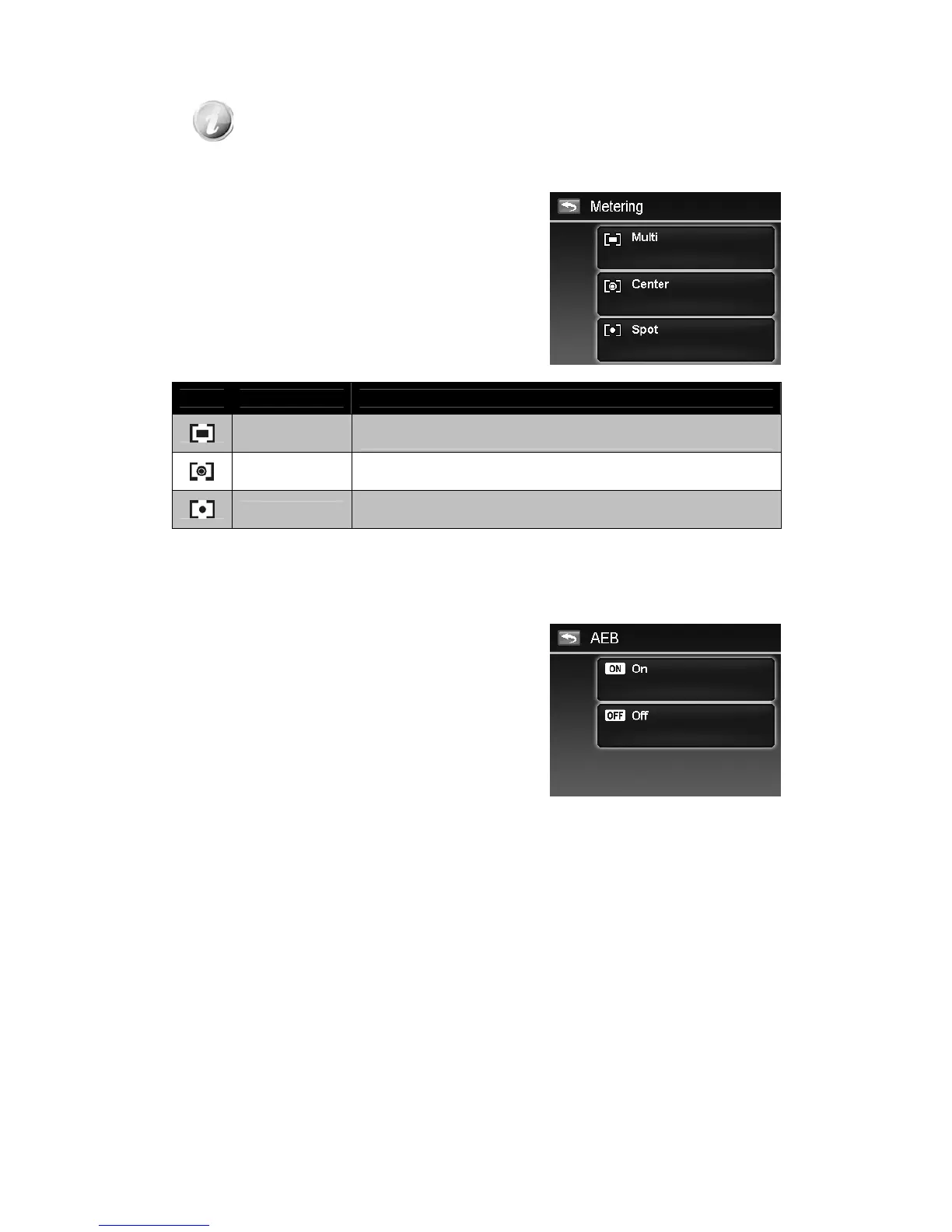
Setting Metering
This sets the metering method for calculating the
exposure.
Icon Item Description
Multi
The entire area of the screen is measured, and the exposure is
calculated.
Center
Averages the light metered from the entire frame, but gives greater
weight to the subject matter at the center.
Spot
A very small portion of the center of the screen is measured, and the
exposure is calculated.
Setting AEB
AEB stands for Automatic Exposure Bracketing. It permits 3 consecutive images in the order of
standard exposure, under exposure and overexposure compensation.
To set AEB
1. From the Record menu, tap AEB.
2. Tap On/Off to enable/disable AEB.













 To Next Page