AgfaPhoto OPTIMA 104
56
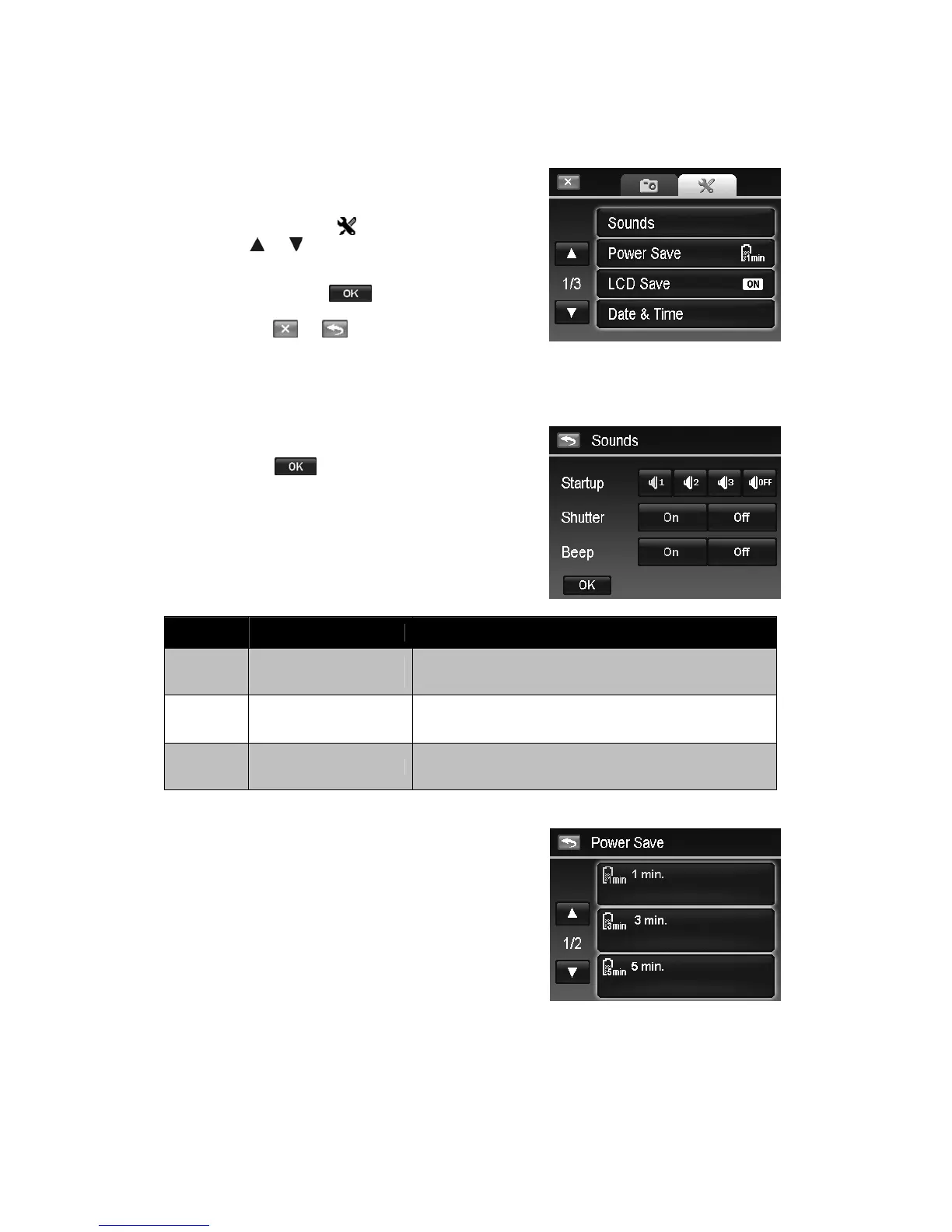
Using the Setup Menu
You can access the Setup menu whether you are in Record or Playback mode.
The Setup menu allows you to configure general camera settings.
To go to Setup Menu:
1. Tap the onscreen Menu button to launch the
Record/Playback Menu.
2. Tap the tab button to launch Setup menu.
3. Tap
or to turn pages.
4. Tap the desired option button to enter submenu.
5. Configure the settings in the submenu.
6. Tap the onscreen
button to save and apply
changed settings.
7. Tap the or button to exit the menu or
return main menu anytime.
Setting Sounds
Use the option buttons to control the sounds produced by the camera.
1. From the Setup menu, tap to select Sounds.
2. Configure settings by tapping the option button.
3. Tap the
button to apply.
Item Available Settings Description
Startup
Sound 1, Sound 2,
Sound 3, Off
Selects the startup sound when camera is turned on.
Shutter On, Off
Enables or disables shutter sound when shutter button is
pressed. Shutter sound is not available when recording
videos or voice clips.
Beep On, Off Enable or disable the beep sound when using touch screen.
Setting Power Save
The Power Save function allows you to set an idle time after
which the camera automatically sets to sleep mode to save
power. After a minute of being in sleep mode, the camera
eventually turns off power.
Available setting: 1 min., 3 min., 5 min., Off
This function is not available in the following instances:
• Recording a video or audio file
• Playing a slideshow/video/audio file (Exclude pause)
• Using the USB connector













 To Next Page