AgfaPhoto OPTIMA 104
36
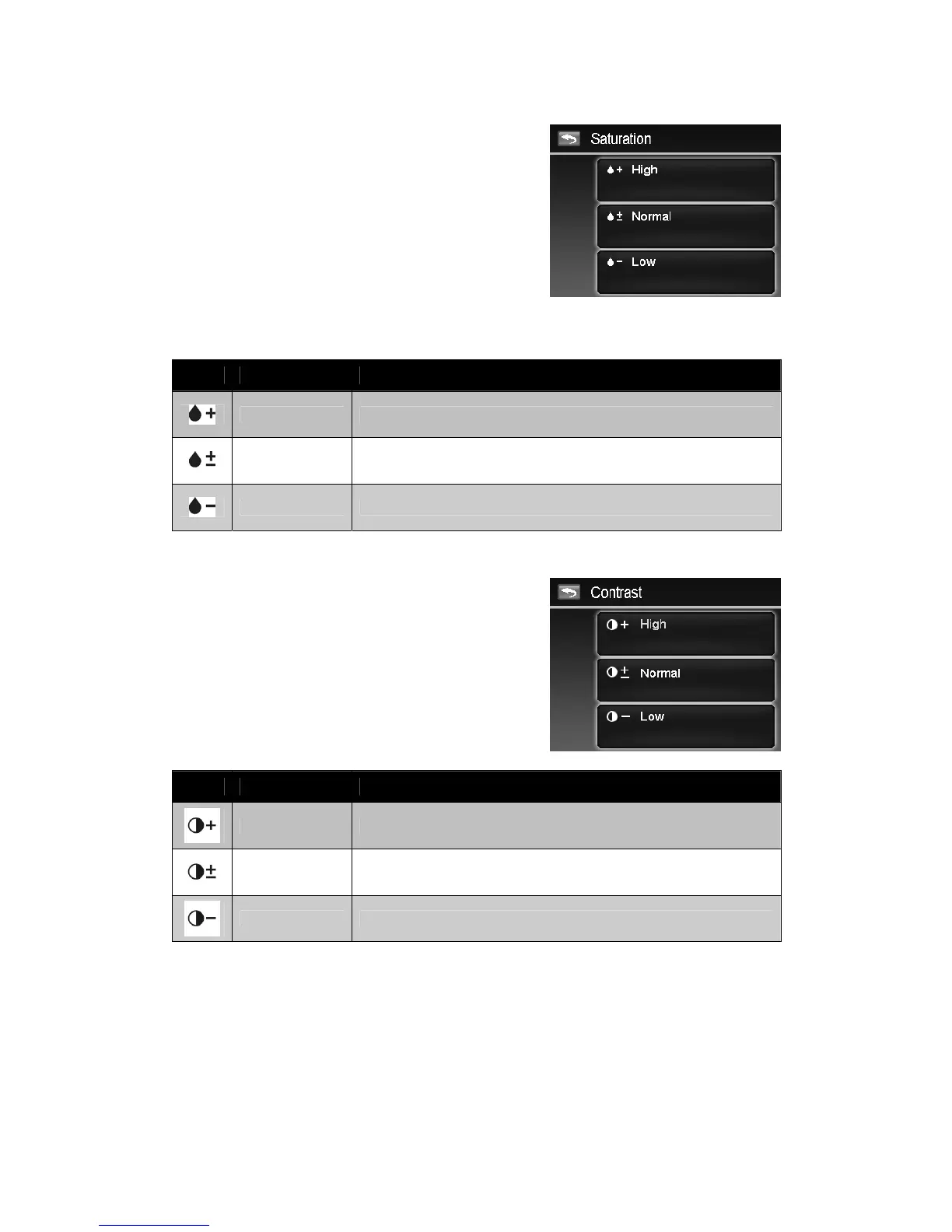
Setting Saturation
The Saturation function lets you adjust the color
saturation in your images. Use a higher saturation setting
for rich colors and a lower saturation setting for more
natural tones.
To set Saturation
1. From the Record menu, tap Saturation.
2. Tap the desired option button to apply.
The table below shows the available Saturation settings.
Icon Item Description
High Enhance the saturation.
Normal Normal saturation.
Low Reduce the saturation.
Setting Contrast
This function allows you to adjust the contrast of your
images.
To set Contrast
1. From the Record menu, tap Contrast.
2. Tap the desired option button to apply.
Icon Item Description
High Enhance the contrast
Normal Normal contrast
Low Reduce the contrast













 To Next Page