AgfaPhoto OPTIMA 104
57
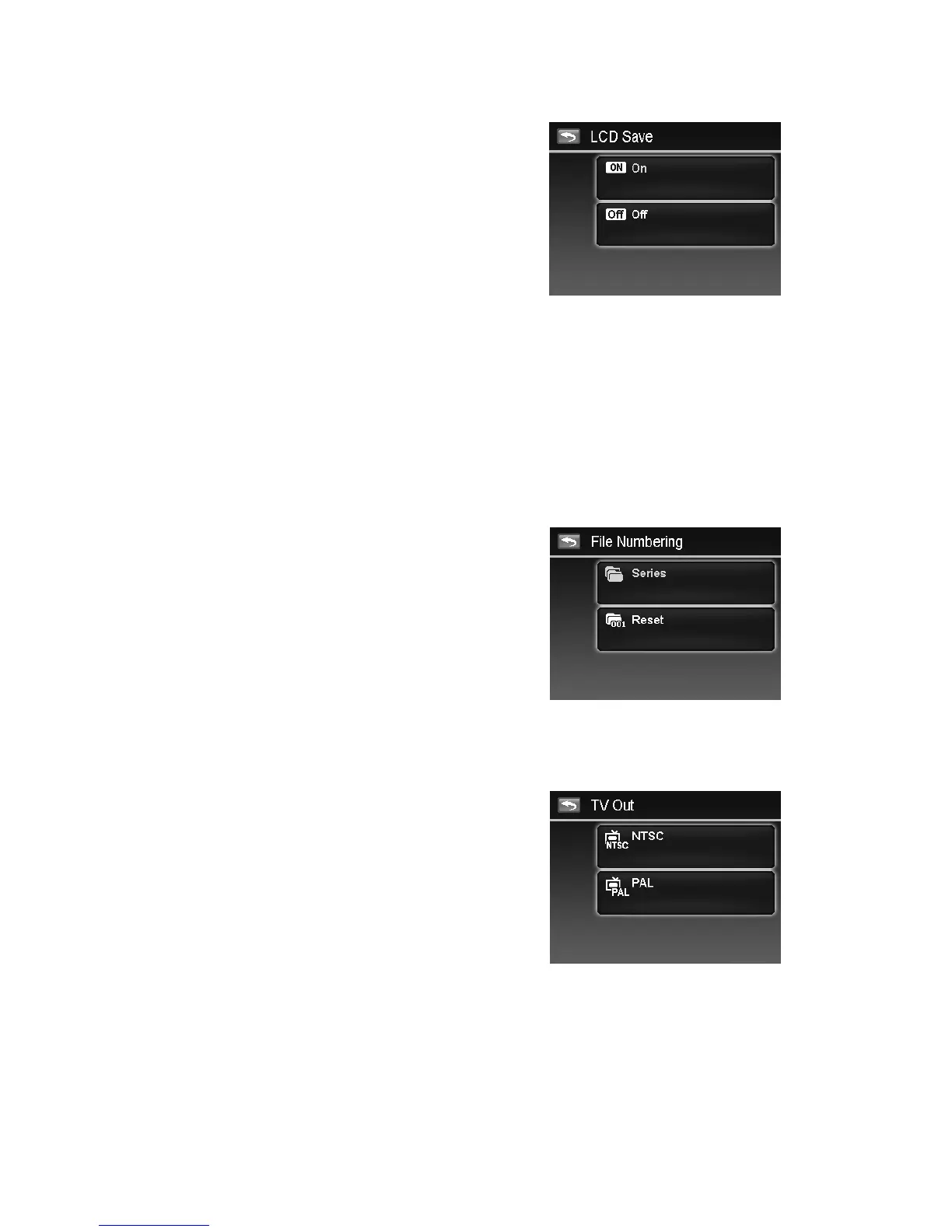
Setting LCD Save
Enable the LCD Save function to automatically decrease the
LCD brightness to conserve battery power. When the
camera is idle for 20 seconds, the LCD darkens. Press any
button to resume to normal brightness.
• The camera is idle when no buttons are pressed. LCD
Save, though enabled, does not function during video
playback, slideshow and video recording.
Setting Date & Time
Use the Date & Time function to set the date and time of your camera. This function is useful in
attaching date stamps on captured images. Your camera uses a 12-hour time format. Please refer to
"Initial Settings" on page 12 to know about how to configure the settings.
Setting Language
Specify in which language menus and messages are to be displayed on the LCD monitor. Please refer
to "Initial Settings" on page 12 to know about how to configure the settings.
Setting File Numbering
This function allows you to select the method in which to assign file numbers to images.
Available settings are:
• Series. Assigns number to files in sequence even if
the folder is changed.
• Reset.
The file numbering will start from 0001
each time the folder is changed and "Format" is
processed.
To understand folder and file structure of your camera, see
"About Folder and File Names" on page 62.
Setting TV Out
Use the TV Out function to adjust video output signal to accommodate different regional settings. If TV
out is not set correctly, the image may not display properly on TV.
Available settings are:
• NTSC. Applicable in Japan, USA, Canada, Taiwan and
others.
• PAL. Applicable in Europe, Asia (excluding Taiwan),
Oceania and others.













 To Next Page