32 16900 Series Logic Analysis Systems Installation Guide
2 Installing Logic Analyzer Cards and Probes
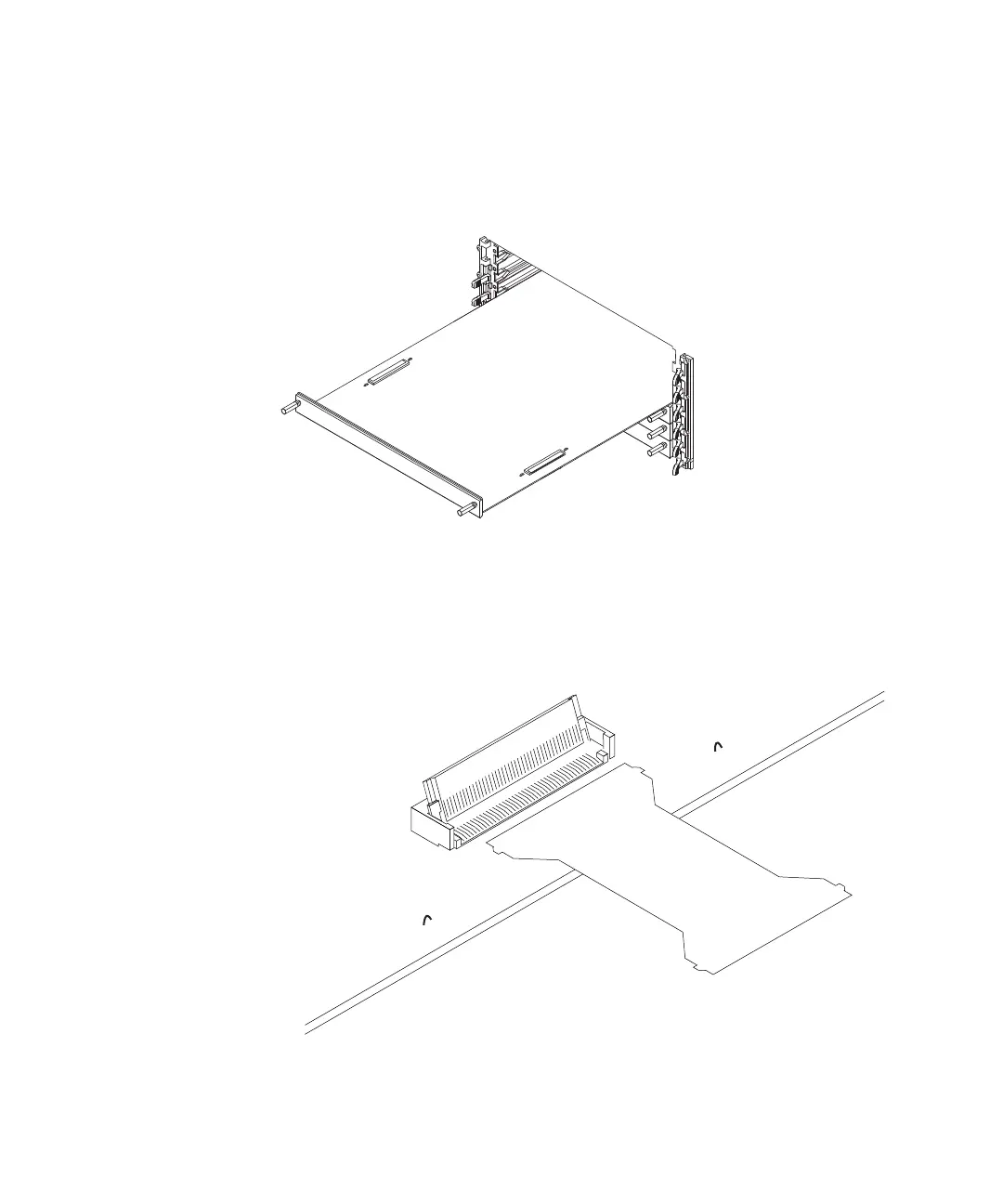
1 Insert the lowest card about 1/3 of the way into the desired logic
analyzer frame slot.
2 Before inserting the next card into the desired slot, attach the flex
cables to the under side of the card:
a Flip up the connector actuator with your thumb or index finder. Do
not use any type of tool to open the actuator.


 To Next Page
 Loading...