35
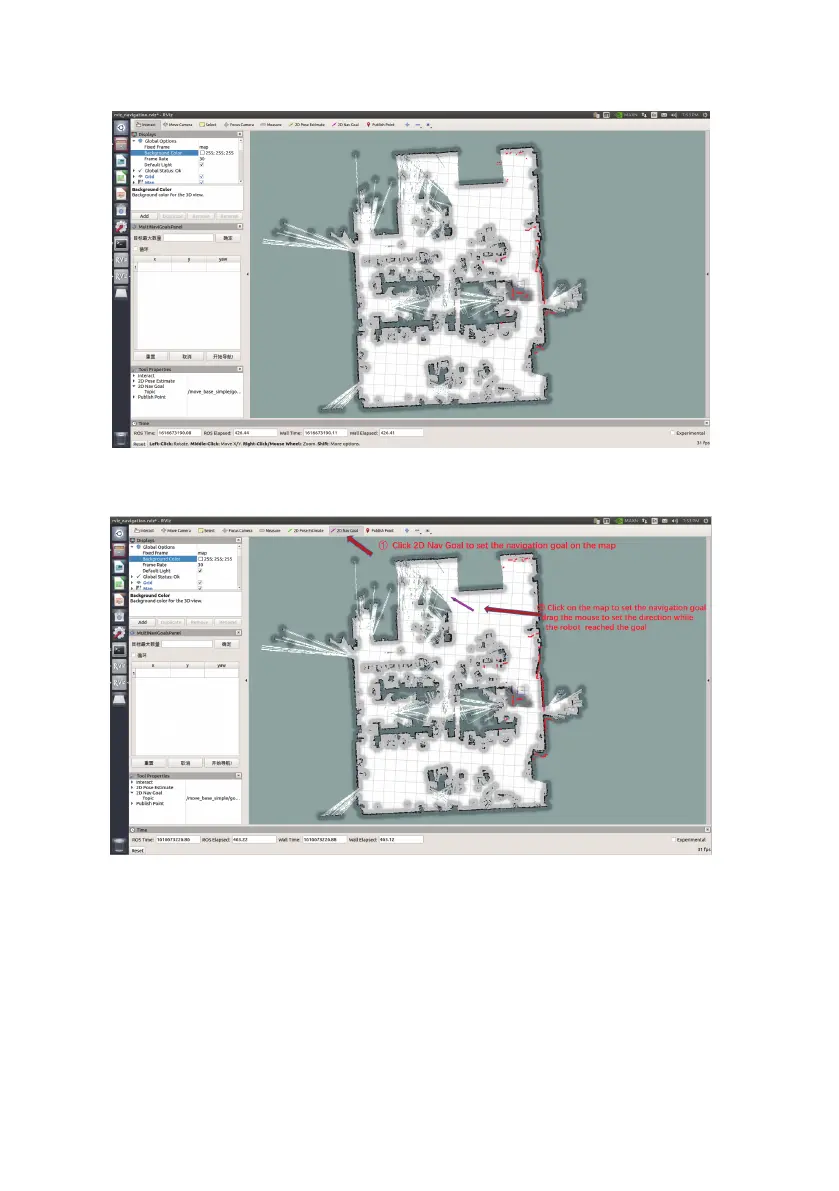
After setting the positioning, the laser shape and the scene shape in the map have basically
overlapped, the means the regulation is complete. As the picture shown below.
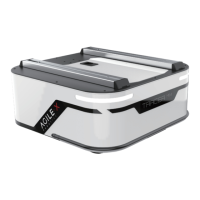
(4)Set multiple target points on the multi-point navigation plug-in in the left column, click Start
Navigation, and switch the SWB to command control mode.


 To Next Page