31
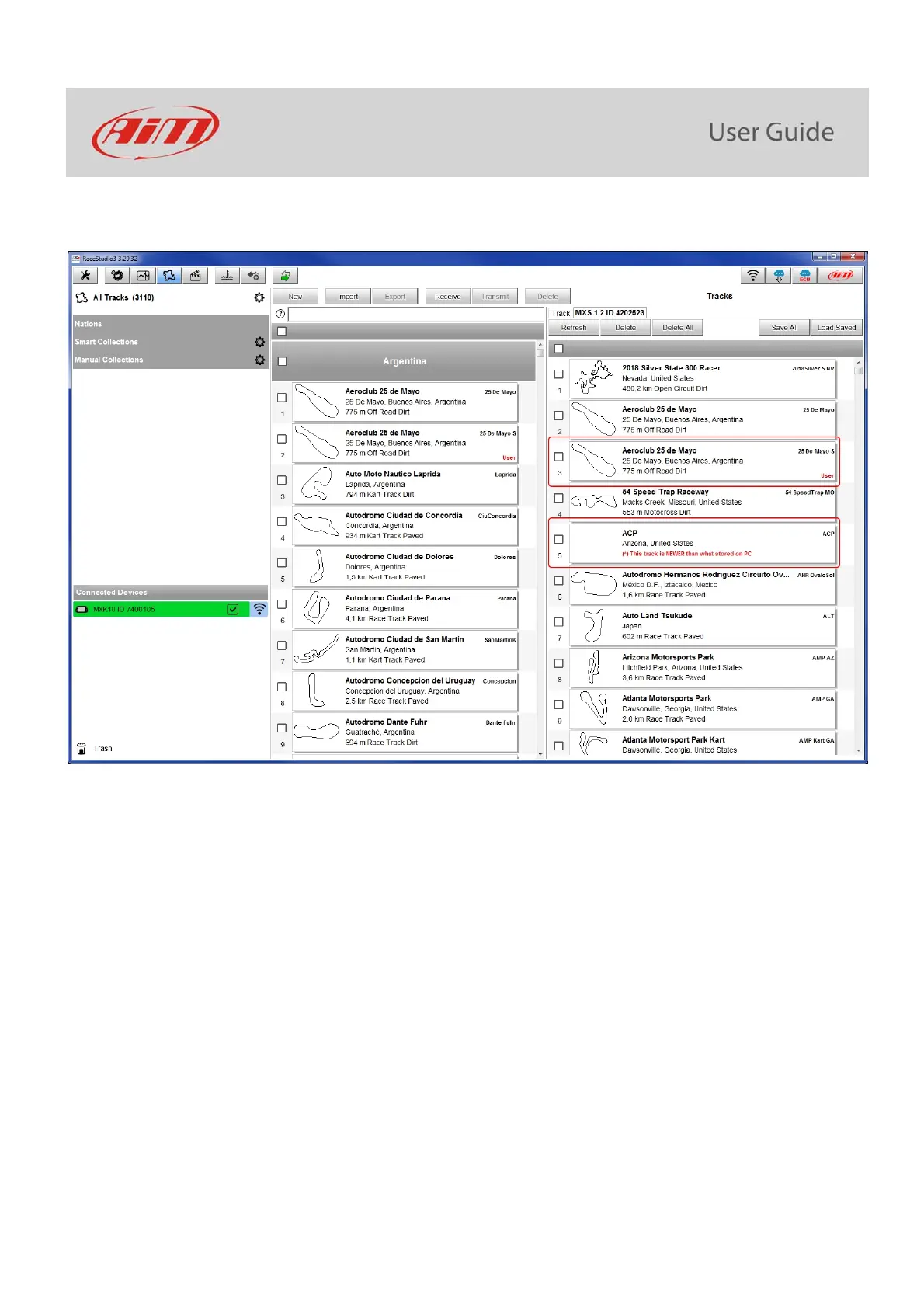
When MXK10 is connected it is shown on the left bottom part of the page as said before. Clicking on it all the tracks it contains are shown
in the right column of the page.
Tracks created by the user are labelled “User” and if the track stored in MXK10 logger is different from the one stored in AiM database this
is notified as shown here above.
The page keyboards are used to manage the tracks.



 To Next Page