32
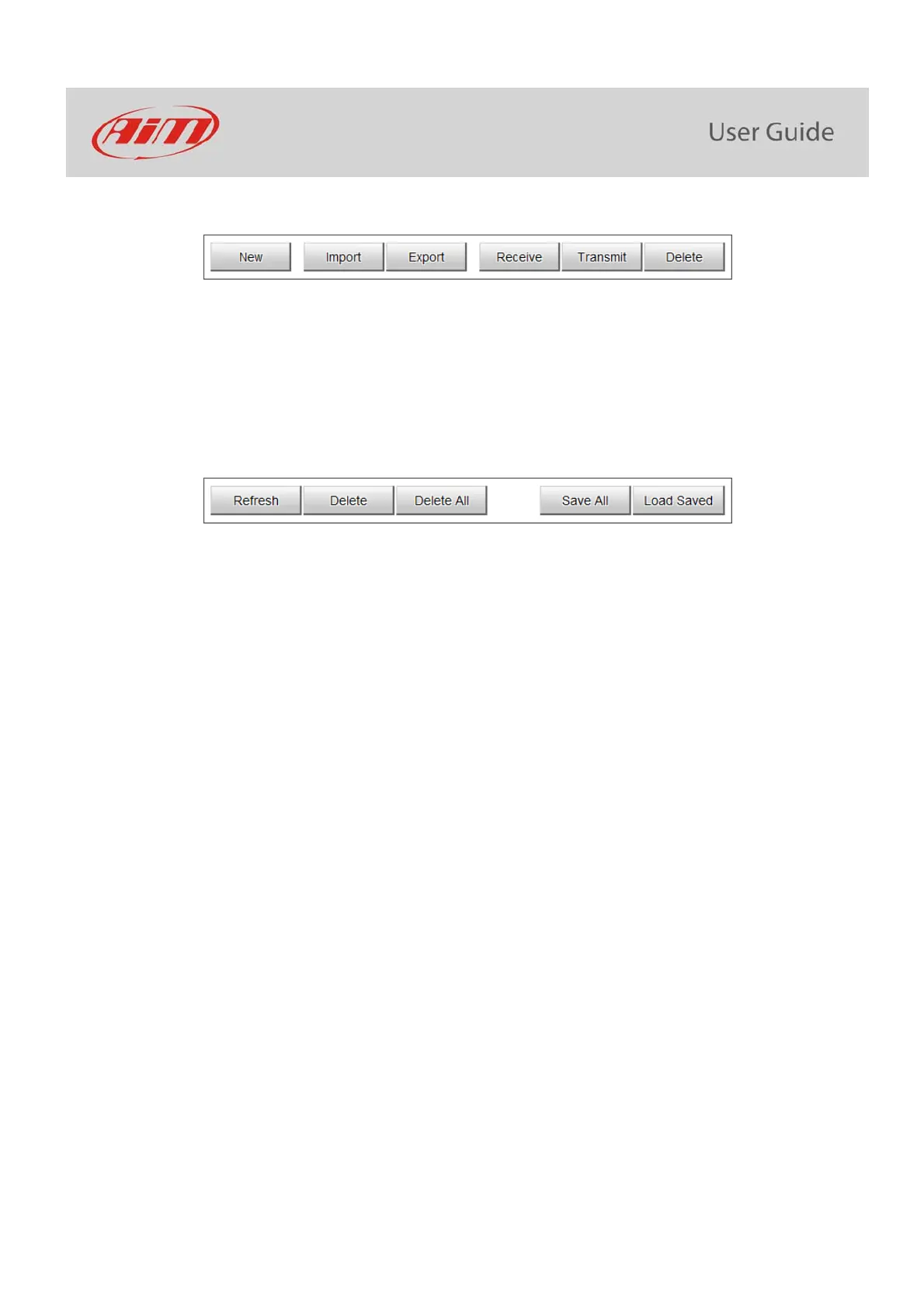
The keyboard above the central column allows to:
New: create a new track
Import: import one or more tracks stored in the device or in another external device
Export: export one or more tracks to a specific PC folder or to another peripheral device
Receive: receive from the connected device tracks user created (if no device is connected the button is disabled)
Transmit: transmit one or more tracks from the PC to the connected device (if no device is connected the button is disabled)
Delete: delete one or more tracks from Race Studio 3 database
The keyboard above the right column allows to:
Refresh: refresh the track list stored in the connected device
Delete: delete one or more tracks from the device memory
Delete All: delete all tracks stored in the device memory
Save all: save all the tracks stored in the connected device; it creates a zip file that can be loaded to another AiM device
Load Saved: load the tracks previously saved in the device memory
Since the software is constantly updated, may be other information or features will be available soon. Please check our website www.aim-
sportline.com, documentation area, software section “Track Manager” manual.



 To Next Page