CHAPTER 6
MXm
You can set MXm language. Default setting is English. Press “CHANGE” to set the
language you prefer. At present available languages are (in this order):
n
English
n
Italian
n
German
n
Spanish
n
French
n
Dutch
n
Danish
n
Portuguese
n
Japanese
n
Czech
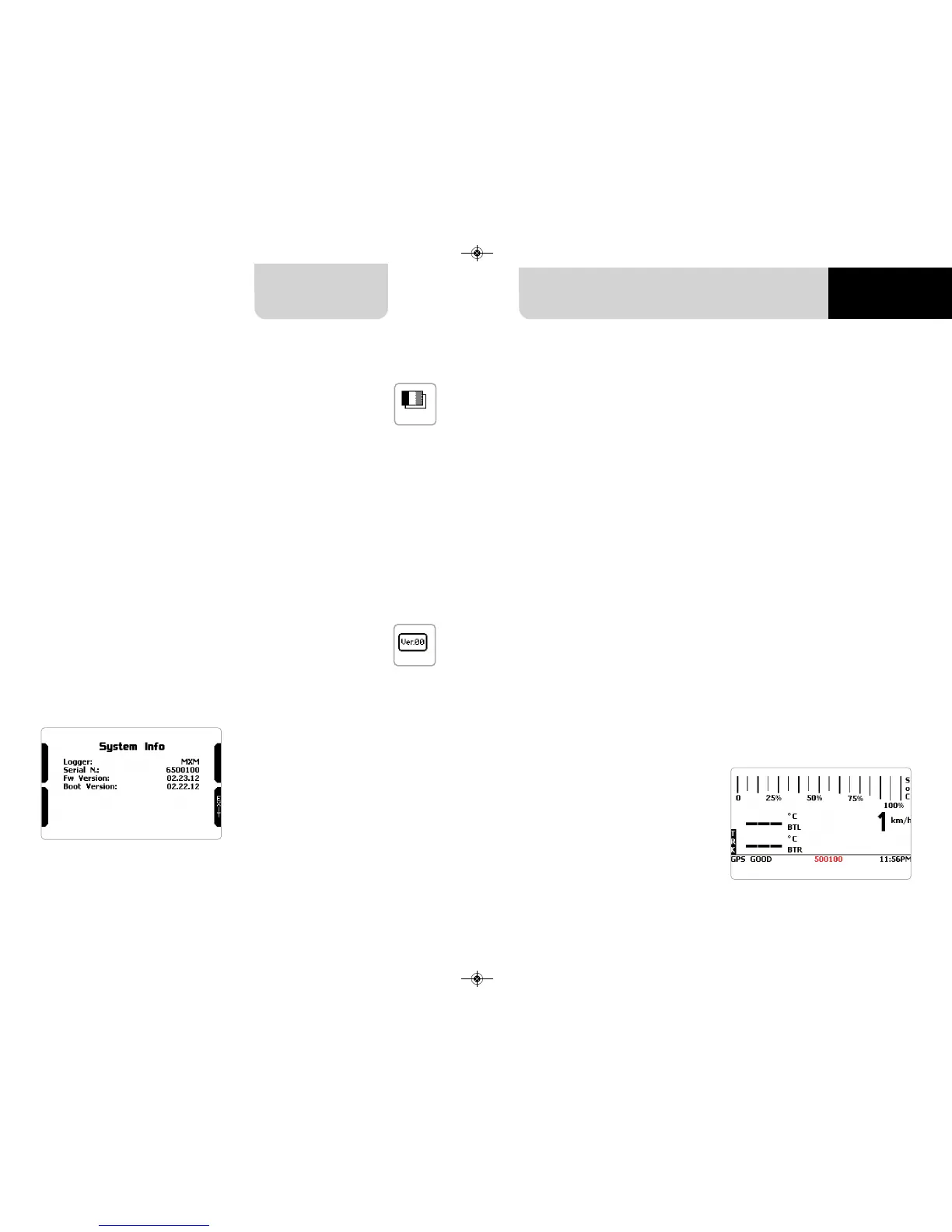
This page shows serial number as well
as firmware and boot version of your
MXm.
n
check that MXm is set on “AUTO”
or on “ON”
n
read your MXm name – mid of MXm
home page bottom line – or look for
it in system information page
Using AiM Race Studio 3 software you can configure MXm, manage its tracks data-
base as well as check other device functions using the device window.
MXm can be connected to the PC via Wi-Fi or via USB.
To connect MXm to the PC via USB use the USB cable you find in the kit: plug it in
the cable labelled “USB” of MXm 37 pins connector harness and in the PC USB port.
To connect MXm to the PC via Wi-Fi
18 19
CHAPTER 5
5.7 Language
6 MXm and the PC
5.8 System Info 6.1 Connection to the PC



 To Next Page