CHAPTER 6
40 41
MXm
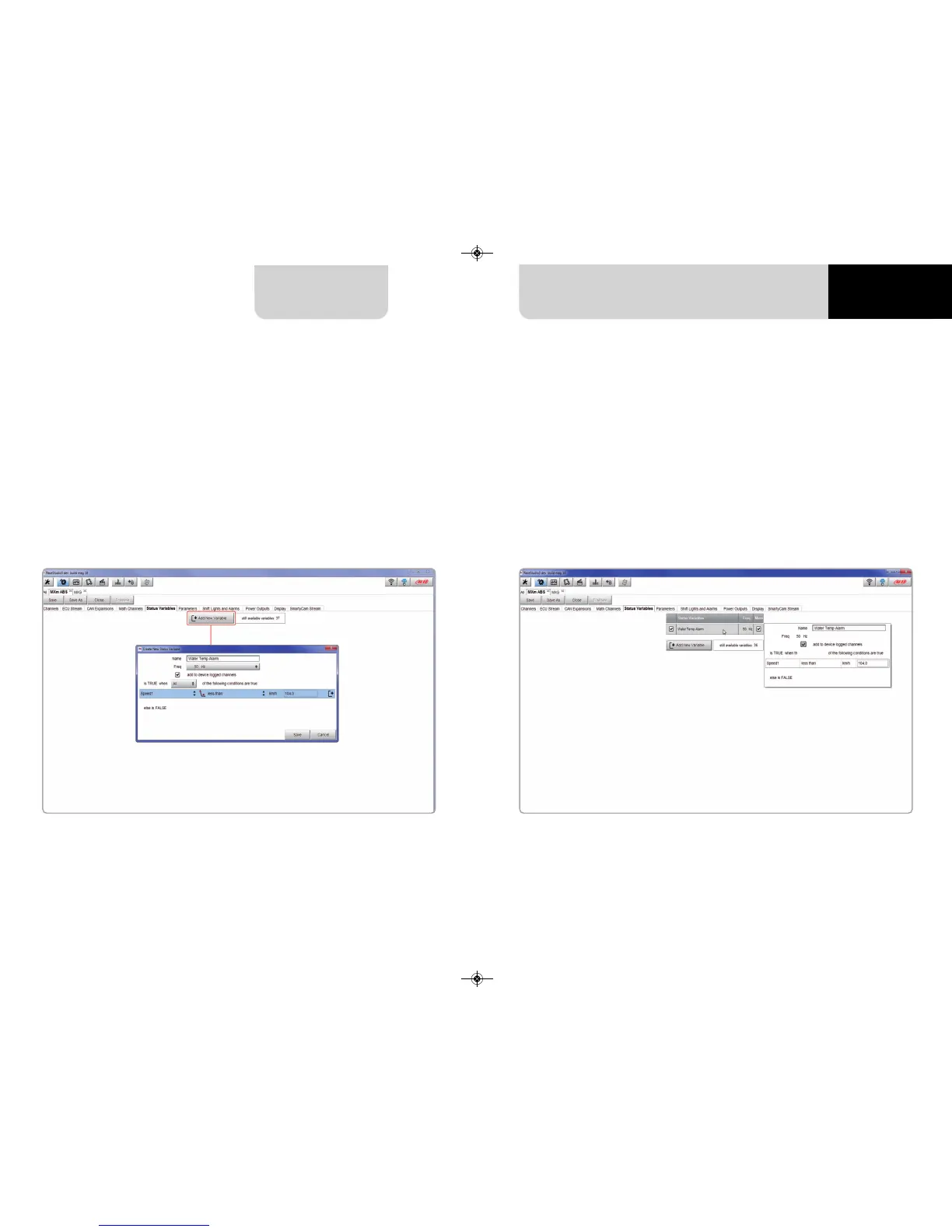
In the example below the user created a Status variable called “Water Temp Alarm”.
The status variable can also be logged checking “add to the device logged channels”
checkbox thereby working as an analog channel. Mousing over the status variable a
summary panel appears on the right.
6.2.5 Status variables setting
Here you can set Status variables.
Status variables are user defined conditions that can be used in different situations.
This means that when setting an alarm in “Shift lights and Alarm page” you can set
different alarm including each the same condition (status variable) simply recalling
it from the list.
Pressing “Add New Variable” the related panel appears.



 To Next Page