CHAPTER 5
12 13
MXm
5.1 Backlight
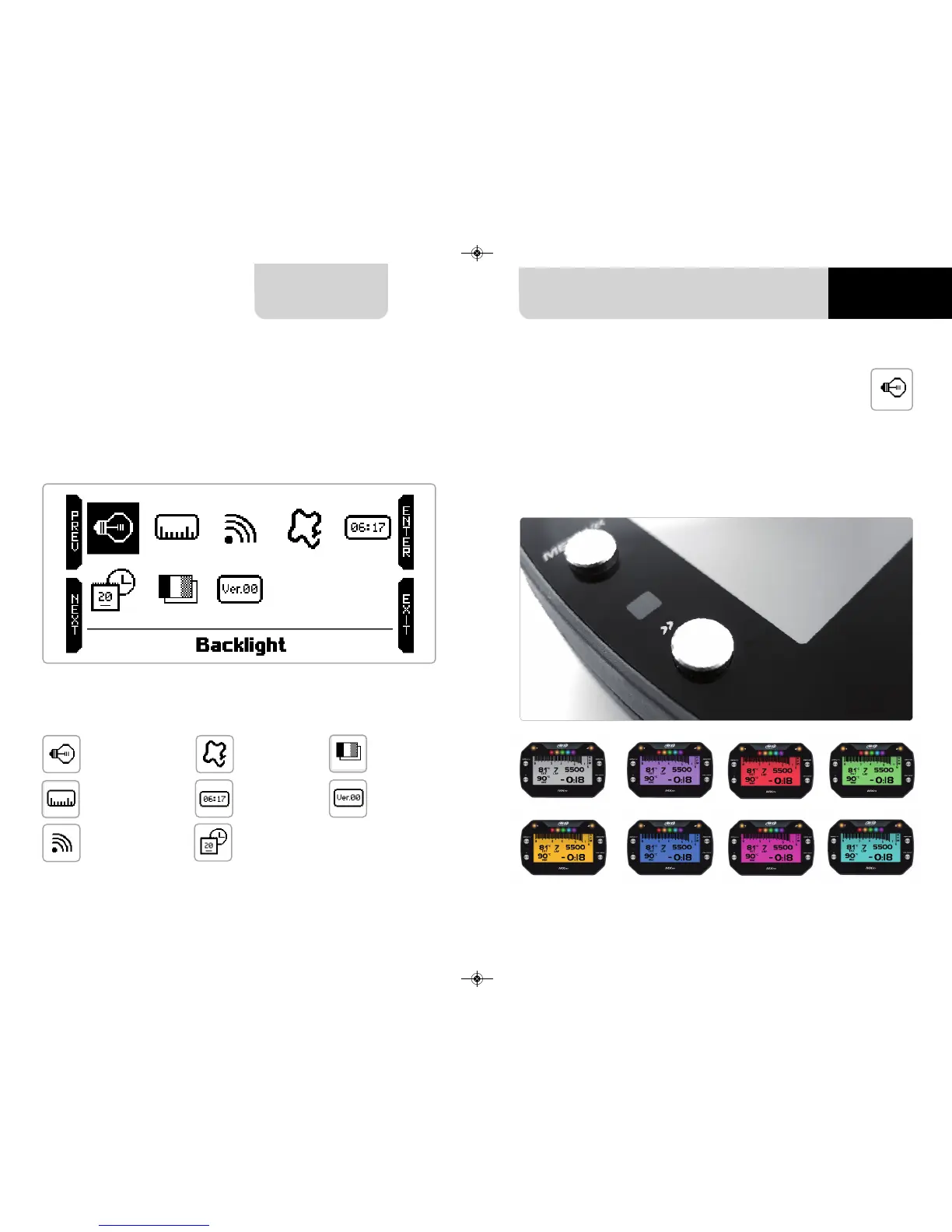
You can set MXm backlight as “AUTO”(Default setting), “ON” or “OFF”.
Thanks to the light sensor, placed left front of MXm, “AUTO” setting switches the
backlight on/off according to the ambient light conditions.
MXm back light can be: white, purple, red, green, yellow blue, magenta and cyan.
5. What you can do via keyboard
MXm is mainly configurable using Race Studio 3 software but some functions are
settable via keyboard as explained here below. Press “MENU” and this page shows
up.
The icons are to manage:
Backlight
Wi-Fi
Date Time
Language
System info
Unit of measure
Counters
Tracks



 To Next Page