CHAPTER 6
30 31
MXm
6.1.5 The Internet connectivity
For an optimal speed of your AiM device(s) we recommend not to allow the Internet
on the same network and to set the WLAN in the same way.
You can of course allow the Internet access on your network but this would degrade
the communication.
This slightly slower speed can be suitable for your needs but you can also have a
second Wi-Fi connection using an additional hardware (NIC).
This configuration would provide an optimal speed of the data network of your AiM
device(s) and at the same time would provide an internet connectivity with the
second NIC.
6.1.6 Connection issues
It can occur that MXm is correctly connected to Race Studio 3 via Wi-Fi but the user
interface does not show it. This may be because Wi-Fi port setting is set with a static
IP. To switch it to dynamic (DHCP):
n
open “Network and sharing centre” in the Windows
TM
research engine
n
right click on the Wi-Fi connection and a panel shows up
n
select “Properties” option
n
double click on “Internet Protocol version 4 (TCP/IPv4)”
n
verify that option “Obtain an IP address” is active
For further information refer to FAQ section, Wi-Fi of www.aim-sportline.com.
6.1.7 Working on Mac™ with virtualized Windows™
Race Studio 3 only works on Windows
TM
operative systems; Mac users can use a
virtualized Windows
T
M
machine.
The main problem is that the host OS (Mac) must share its Wi-Fi interface with the
virtualized operative system (Windows) as Ethernet interface and not as Wi-Fi
interface.
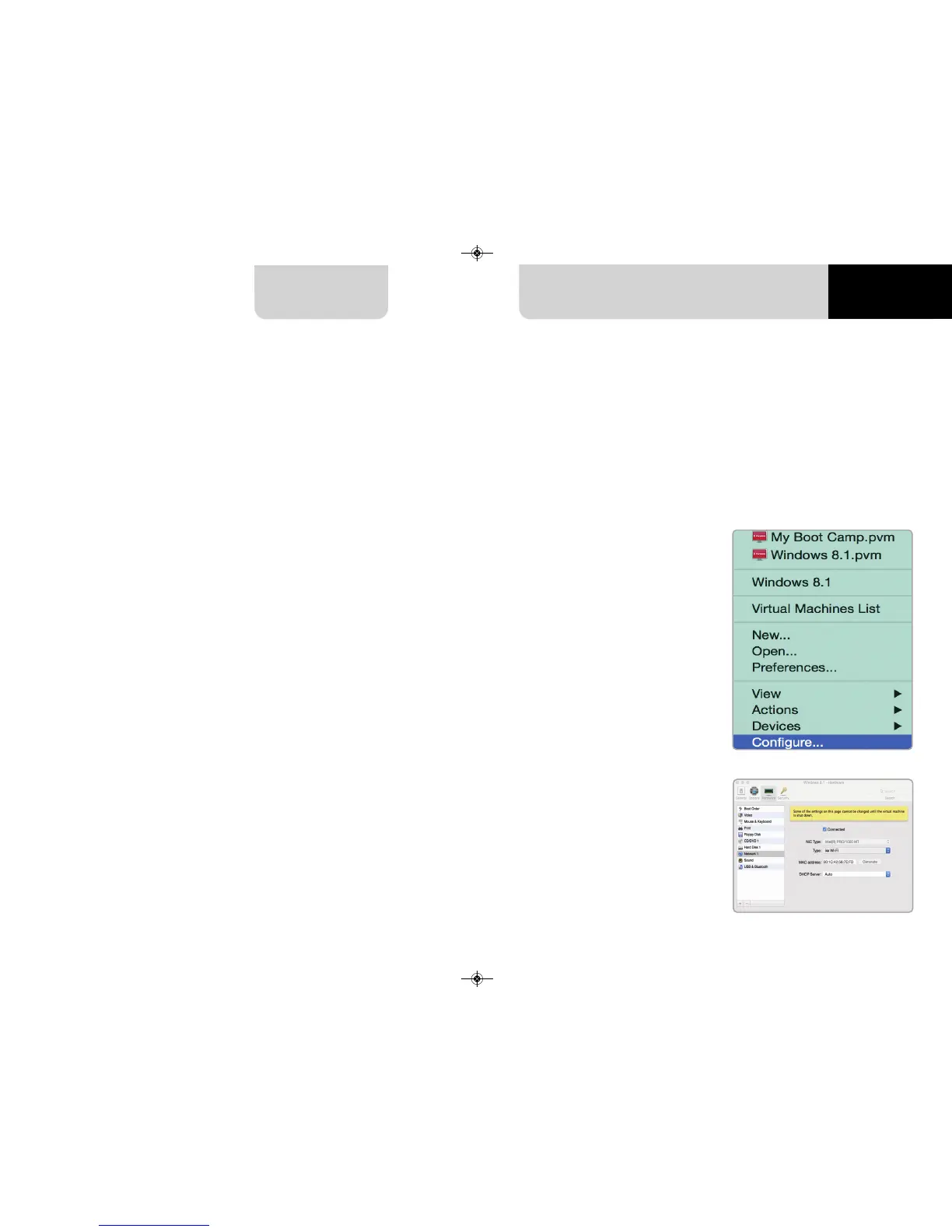
Configuring Parallels(™)
Select “Menu -> Configure…”
in Parallels.
Press “Hardware” – top on the page
that shows up – and select “Network”
in the drop-down menu on the left.
Right on the configuration panel set
"Type" field on “Wi-Fi”.
Then select the device you want to
communicate with.



 To Next Page