CHAPTER 6
48 49
MXm
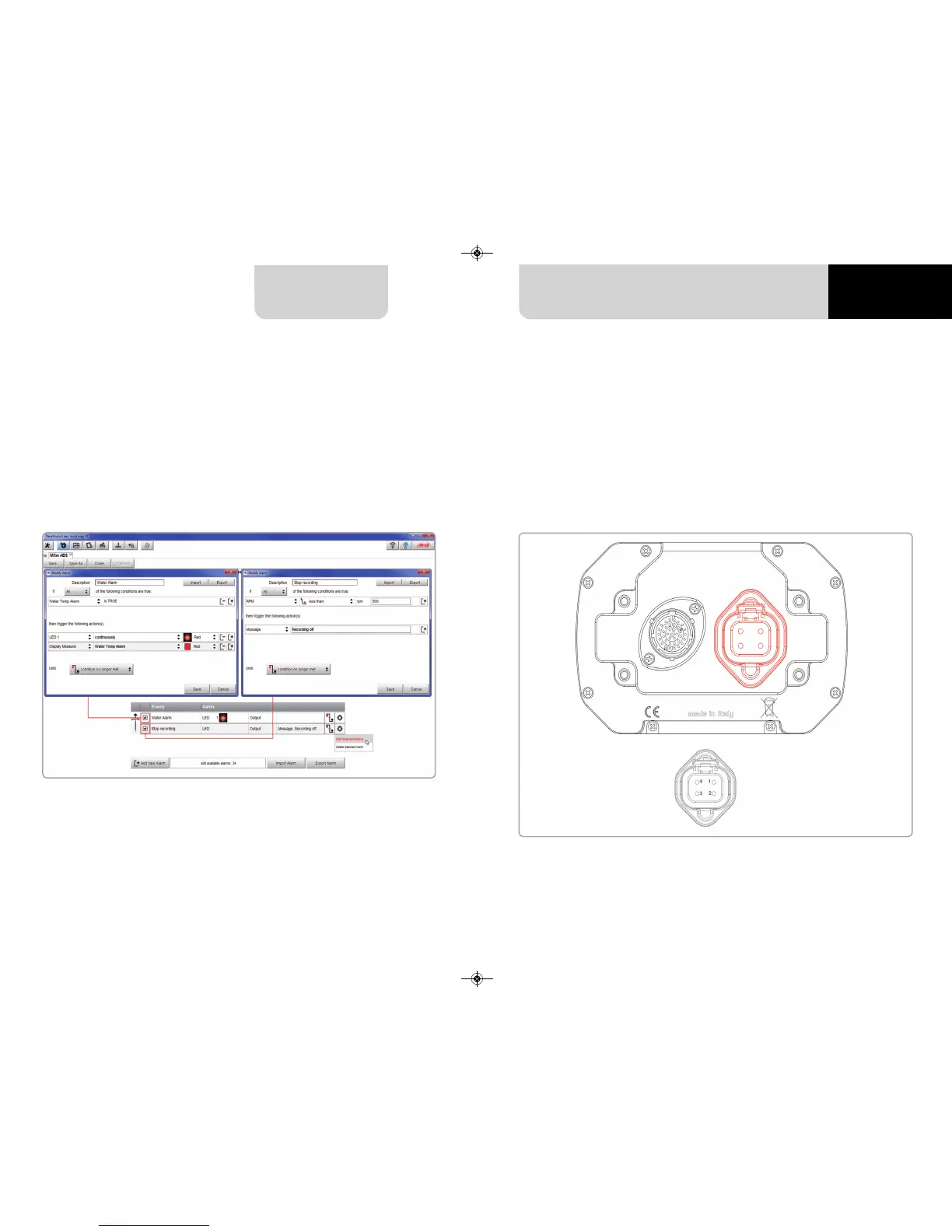
Bottom of the page an Alarm summary is shown. Right clicking on the setting icon,
right of the alarm row you can edit to modify or delete the alarm.
Editing the alarm its “Modify Alarm” panel shows up on the right as in the image
below.
MXm features 2 Power outputs, that can drain up to 15 Amp each. The power outputs
connector, highlighted here below, is a four pin connector.
Each Power output is managed by three channels:
n
the output (ON or OFF)
n
the drained current
n
the Status (OK, Shortcut, Overcurrent, Open Circuit)
Pin Function
1 High side output2
2 9-15V power input
3 9-15V power input
4 High side Output1
6.2.8 Power Outputs setting



 To Next Page