CHAPTER 6
34 35
MXm
6.1.8 Connected device visualization issues
It may occur that using Race Studio 3 on an iMac with virtualized Windows the device
connected via Wi-Fi takes some time to be shown in the network or is not shown at
all. This is why we always suggest using an Wi-Fi (WLAN) router.
This router work as an Access Point allowing more external devices to connect to its
network. MXm Wi-Fi configuration is to be set on Existing Network as explained be-
fore.
6.2 Configuration of MXm
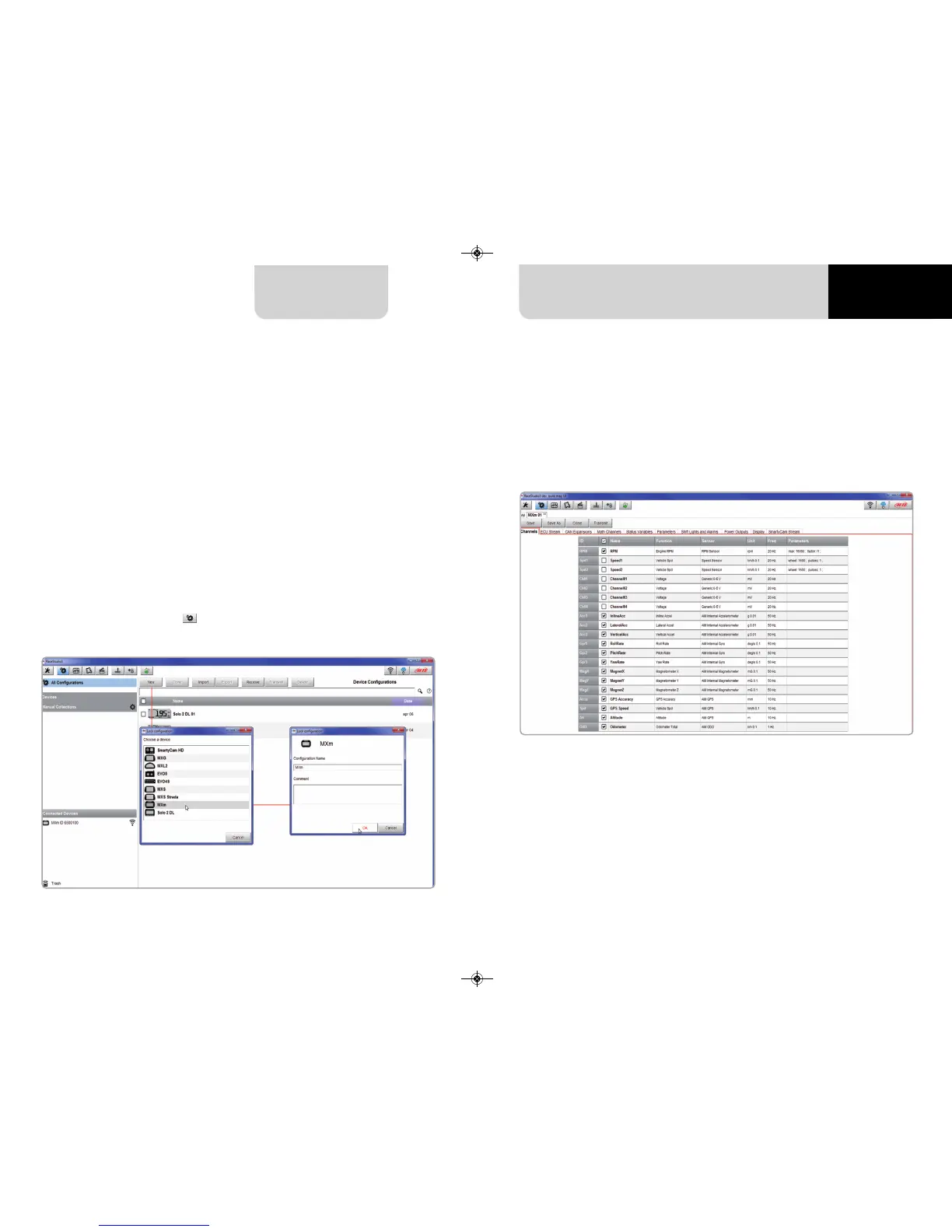
Once MXm connected to the PC
n
click “Configurations” icon and configurations page appears
n
click “New” and new configuration panel appears: select “MXm” and press “OK”.
6.2.1 – Channels configuration
“Channels” layer opens; all channels are disabled by default. Here you can set all MXm
channels.
To set a channel just click on its line and the related panel shows up. Speed 1 and 2
and the four Analog channels are disabled by default. First thing to do is enabling
them.



 To Next Page