Page 19
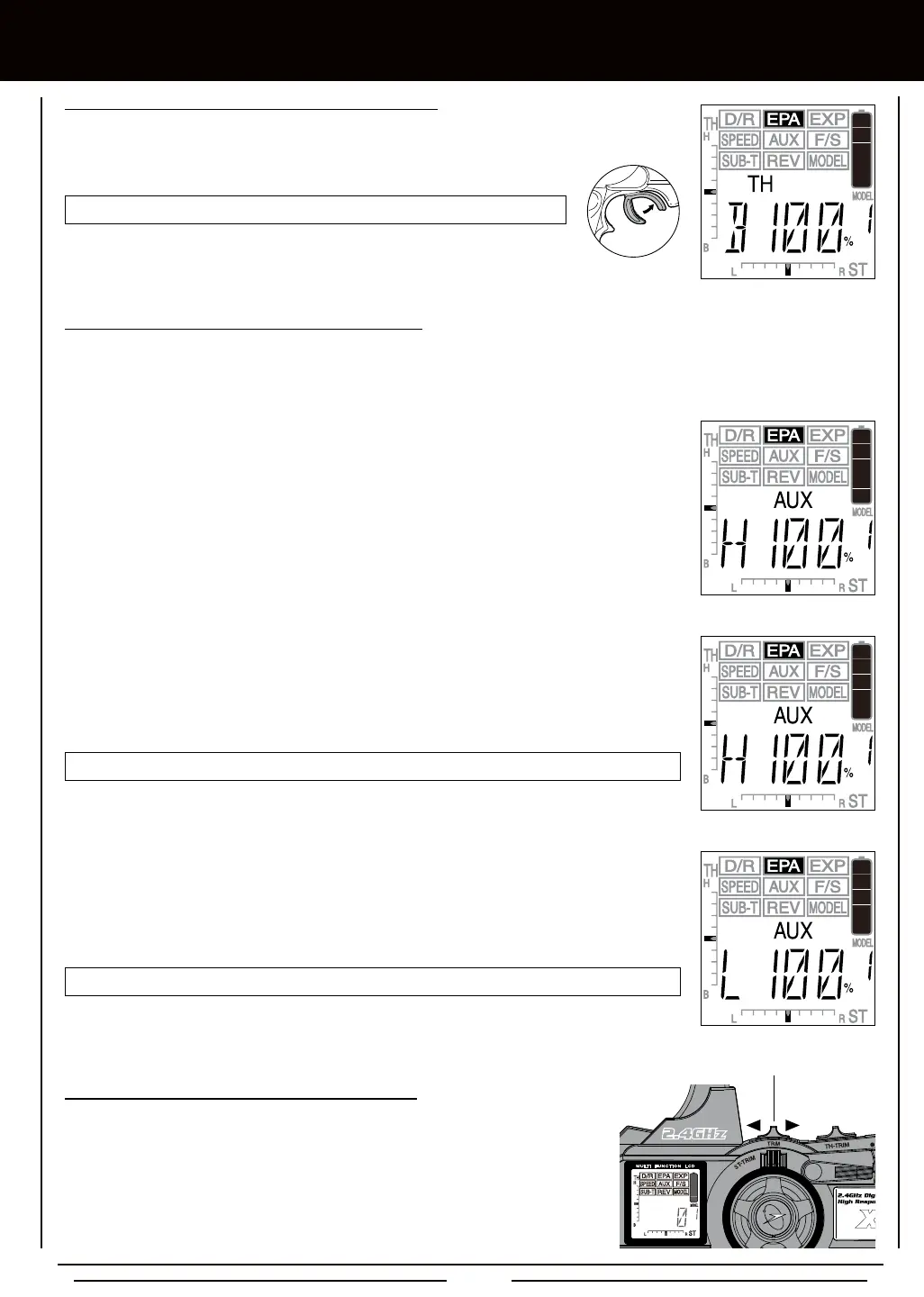
3) To set the Throttle Brake End Point Adjustment percentage value, push and HOLD the throttle
trigger forward. B 100% will be displayed. Press the +/INC or DEC/- keys to increase or
decrease the amount of throttle servo travel in the Brake direction.
EPA TH B setting range is 0% to 160%. The default setting is 100%.
Auxiliary Channel 3 can be used for a number of different uses. One of the more common uses would be for the reverse function
in a glow-powered monster truck. Often, the transmission only requires a small amount of throw, but the servo binds because
of too much travel. In such a case, Auxiliary High servo travel and Auxiliary Low servo travel are adjustable using the End Point
Adjustment function.
1) From within the EPA menu, press the Right MENU key to display AUX. AUX H 100% or AUX L
100% will be displayed in the Programming Window depending on the current position of the
Auxiliary Lever.
[[PROgRaMMing MEnU
EPA-AUX H setting range is 0% to 150%. The default setting is 100%.
2) To set the Auxiliary High End Point Adjustment percentage value, move the Auxiliary Lever
UP. HIGH will be displayed momentarily in the Programming Window, then H 100% will be
displayed. Press the +/INC or DEC/- keys to increase or decrease the amount of channel 3
servo travel in the High auxiliary direction.
EPA-AUX L setting range is 0% to 150%. The default setting is 100%.
3) To set the Auxiliary Low End Point Adjustment percentage value, move the Auxiliary Lever
DOWN. LOW will be displayed momentarily in the Programming Window, then L 100% will be
displayed. Press the +/INC or DEC/- keys to increase or decrease the amount of channel 3
servo travel in the Low auxiliary direction.
TRM Switch
1) The TRM switch can be programmed to adjust Steering, Throttle, or Auxiliary End
Point Adjustment percentage values without accessing the Programming Menu.
This allows you to adjust the End Point Adjustment percentage values for one
of these functions easily during use. Press the TRM switch forward to decrease
the percentage value in 5% increments and press the TRM switch backward to
increase the percentage value in 5% increments. The increment percentage value
that the TRM switch adjusts either End Point Adjustment function can be changed
to suit your preference. For more information, see page 41.



 To Next Page