Page 36
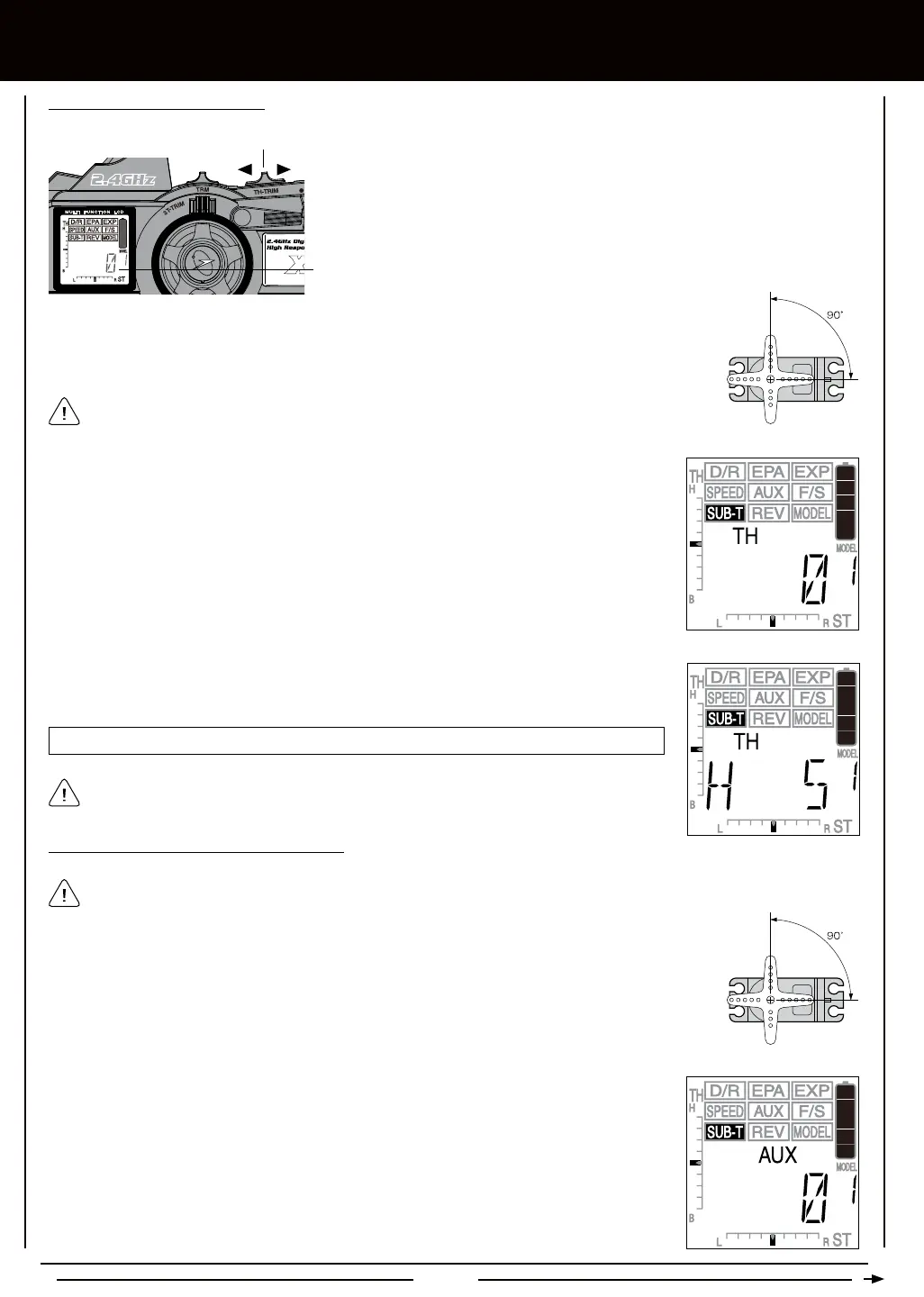
1) Set the Throttle Trim to '0' using the TH-TRIM switch. Push the TH-TRIM switch
forward to increase Throttle Trim in one direction and pull the TH-TRIM switch
back to increase Throttle Trim in the opposite direction. The current amount of
Throttle Trim is indicated on the LCD in both digital format in the Programming
Window and in scaled format along the left side of the LCD.
Trim Display
Throttle Trim Switch
[[PROgRaMMing MEnU
3) From within the SUB-T menu, press the Right MENU key to display TH 0.
2) Install the servo horn onto your throttle servo, making sure that the servo horn is as close to being
centered as possible. In some cases, you can get the servo horn closer to being centered by rotating
the servo horn 180º and reinstalling it.
SUB-T TH setting range is 100H to 100L. The default setting is 0.
4) Press the +/INC or DEC/- keys to adjust the Throttle Sub-Trim value to center the servo horn.
After adjusting the Throttle Sub-Trim value, use the End Point Adjustment function to reset
the desired amount of servo travel in both directions. For more information, see page 18.
2) From within the SUB-T menu, press the Right MENU key to display AUX 0.
1) Install the servo horn onto your Auxiliary Channel 3 servo, making sure that the servo horn is as close
to being centered as possible. In some cases, you can get the servo horn closer to being centered by
rotating the servo horn 180º and reinstalling it.
If your model features an Electronic Speed Control, the use of the Throttle Sub-Trim function
is not necessary.
The Auxiliary Channel 3 Sub-Trim cannot be adjusted if the Auxiliary High and Low function is chosen in the AUX menu. In
this case, dashes will be displayed in the Programming Window when SUB-T AUX is selected.



 To Next Page