FS-HDR Frame Synchronizer/Converter/HDR-WCG Processor v1.0r1 50 www.aja.com
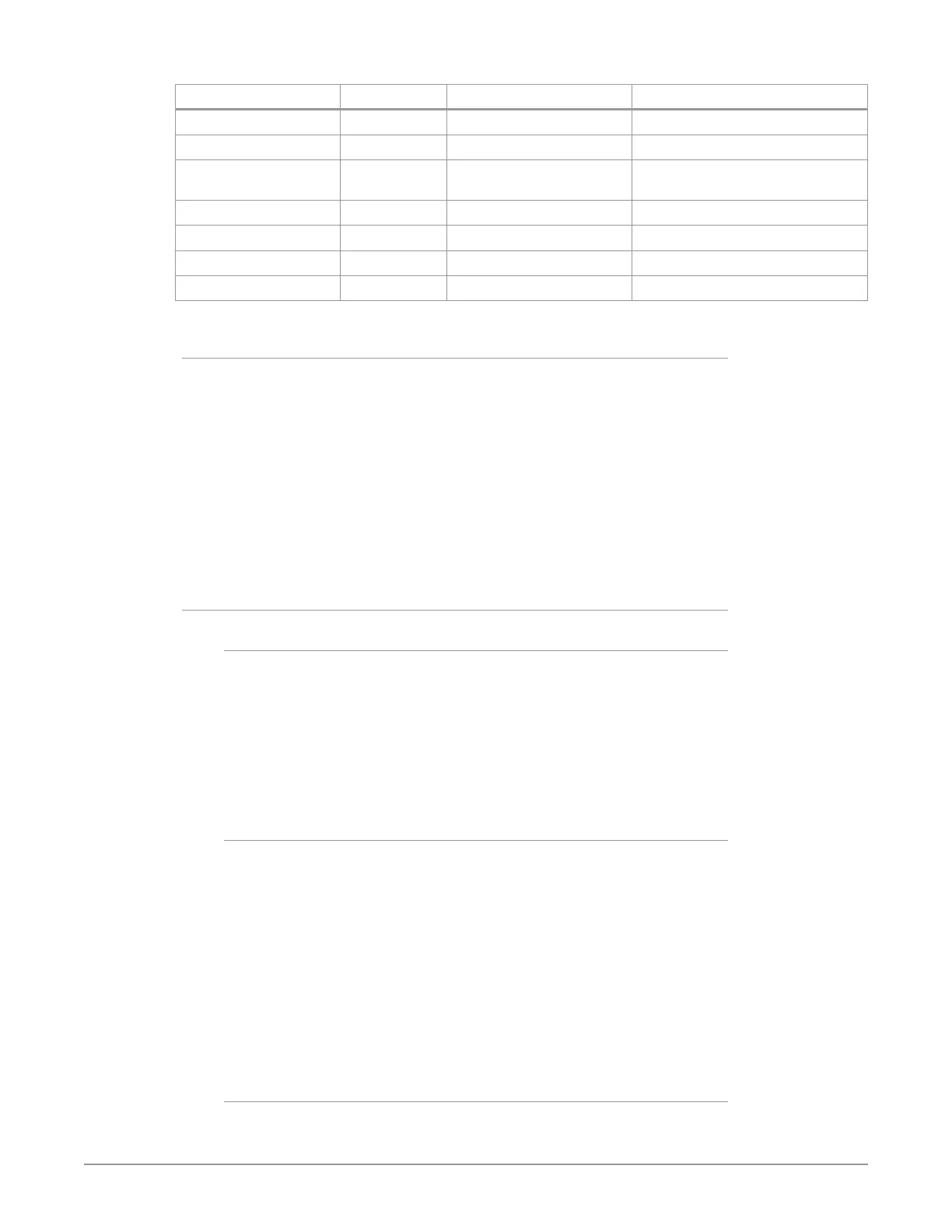
Channel Select Button Video Button Menu Name Setting
VID4 INPUT 1 Input SDI5
VID4 INPUT 2.1 Dynamic Range&Gamut SDR BT.709 100 Nits
VID4 INPUT 2.2 SDR Highlights If necessary, select best image from:
Standard, Soft 1-3, Bright
VID4 FORMAT 1 Output Format 720p5994
VID4 FORMAT 2.1 Dynamic Range&Gamut Hybrid Log Gamma BT.2100
VID4 FORMAT 3.0 Link Cfg SDI4 Sngl Link LvlA
VID4 FORMAT 4.0 Link Cfg SDI8 Sngl Link LvlA
Setup
• Ensure the FS-HDR is receiving a valid reference signal. Connect a 1080i59.94
HD tri-level sync signal to one of the Ref Loop BNC connectors, and terminate
the other Ref Loop BNC connector.
• Connect sources A and B to the FS-HDR SDI 1 and SDI 3 Input BNCs.
• Install an optional SFP module into the FS-HDR SDI 5 Input cage and connect
the source cable.
• Connect the FS-HDR SDI outputs to the downstream devices.
• Ensure the FS-HDR Vid (n) FORMAT 2.2 Dynamic Range Clamp parameter is set
to No Clamp (default).
• View the FS-HDR SDI output signals on a compatible HDR or SDR display.
Procedure
System Configuration
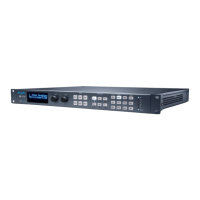
1. If the FS-HDR is not already in Four Channel Mode, press the CONFIG System
button:
• Select 2 FS-HDR Mode, select HD/SD and press the ADJUST knob. Wait for the
FS-HDR to reboot (not longer than 90 seconds).
2. Press the VIDEO System button
• Select 1 Output Frame Rate, and adjust to 59/29/23.
• Select 2 Genlock Source, and adjust to Reference.
Video Processor 1 Setup
3. Press the VID1 Channel Select button.
4. Press the INPUT Video button.
• Select 1 Input, and adjust to SDI1.
• Select 2.1 Dynamic Range&Gamut, and select PQ BT.2020 1000 Nits.
5. Press the FORMAT Video button.
• Select 1 Output Format, and adjust to 1080p5994.
• Select 2.1 Dynamic Range&Gamut, and select Hybrid Log Gamma BT.2100s
6. If you have optional SFP output modules installed, you can select FORMAT
3.0 Link Cfg SDI5 and adjust to Sngl Lnk LvlA for an additional copy of that
converted signal.
Video Processor 2 Setup
7. Press the VID2 Channel Select button.


 To Next Page