TEMPUS. User Manual
22
Following functions you can set the device by your
requirements.
4.3.1. Channel settings
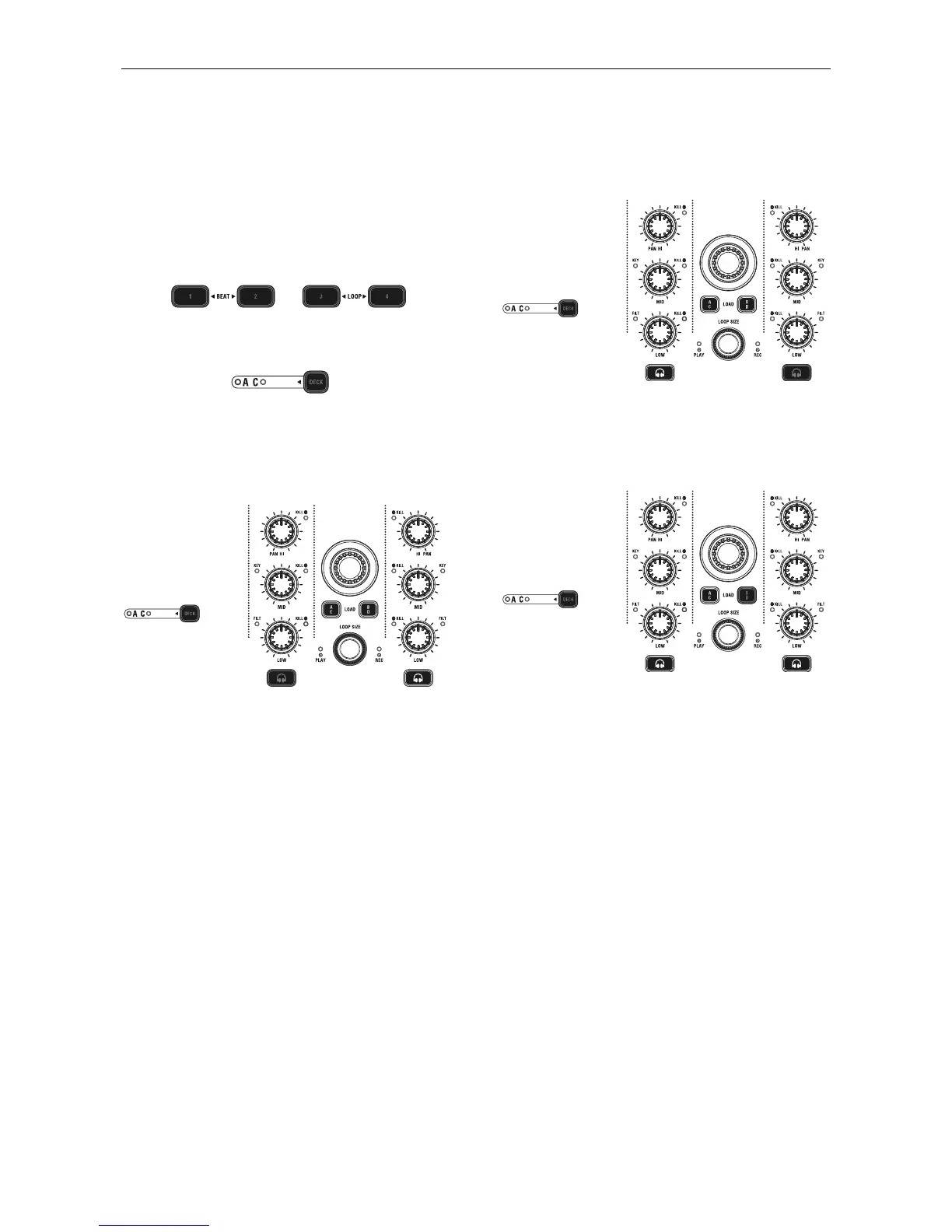
You can change channel by holding the left deck “DECK
SWITCH” button for 3 seconds and press the Left Deck Hot
Cue button 1 to 4. Default channel is Channel 1~4.
Hot Cue 1 for Channel 1~4
Hot Cue 2 for Channel 5~8
Hot Cue 3 for Channel 9~12
Hot Cue 4 for Channel 13~16
4.3.2. SHIFT button setting
You can change the SHIFT operation mode by holding the left
deck “DECK SWITCH” button for 3 seconds and press the
“Channel 1 Monitor Cue” button to switch the mode. Default
setting is “HOLD” mode.
4.3.3. Sample buttons setting
You can change the Samples setting by holding the left deck
“DECK SWITCH” button for 3 seconds and press the “Channel
2 monitor Cue” button to switch the mode. Default setting is
“Samples Deck”.
4.3.4. EQ Kill button setting
You can switch On/Off the EQ Kill function by holding the left
deck “DECK SWITCH” button for 3 seconds and press the
“Load B/D” button to switch the mode. Default setting is
“Enable” the EQ Kill function.


 To Next Page