TEMPUS. User Manual
23
5. APENDIX
5.1. MIDI Specification
A DJ Software have the “mapping” function that assigns MIDI
messages to the different functions of the DJ Software.
We also have to match the DJ Software functions with the
controls of the external device (the controller). We do so by
assigning the DJ Software function and the control the same
MIDI note or message.
Each of TEMPUS controls generates various MIDI messages
you can see at the table TEMPUS MIDI MAP. We can send
the MIDI messages through channels 0 to 15, this is a MIDI
standard. We can see four different parts on a MIDI message:
- The MIDI code (MIDI CODE) lets us know what type of
message is sent.
- The MIDI code (MIDI CODE) + Channel lets us know what
type of message is sent again and the channel which it is sent
through.
- The FUNCTION CODE gives us the note or control value.
- The action let us know the value that the control attains when
is manipulated.
At the table those parts are separated by commas in the MIDI
COMMAND columns.
DJ Software’s use two types of MIDI codes:
- “Control Note” (switch): the control is a switch (you see a
button) or a LED and will look like NOTE C2. Each note has a
number that at the table is expressed in Hexadecimal (HEX).
Further on at this manual we will explain how notes and
numbers correspond to each other and how to change from
hexadecimal to decimal. In this case MIDI CODE is 9 and
FUNCTION CODE is the note of the control.
- “Control Change” (CC): the control will be a potentiometer or
encoder and will have a label like Cc53. In this case MIDI
CODE is B and FUNCTION CODE is a value between 0 and
127. We will associate a value to each control of the kind.
Upon the value of the action part of the MIDI message we will
classify the controls as follows:
a- NOTE-KEY: are note type messages. Action value can be
127 (7FH) when we press or 0 when we release.
b- NOTE-LED: determines the LED that will light, are note type
messages as the switches and the values are 127 for LED ON
and 0 for LED OFF. In the LEDs case it is the DJ Software that
sends the MIDI messages to the controller.
c- CC-ABSOLUTE (VR) - CC “Control Change” Absolute.
These are potentiometer like controls. The action value is a
number between 0 and 127 upon the potentiometer position.
d- CC-RELATIVE (ENCODER/WHEEL) - CC “Control Change”
Relative. These are encoder like controls. As oppose to the
potentiometer that encoder does not send a message to report
its position but only report changes when turning to clockwise
or anticlockwise. It is sent the value 63 (3FH) if it turns to the
left and 65 (41H) if it turns to the right.
e- CC-LEVEL LED. The value sent in the action from 0 to 127
will tell how many LEDs have to be turned ON at the vu-meter.
There are DJ Software’s where it is not necessary to know
note values or control values because the software “read”
them automatically and by touching a control it assigns its note
to a certain function selected by the user.
In other Software’s it is necessary to write by hand the values.
Even in Software’s with auto learn function you must
write/select the LEDs. Therefore, we recommend you try
understanding the TEMPUS MIDI MAP table.
Note: the MIDI MAP is presented in hexadecimal base >
NOTE or CC. To assign physical control to software functions
you need to translate the MIDI MAP into decimal base.
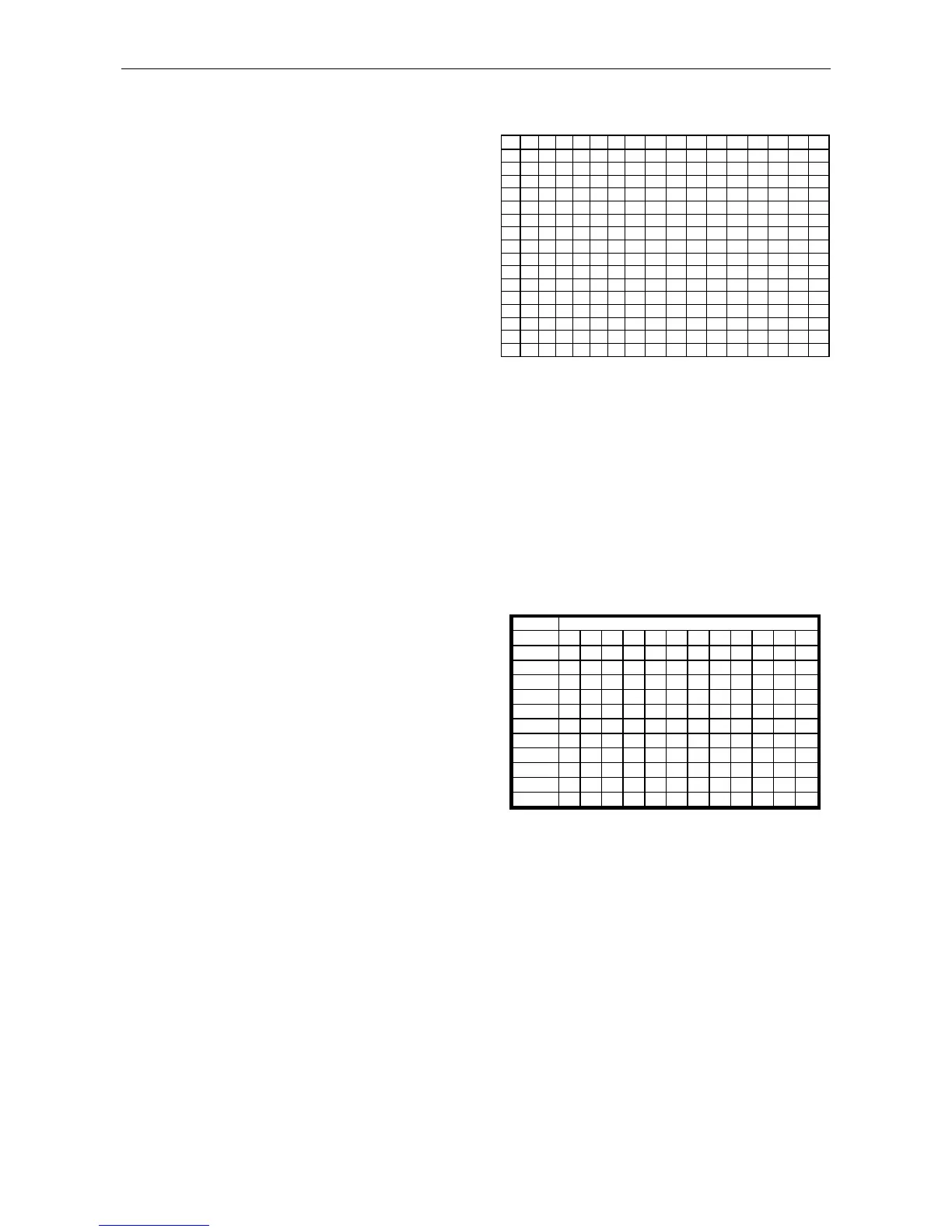
Following, we explain how to find out the equivalence between
Hexadecimal and Decimal:
To translate a 2 digit Hexadecimal base number into a Decimal
base we have to:
- find the column that has the digit that appears at the left.
- find the row that has the right digit.
- the convergence of row and column is the equivalent Decimal
number.
Inversely to translate a Decimal base number into a
Hexadecimal base we have to:
- find the number at the table. Its column is the first
hexadecimal digit, the second hexadecimal digit is it row.
E.g. Play control MIDI address is 18. Find the Decimal
equivalence at the Hexa-Dec table: Column 2 / Row 9 it is
decimal number 24.
Some softwares require not only to know the decimal value but
also the corresponding note (for control change the decimal
number is enough). We can perform the Note-Decimal number
equivalence using the following table:
To find the note associated to a decimal number just take the
column where the number is as the note and the row is the
octave. Following the example presented before the
corresponding note to Play (decimal 24) button is C1.
As seen at SHIFT+ column of the MIDI table, each of the
controls of TEMPUS can send two different messages upon
the state of the Shift button. Remember we can permanently
engage Shift.
The MIDI note associated with the same control of two
different decks is the same but notes are send trough different
MIDI channels.
There are 4 available modes. Depending on the mode the
controller is, the MIIDI messages will be send through different
MIDI channels. User can change MIDI channel via setting
software or hold the left deck switch button for 3 sec and press
hot cue button 1~4.


 To Next Page
 Loading...