Attendant set facilities
3BA 19875 ENAA - Ed. 02 - April 2000 - Alcatel 4035 - Attendant set 2-19
▼ Single line set/multiline set (without resource remaining free)
The user is in conversation with a correspondent. After dialling the repertory number of the called
party, the display shows:
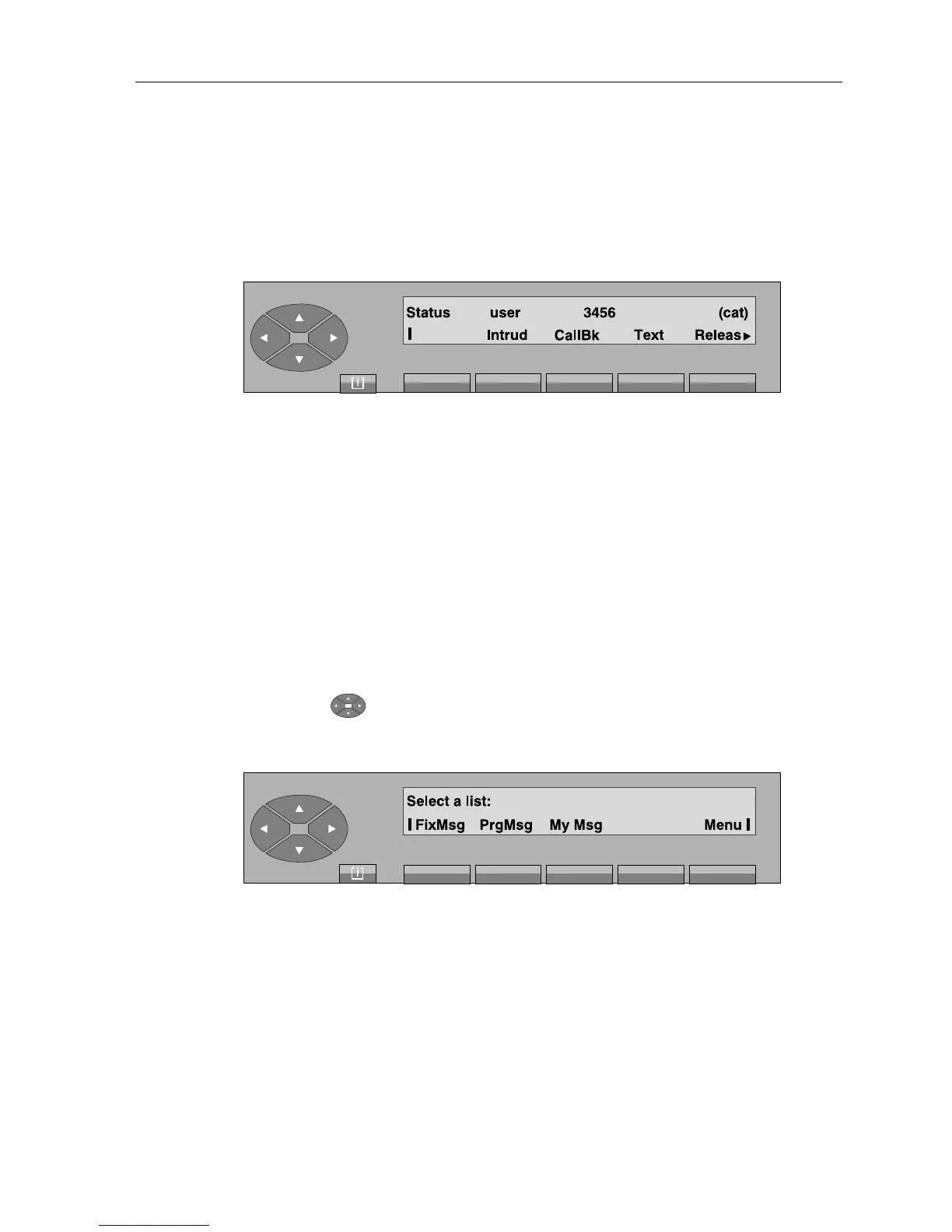
The «Status» field indicates:
- Busy.I if the set is internally busy,
- Busy.E if the set is externally busy.
The second line displays the functions which can be activated from this screen:
Intrud to proceed with intrusion in the conversation. To exit, press the "IntOff" key.
CallBk to store a call-back request.
Text used to leave a message for the call recipient (
see § mini-messaging
). The
LED on the recipient set indicates the presence of a message: the consultation
is not shown on the attendant set.
Releas to release the communication in progress and return to idle position.
Pressing the « » key is used to display the «Disply» and «Entity» labels.
In all cases, pressing the «Disply» key displays the following:
Message departure screen
The «Disply» function uses the same items as the «Text» function described above (
see § mini-
messaging
).
As soon as it is validated by the attendant, the message is displayed immediately on the screen
of the called set.
Note: When the recipient validates consultation of the message displayed, the attendant set awaiting the
reply displays «Message read».



 To Next Page