Attendant set facilities
3BA 19875 ENAA - Ed. 02 - April 2000 - Alcatel 4035 - Attendant set 2-13
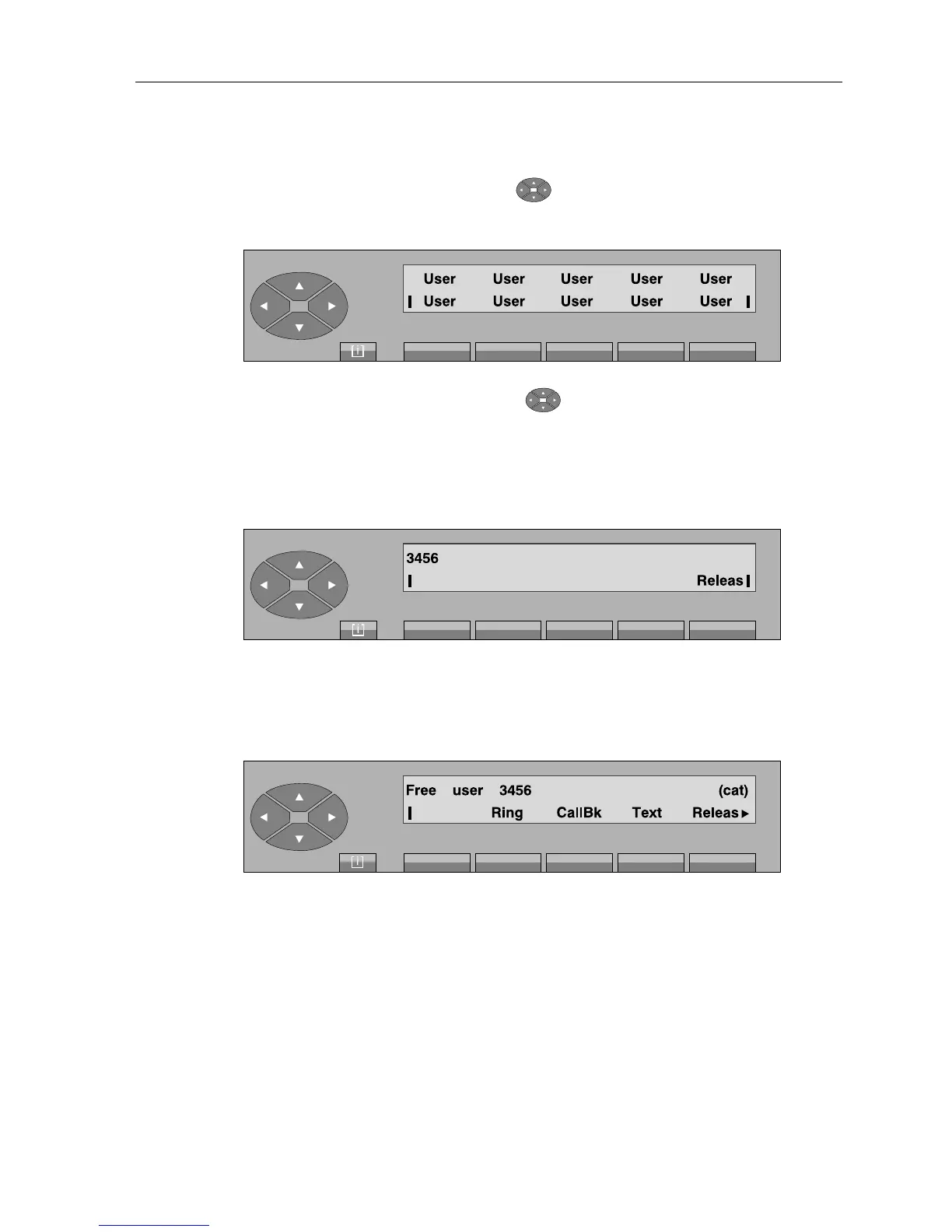
Access to the repertory is by pressing the « » key and the various users programmed are
displayed, for example:
If other screens are programmed, press the « » key in order to access these screens or the
top line.
By pressing one of the programmed keys, the associated number, 3456 for example, is displayed
briefly:
Numbering screen
then:
Selection screen
From this screen, the procedure is the same as for the call of a free internal user.
2-1-1-5 Phone book
This facility is used to select an internal (or external) user by name. The phone book can be
requested either from idle position or during the enquiry call phase.
As soon as a key is pressed on the alphabetical keyboard, the attendant set changes to «Phone
book» mode.



 To Next Page