Chapter 2 Attendant set facilities
2-42 3BA 19875 ENAA - Ed. 02 - April 2000 - Alcatel 4035 - Attendant set
The remote set sends the conversation signalling:
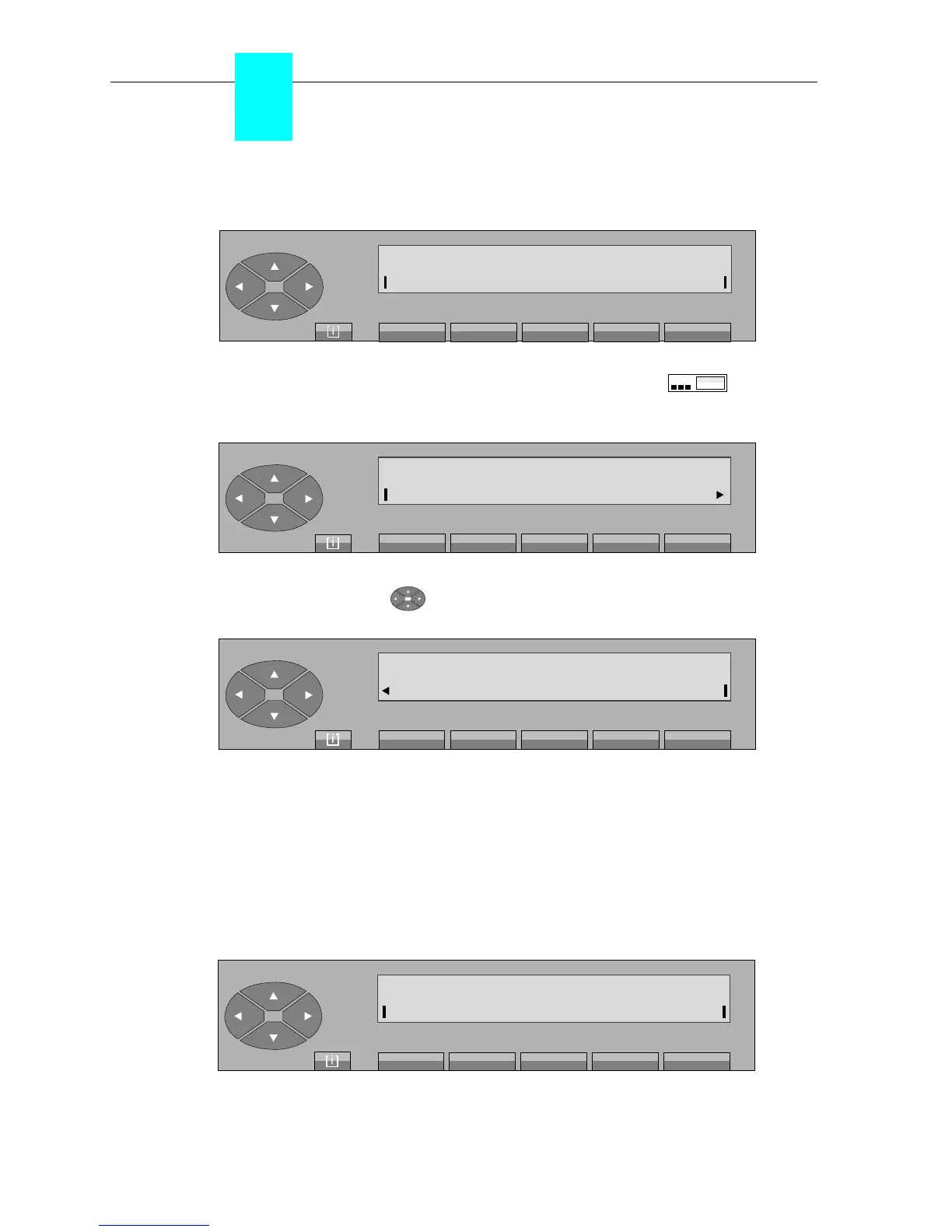
Pressing the «SERVICE» fixed key activates the associated pictogram and displays
the following screen:
The attendant presses the « » key to move onto the second screen:
Pressing the «Pulse» key displays: «Decadic» and exits from the «Service» facility.
The attendant dials the additional digits to be sent. These digits are displayed on the right of the
screen. If the number dialled is greater than 10 digits, each subsequent digit is displayed in the
10
th
position.
Pressing the «SERVICE» fixed key, followed by the «Pulse» key exits the facility and displays
the following screen:
Status
ReleasOnHold
Bundle
SERVICE
DTMF
Charge
OnHook
Chain
Conv correspondent
FwdOp
TBR
TrfOff
Pulse
Conv correspondent
Status
ReleasOnHold
Bundle



 To Next Page