www.aleratec.com
28
Using the HDD Copy Cruiser High-Speed WL
Main Menu
Setup - Copy Area
This function species which data is to be copied from the Source hard drive.
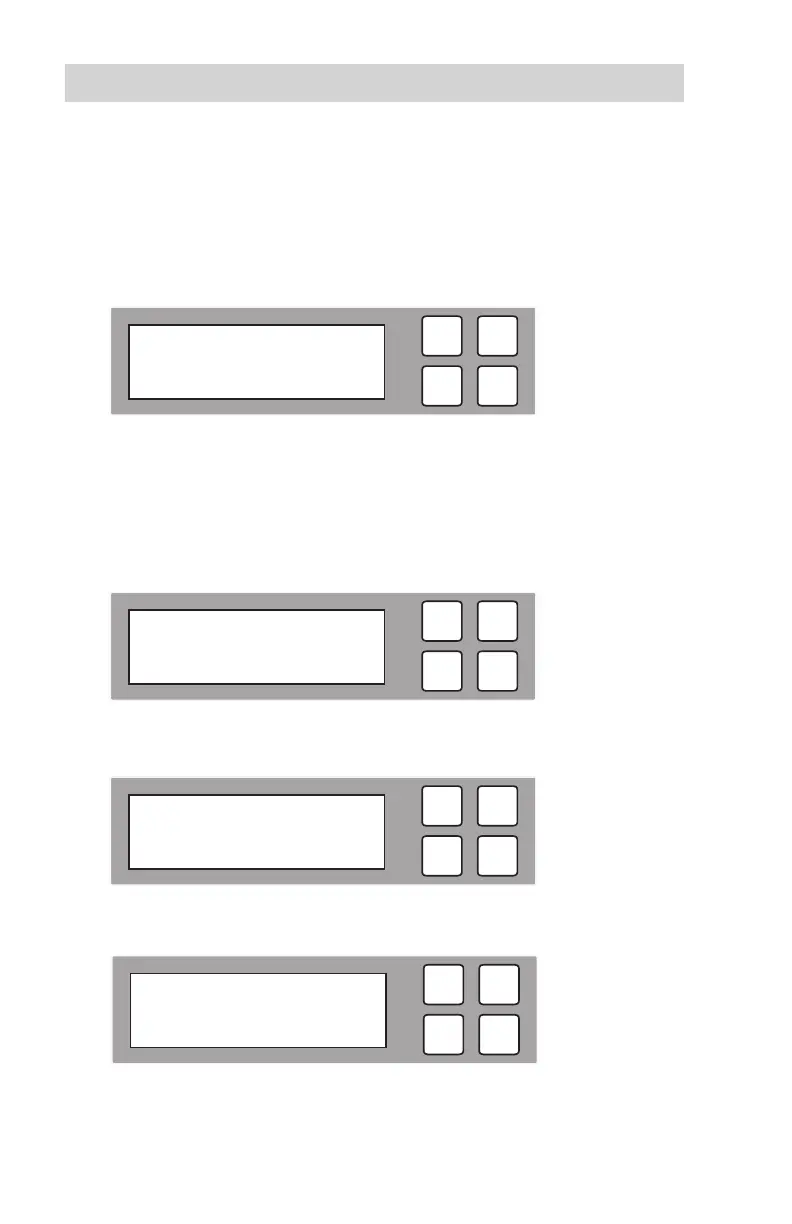
1. In the Setup menu, use the arrow buttons (or) to select “Copy Area”. The
following screen will be displayed.
2. Press OK to select. Use the arrow buttons to scroll between the types of
functions within the Copy Area menu: System and Files, ALL Partitions, Whole
HDD, and Percentage.
3. SystemandFiles: This function will copy only System and Data les located
on the rst partition of the source HDD.
4. ALLPartitions: This function will copy only System and Data les located on
any partition of source HDD.
5. WholeHDD: This function will copy the complete HDD including free space.
If you need to also copy HPA, please refer to Advanced Setup on page 38.
ESC
OK
[ 6. Setup ]
1. Copy Area
ESC
OK
[ Copy Area ]
System and Files
ESC
OK
[ Copy Area ]
ALL Partitions
ESC
OK
[ Copy Area ]
Whole HDD



 To Next Page