INSTALLATION & OPERATIONS GUIDE | MICROSET 4
© Honeywell LT-MS4IOG Rev. 04 | Revised October 2015
32
Air Quality screen
Windows screen
AIR QUALITY
PPM
464
CO
2
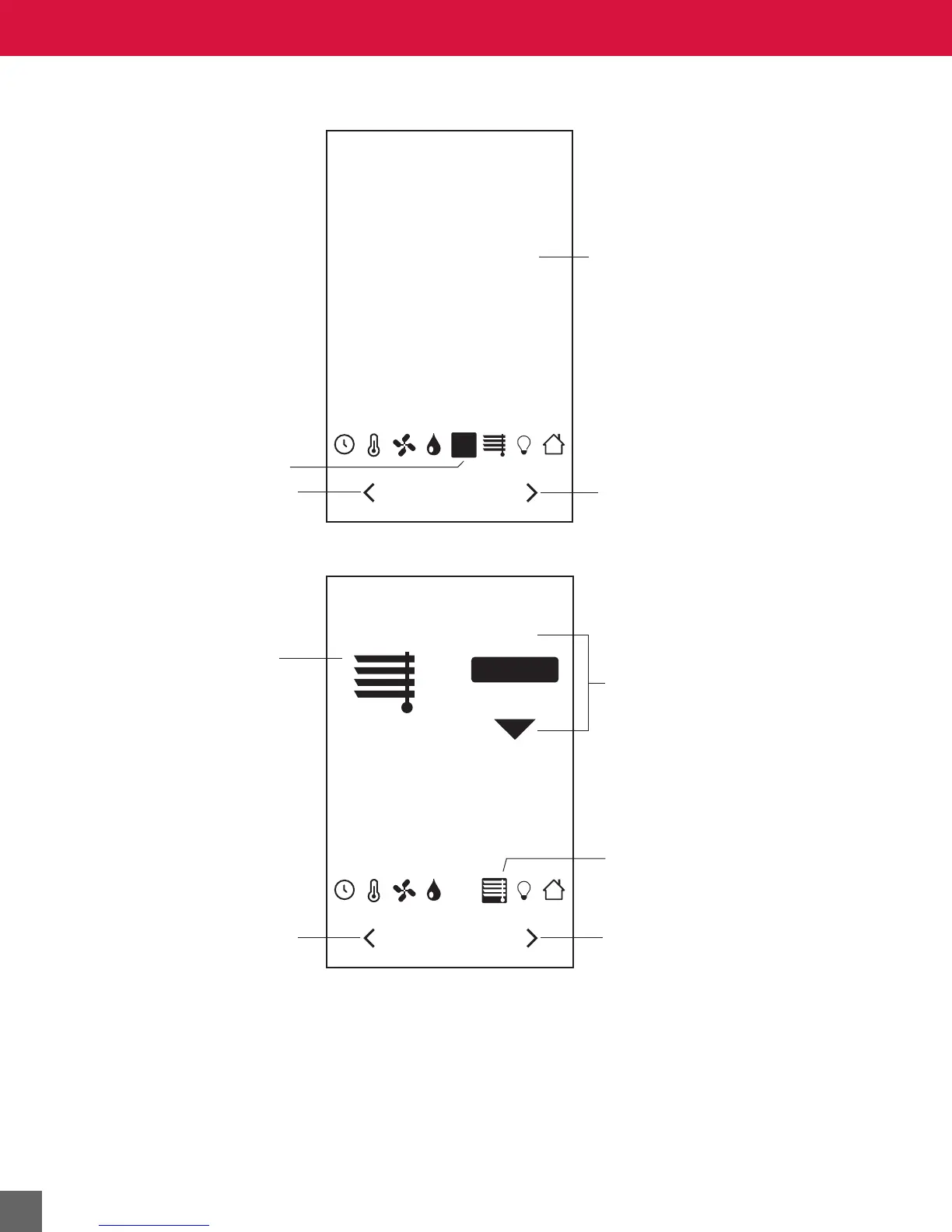
Air Quality screen is active.
Press the left arrow to move
to the previous screen.
Press the right arrow to move
to the next screen.
Current CO
2
level.
WINDOWS
CLOSED
CO
2
OPEN
Blinds screen
is active.
Press the left arrow to move
to the previous screen, and
save changes made to the
blinds open value.
Press the right arrow to move
to the next screen, and
save changes made to the
blinds open value.
Press the up or down
arrow to open or close
the blinds. (If CLOSED
is selected, the up arrow
will be visible.)
Slats icon changes with
current open status.



 To Next Page