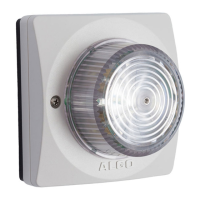
8138 SIP Multicolor Strobe Light
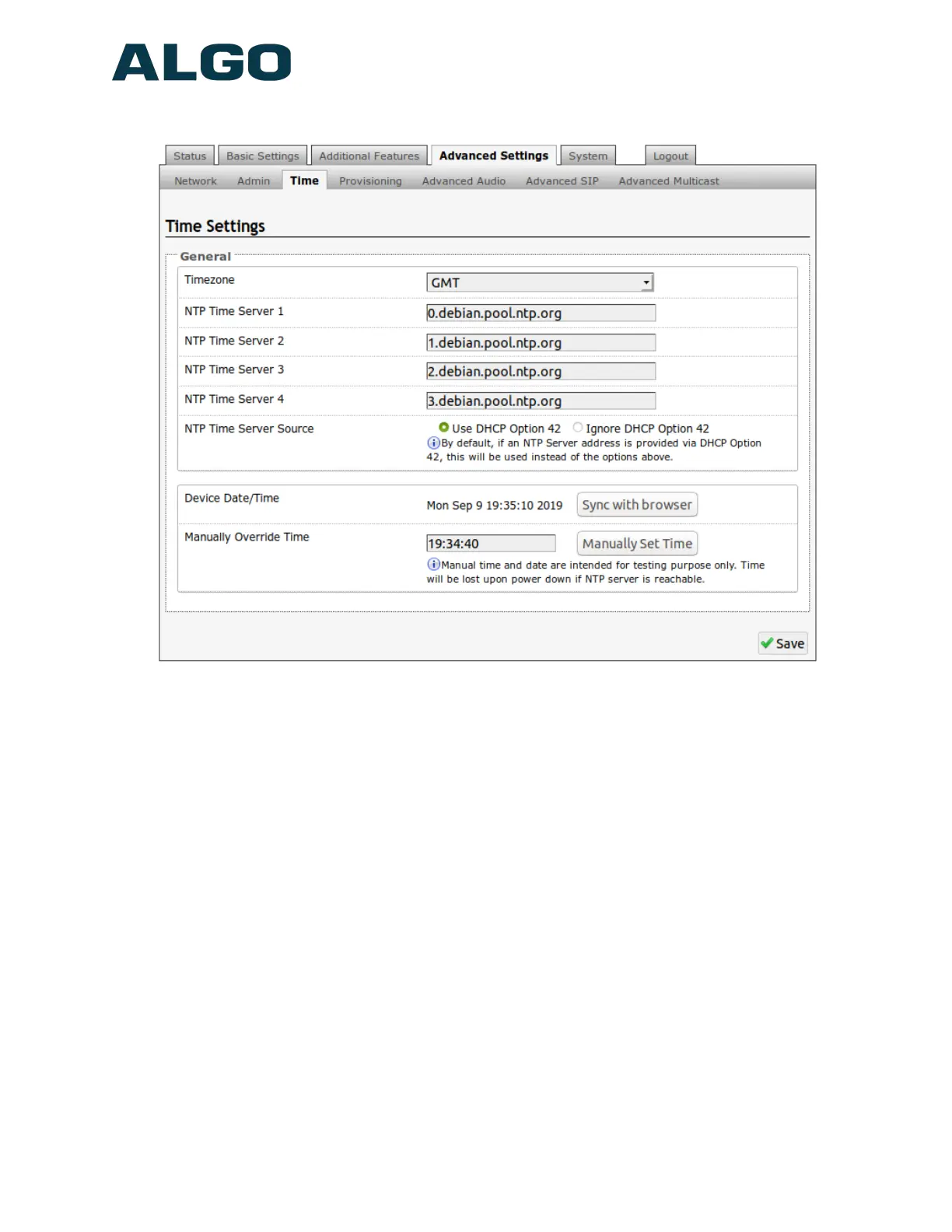
Advanced Settings Tab – Time
Network time is used for logging events into memory for troubleshooting.
Time Zone
Select time zone.
NTP Time Servers 1/2/3/4
The strobe will attempt to use Timer Server 1 and work down the list if one or more of the
time servers become unresponsive.
NTP Time Server Source
When “Use DHCP Option 42” is chosen, if an NTP Server address is provided via the
DHCP Option 42, that NTP Server will be used instead of the 4 mentioned above.
Alternatively, “Ignore DHCP Option 42” can be chosen to only use servers mentioned
above.
Device Date/Time
This field shows the current time and date as set on the device. If testing the device on a
lab network that may not have access to an external NTP server, the “Sync with browser”
button can be used to temporarily set the time on the device.
Document 90-00102C
11/27/2019
Page 38
Algo Communication Products Ltd
4500 Beedie St Burnaby BC Canada V5J 5L2
www.algosolutions.com
(604) 454-3792
support@algosolutions.com



 To Next Page