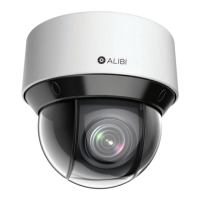
11ALI-NS8014VR IP PTZ Camera Installation and Setup Guide
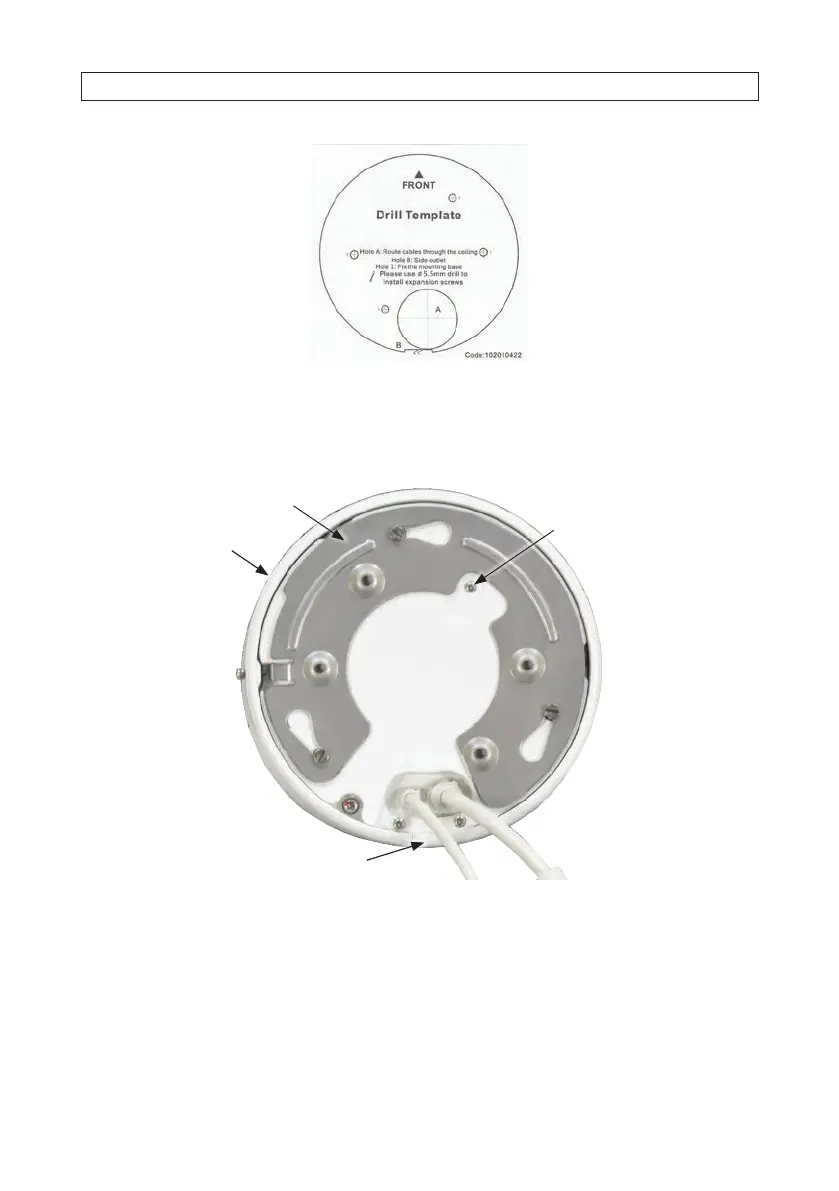
5. Drill holes in the mounting surface as needed for the mounting screws and the drop cable, as required.
6. In the photo below, notice how the camera locks onto the adapter plate. Loosen the adapter plate lock screw on the side of the
camera base, and then remove the adapter plate from the camera by turning it counter-clockwise.
Drop cables
For safety
cable
Camera
base
Adapter plate
lock screw
Removable plug for drop
cable side routing
Drop cables
Adapter plate
Camera
base
Adapter plate
lock screw
7. Anchor the adapter plate to the mounting surface. Ensure the “FRONT” of the plate aligns with the “FRONT” of the drill
template. Use four fasteners to anchor the plate to the surface.
SECTION 2: INSTALLATION





 To Next Page