21
Version 1.01
How to display the information about your tool
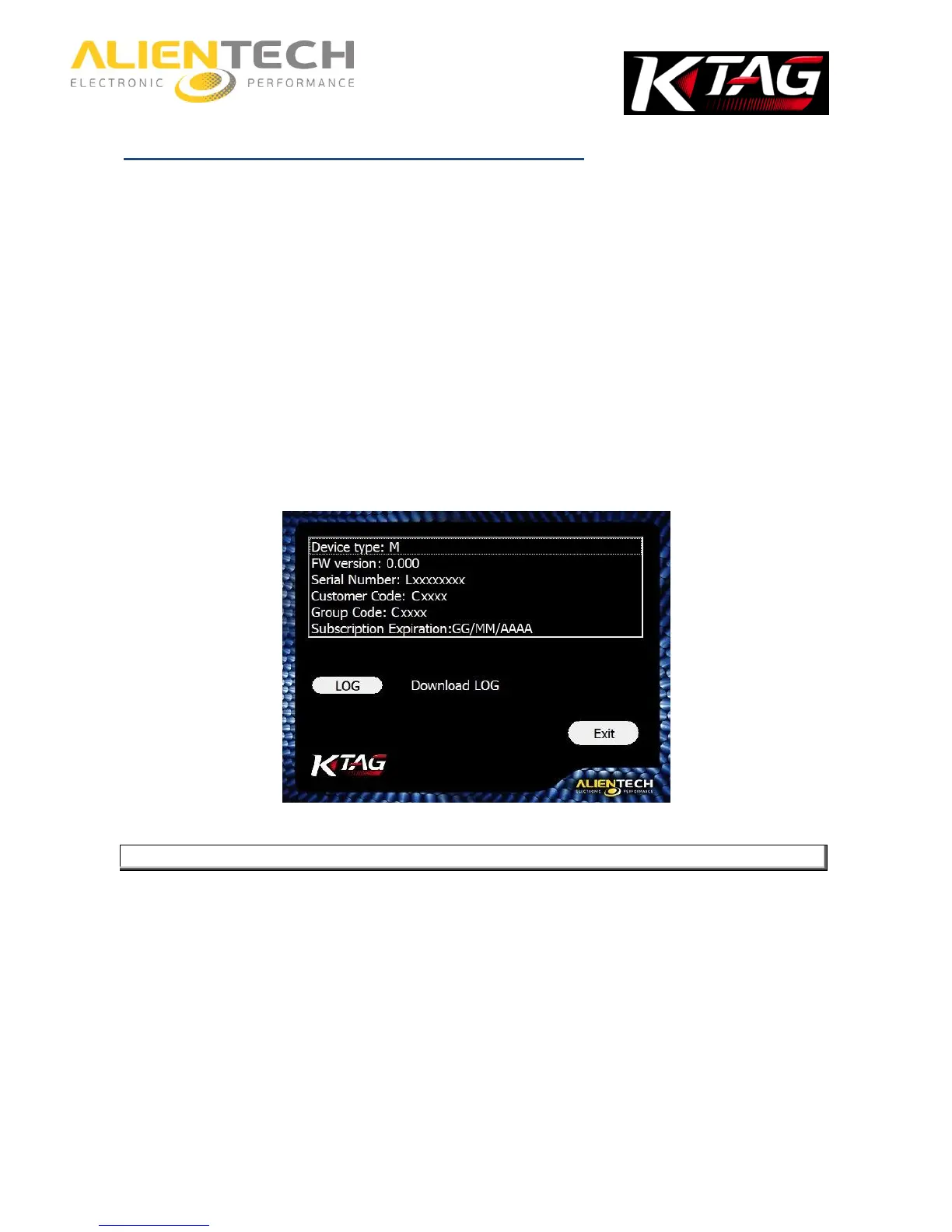
By clicking on the Info button in the main window of the K-Suite software, you can view
information about your instrument.
Device type: It indicates whether the tool is in Master (M) or Slave (S) version.
FW version: It indicates the version of the Firmware installed on the tool.
Serial Number: It indicates the serial number of the tool, to report in any request to the
Technical Support Service.
Customer Code: It indicates your Customer Code, to access to the Alientech Data Bank and
report to any request to the Technical Support Service.
Group Code: It indicates the Code of the Master user associated to your Slave tool. In the
event that your tool is a Master, this coincides with the Customer Code.
Subscription Expiration Date: It indicates the expiration date of your subscription, if active.
LOG: To save on your computer the LOG file containing the last 32 activities performed by the
tool.



 To Next Page