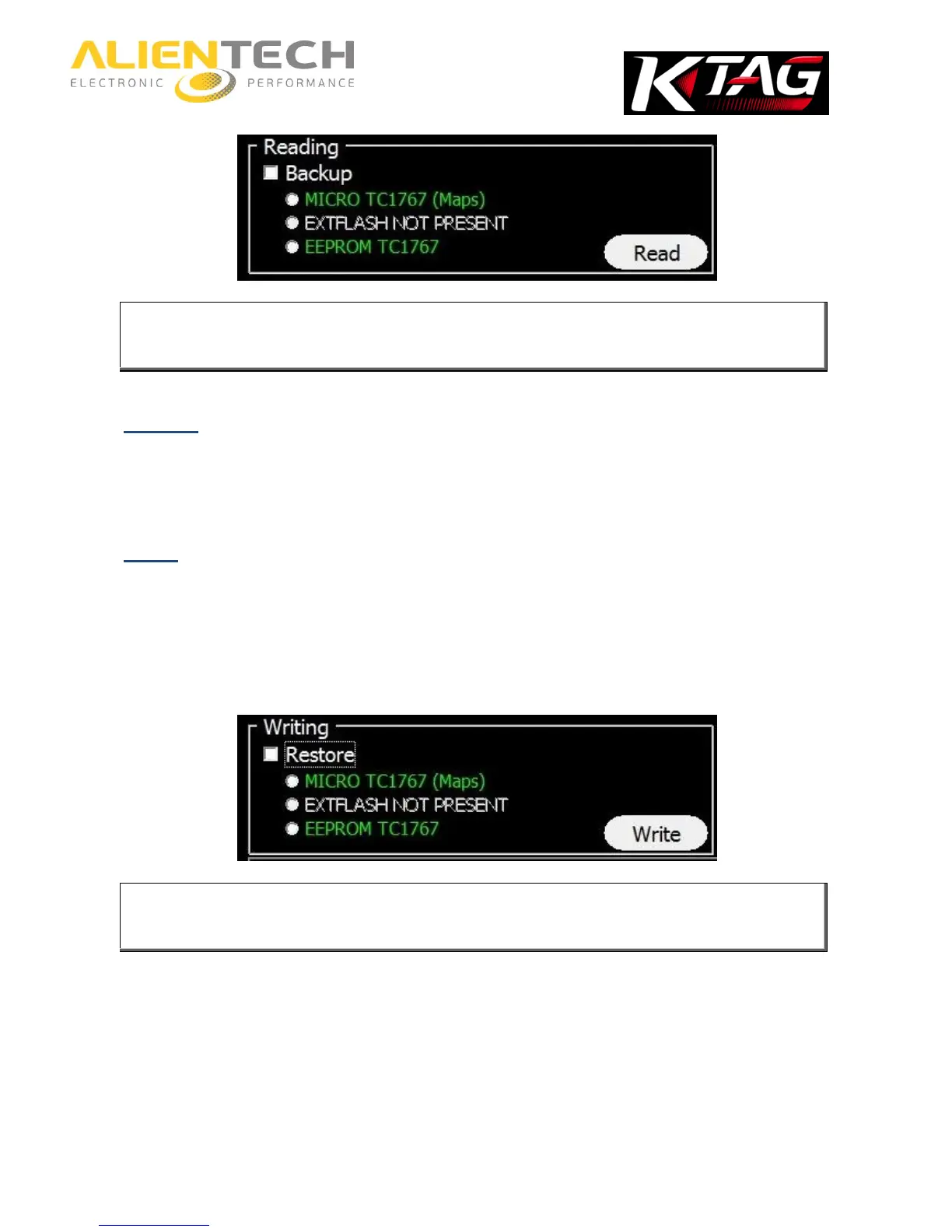
It is only possible to read the components shown in green. In case you want to work only on the
engine management files, refer to the component with “Maps” written next to it or, when
available, check the white box Maps.
Restore
1. Choose the right family by using the Vehicle buttons or the Protocols button.
2. Connect to the ECU following the connection instructions provided in the Operating Manual.
3. Click Write to restore the backup file to the ECU.
Write
1. Choose the right family by using the Vehicle buttons or the Protocols button.
2. Connect to the ECU following the connection instructions provided in the Operating Manual.
3. Remove the check mark from the Restore box.
4. Choose the component to which you want to write the modified file.
5. Click Write.
It is only possible to write the components shown in green. In case you want to write only on
the engine management files, refer to the component with “Maps” written next to it or, when
available, check the white box Maps.



 To Next Page