33
Version 1.01
Updating the Operating Manuals
It is important to periodically check if new Operating Manuals have been released and / or
updated. To check the availability of new Operating Manuals and download them:
1. Connect K-TAG to your computer by using the supplied USB cable.
2. Launch the K-Suite software.
3. Click on the Help button in the main window of the K-Suite software.
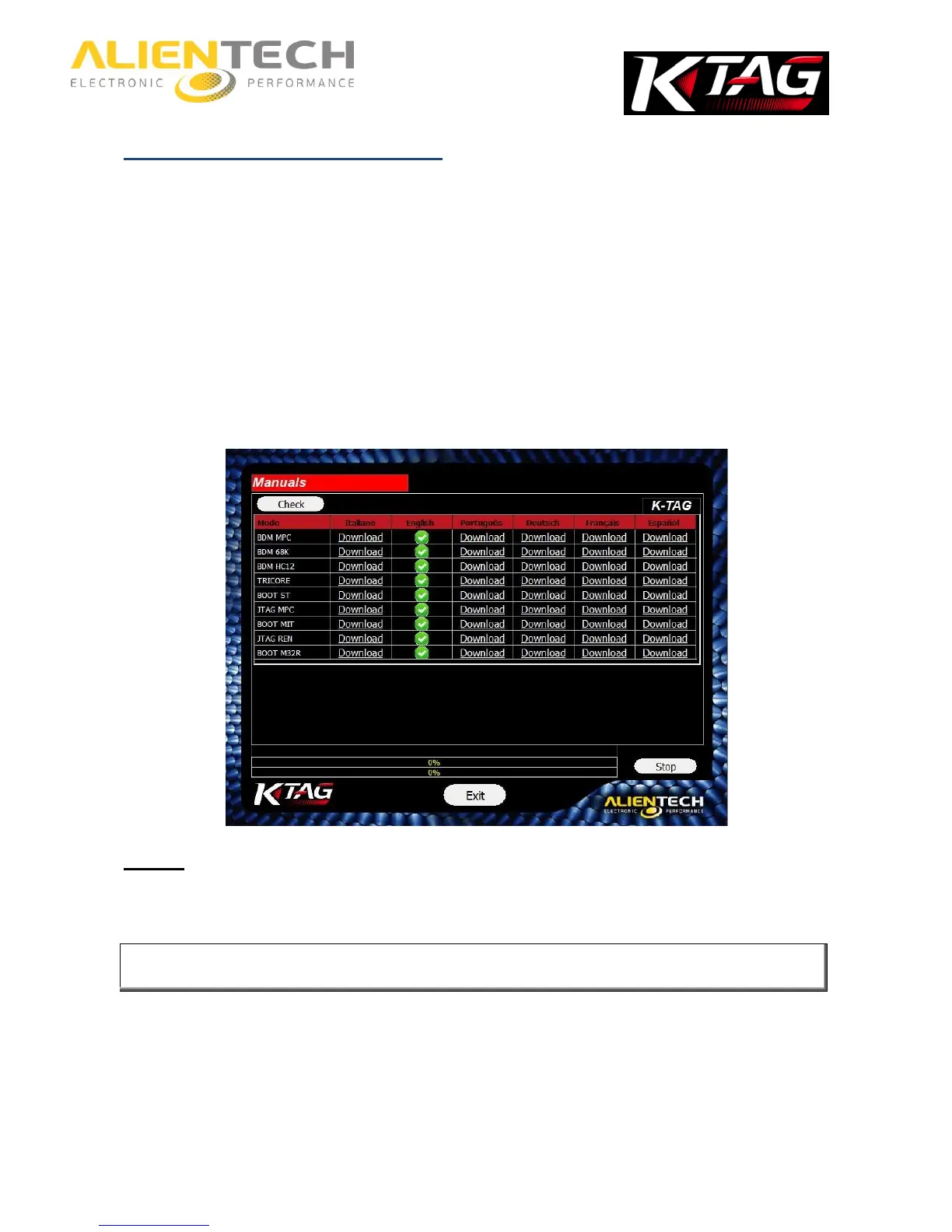
4. Click on Check.
5. .
If the green check mark is displayed it means that the manuals are updated; if there is no green
check mark, click on Download to download the latest manuals
Always check the availability of new Operating Manuals and possibly download
them after an update of the K-Suite software.
The Operating Manuals can be download free of charge by all the owners of K-TAG, even if
there is no subscription active.



 To Next Page