22
Version 1.01
Operating procedures
How to connect the tool
Before connecting the tool, it is important to make sure that the AC Adaptor is set
to 12V.
1. Connect K-TAG to your computer by using the supplied USB cable.
2. Connect K-TAG to the supplied AC Adaptor.
3. Plug the AC Adaptor to a an electrical outlet.
4. Connect K-TAG to the ECU following the instructions provided in the Operating Manual of
the selected the Family.
The computer connected to the K-TAG must function properly and be defect-free, or it may
damage the tool. As with all electrical products, connection to defective parts, or connecting to
an electrical outlet not wired correctly, can cause a spark and start a fire.
Choosing a Family of communication
To be able to program a vehicle, it is necessary to choose the correct Family, i.e. the
communication protocol. It is possible to choose a Family in two different ways:
a) Using the Vehicles buttons in the main window of the K-Suite software.
b) Using the Protocols button in the main window of the K-Suite software (recommended for
advanced users).
How to choose a Family using the Vehicles buttons
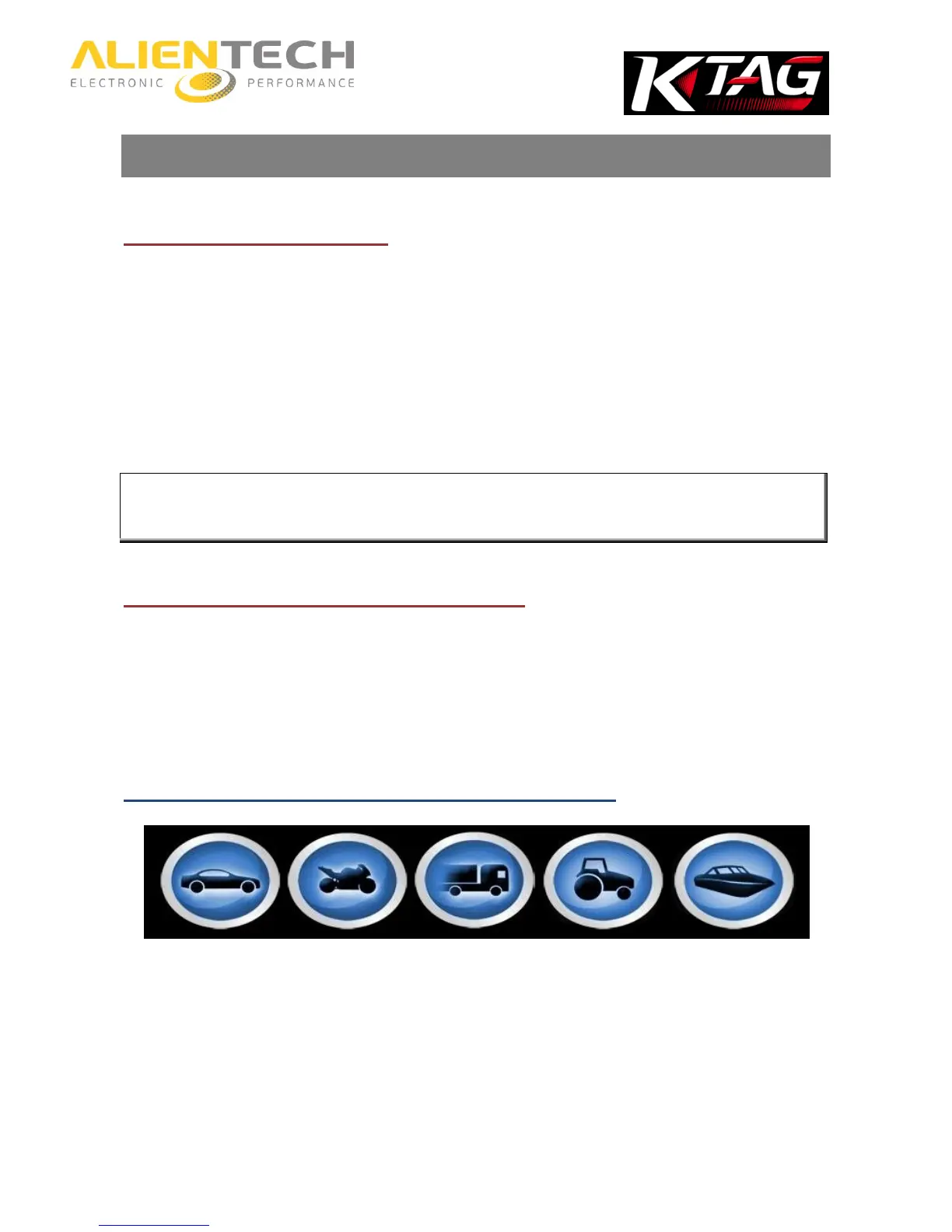
Vehicles buttons
1. Select the button corresponding to the kind of vehicle to program.
2. Select the Brand of the vehicle.
3. Select the Model of the vehicle.
4. Select the version of the vehicle according to the data displayed in the lower part of the
window:



 To Next Page