29
Version 1.01
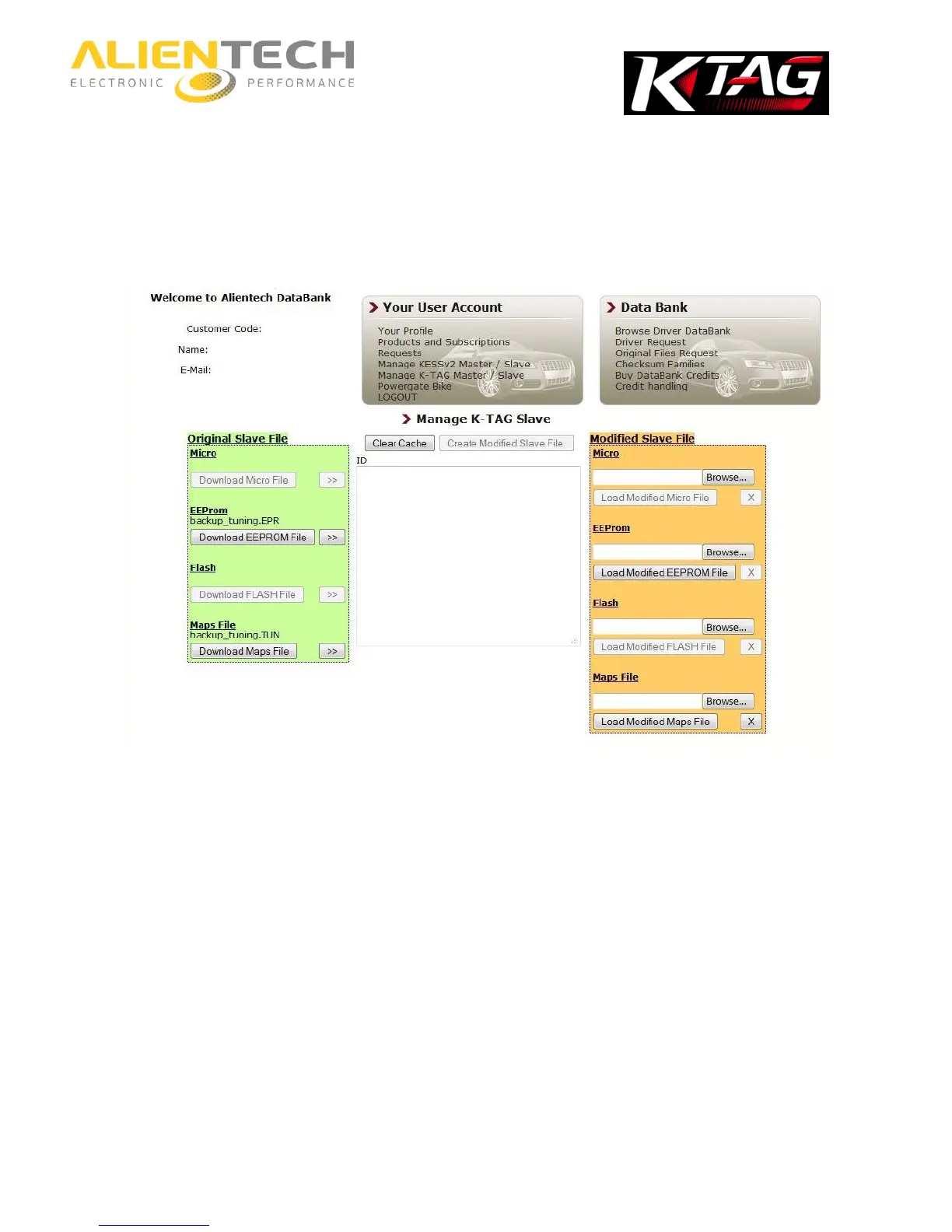
In the ID box (in the middle, on white background), ECU data are displayed.
5. In the Original Slave File box (on the left, on a green background), click on Download File to
save the file on your computer.
For example, to save the Micro file click on Download Micro File.
To decode a new file, select Clear Cache and repeat the above procedure from step n. 3.



 To Next Page