3. Wait for 5 seconds.
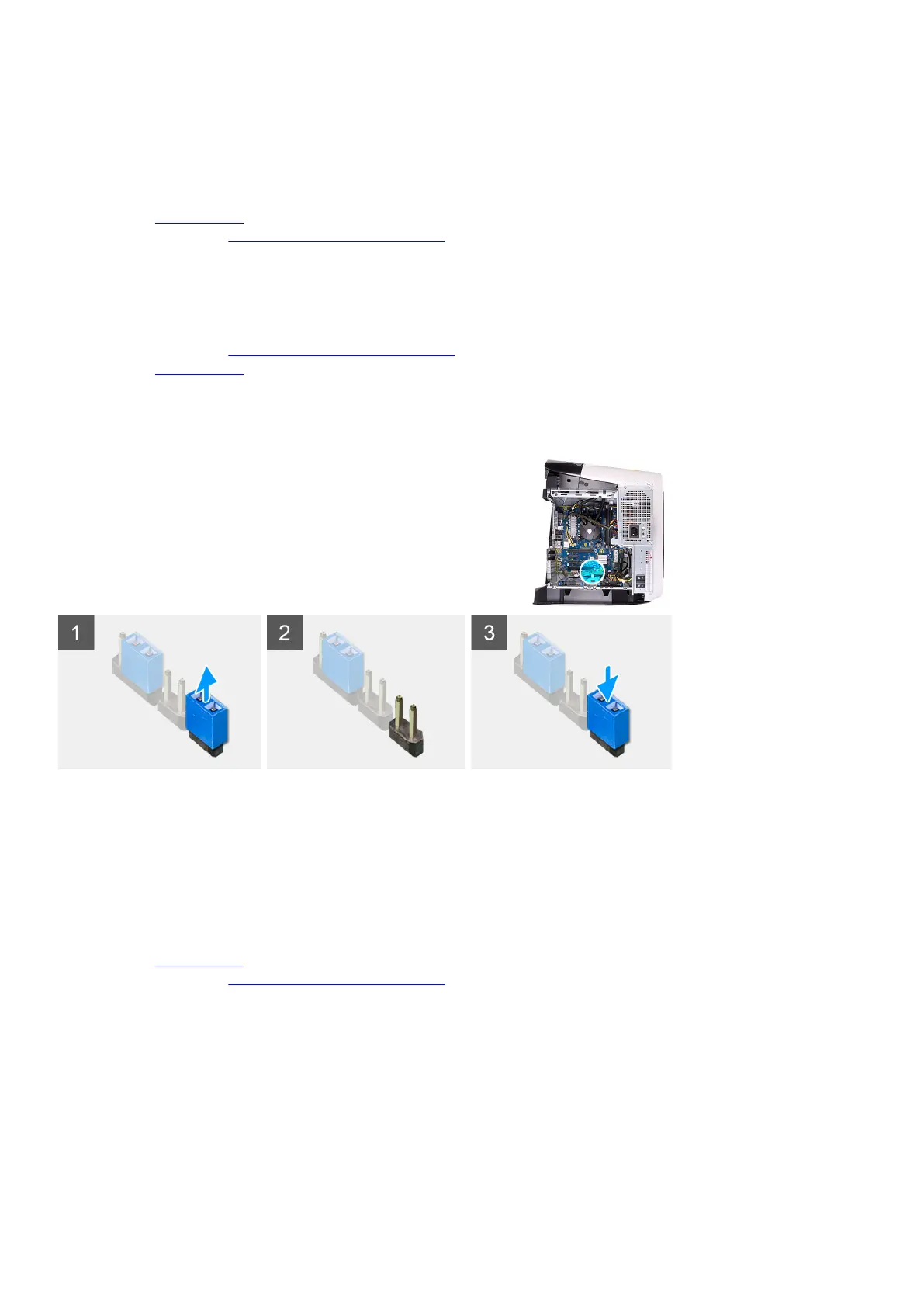
4. Remove the jumper plug from pins 216 and replace it on pins 217.
5. Connect the system-board power cable to the system board.
Next steps
1. Remove the
left-side cover.
2. Follow the procedure in After working inside your computer.
Clearing forgotten password
Prerequisites
1. Follow the procedure in Before working inside your computer.
2. Remove the left-side cover.
About this task
The following images indicate the location of the memory modules and provide a visual representation of the removal procedure.
Steps
1. Remove the jumper plug from pins 215.
2. Turn on your computer and wait until the operating system is completely loaded.
3. Shut down your computer.
4. Replace the jumper plug on pins 215.
Next steps
1. Remove the
left-side cover.
2. Follow the procedure in After working inside your computer.
103















 To Next Page