Steps
1. Disconnect all the cables connected to the system board.
NOTE: Note the routing of all cables as you remove them so that you can route them correctly after you replace the
system board. For information on system-board connectors, see "system-board components".
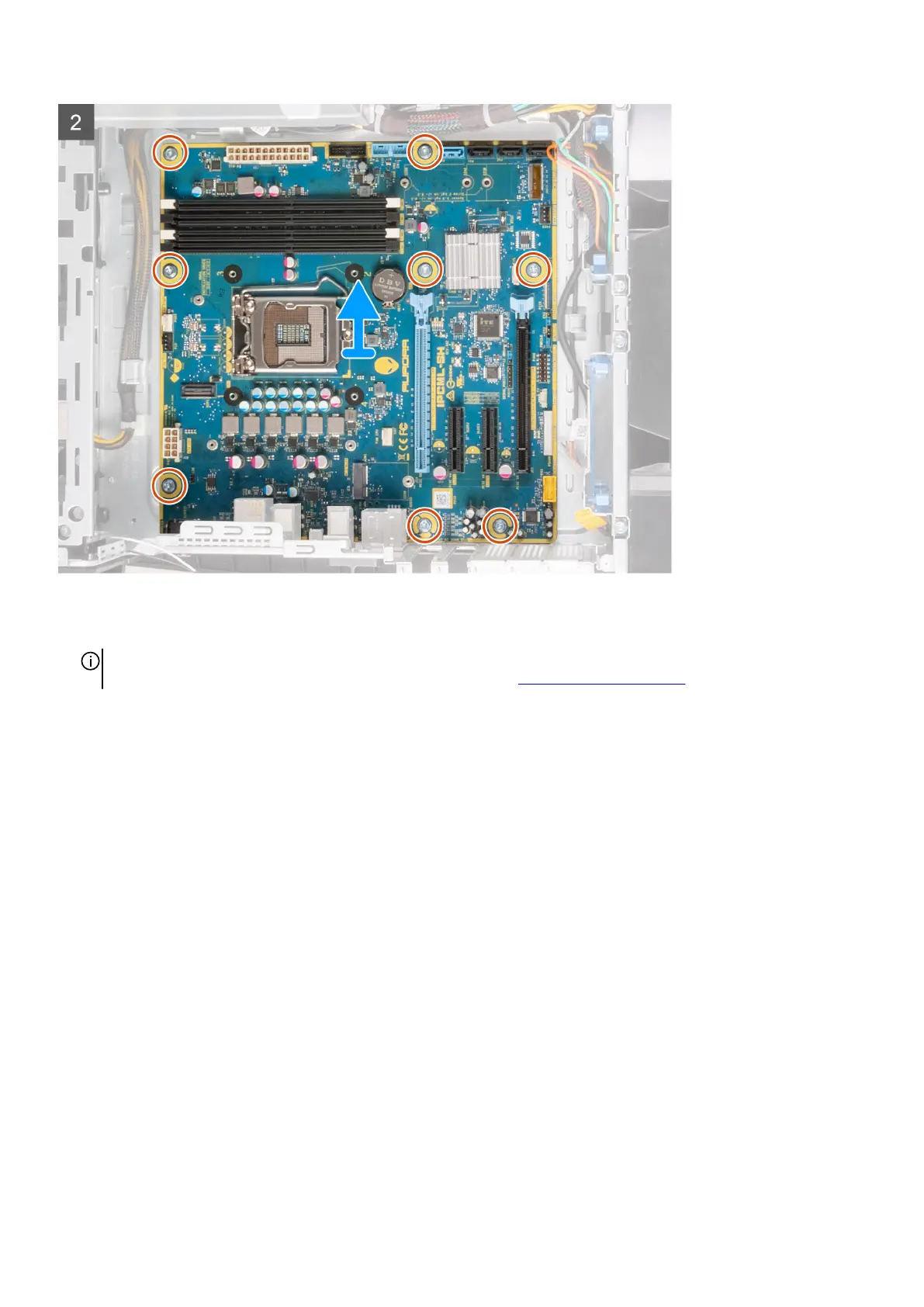
2. Remove the eight screws (#6-32) that secure the system-board assembly to the chassis.
3. Lift the system board off the chassis.
Installing the system board
Prerequisites
If you are replacing a component, remove the existing component before performing the installation procedure.
About this task
The following images indicate the location of the system board and provides a visual representation of the installation procedure.
91















 To Next Page