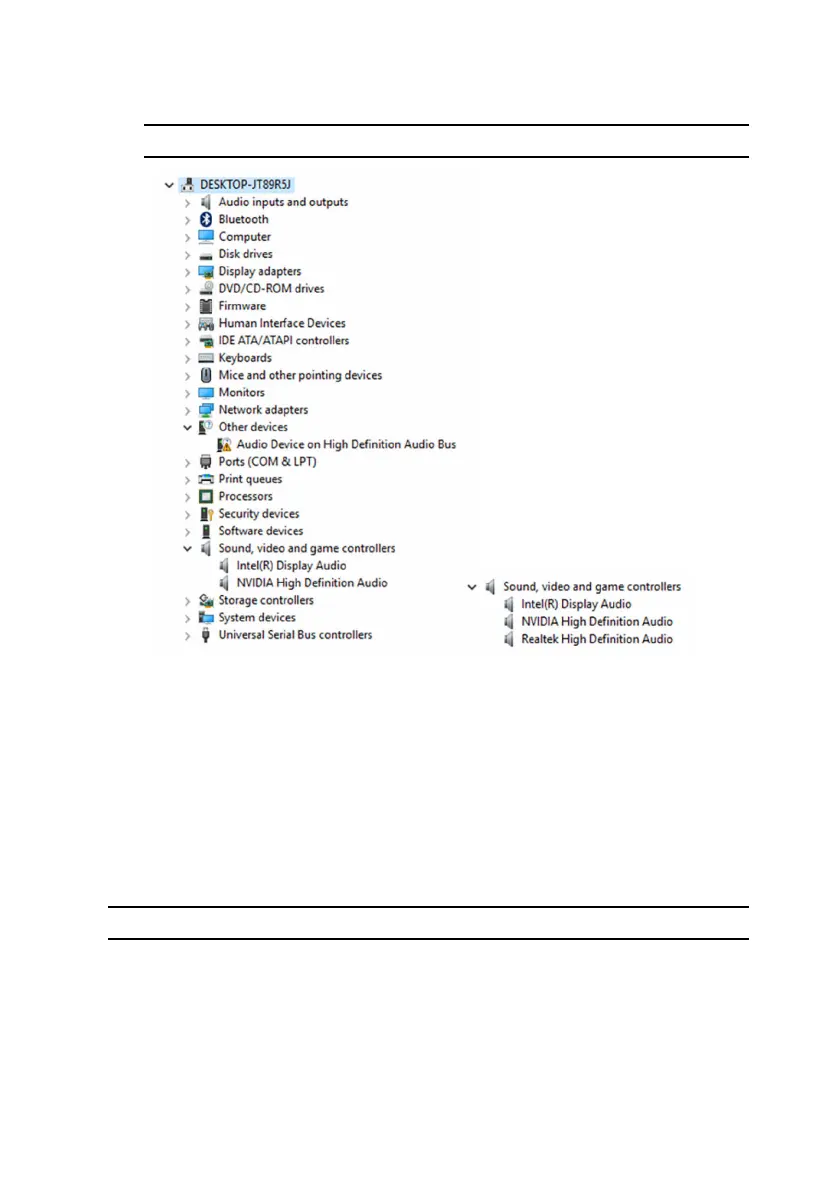
3 Expand Sound, video and game controllers to view the audio
controller.
Before installation After installation
Changing the audio settings
1 On the taskbar, click the search box, and then type Dell Audio.
2 Click Dell Audio and change the audio settings as required.
Graphics
Alienware Aurora R5 is shipped with the following graphics options:
Controller Memory
Intel HD Graphics 530 Shared system memory
• AMD or NVIDIA
• Supports Dual AMD or NVIDIA
(SLI)
Up to 6 GB
129















 To Next Page