Procedure
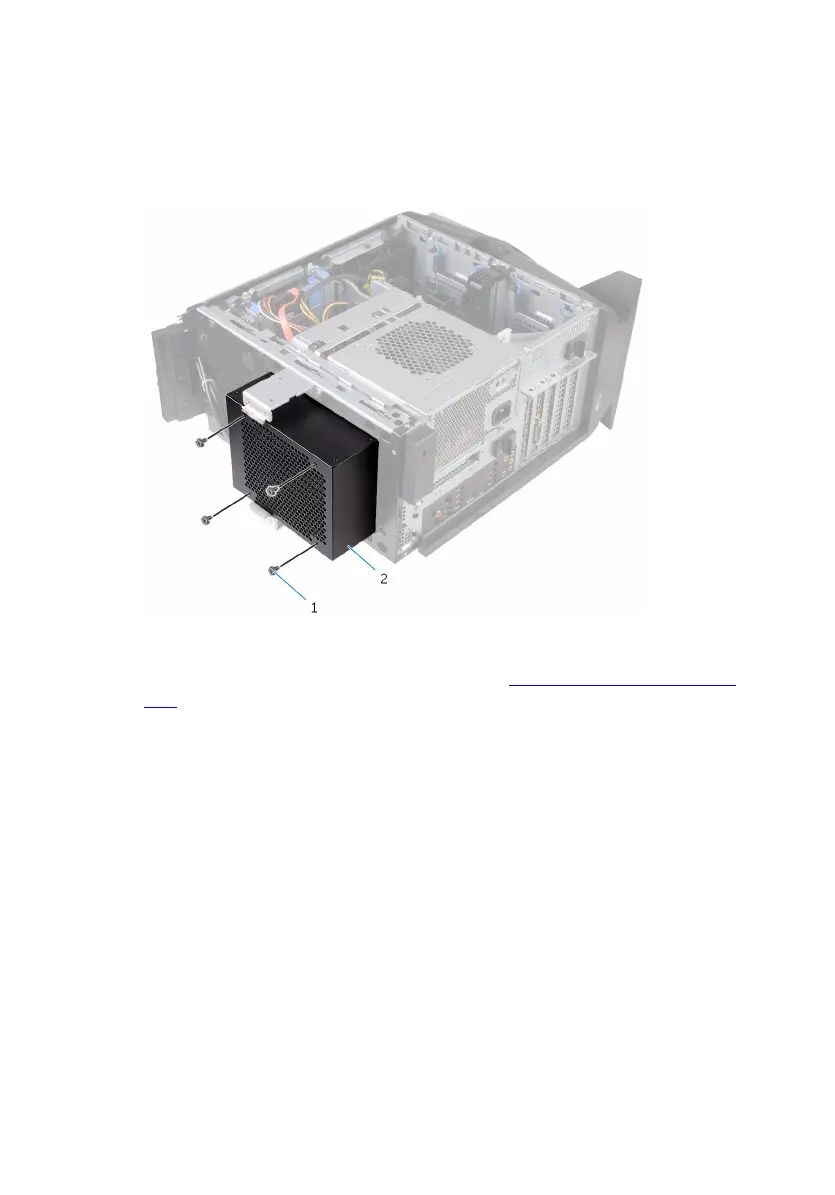
1 Remove the screws that secure the radiator and fan assembly to the
radiator and fan cage.
1 screws (4) 2 radiator and fan cage
2 Follow the procedure from step 1 to step 4 in "Removing the power-supply
unit".
3 Disconnect the processor-cooling assembly cables from the system board.
4 In sequential order (as indicated on the processor cooler), loosen the
captive screws that secure the processor cooler to the system board.
55















 To Next Page