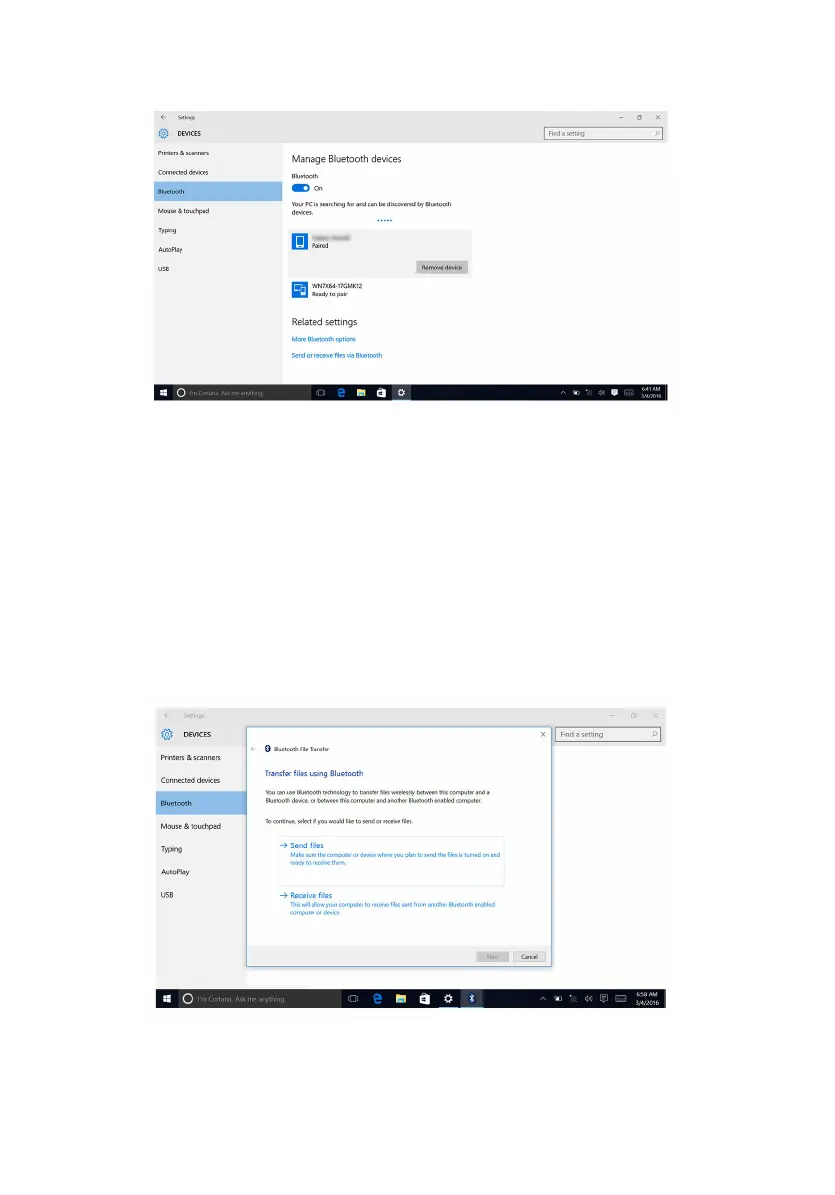
3 Click the device you want to remove, and then click Remove device.
Transferring files between devices using
Bluetooth
1 Swipe-in from the right edge of the display, or click the Action Center
icon on the taskbar to access the Action Center.
2 Click Bluetooth, and then click Go to settings.
3 Select your Bluetooth device.
4 Click Send or receive files via Bluetooth.
5 In the Bluetooth File Transfer window, click Send files, and then
select the file you want to transfer.
138















 To Next Page