2 Select Graphics Options → Rotation and select from the listed
options.
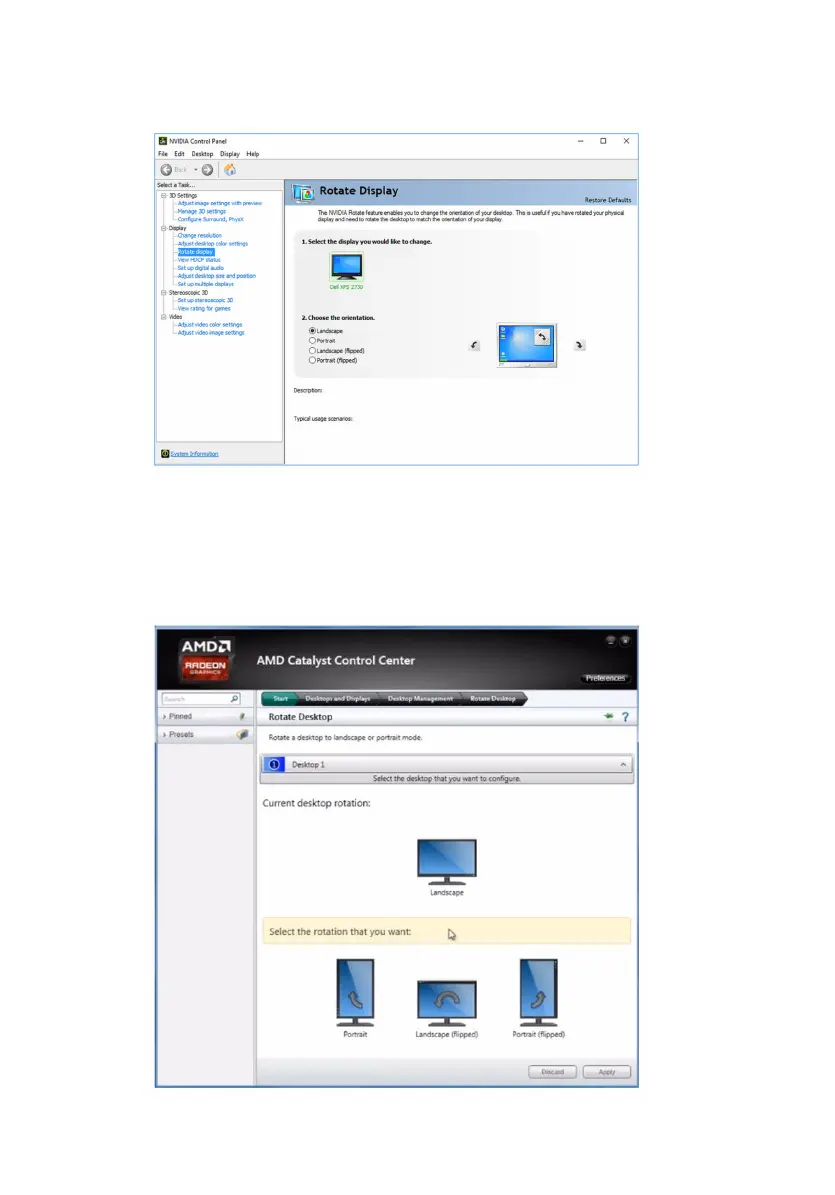
The display can be also rotated by selecting Rotate Display under the
Display menu in the NVIDIA Control Panel.
For computers shipped with the AMD video card, the display can be rotated
by selecting the required rotation on Rotate Desktop tab in the AMD
Catalyst Control Center.
132















 To Next Page