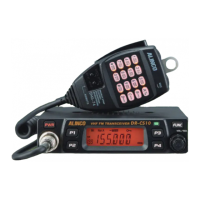
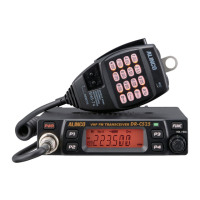
20
DTMF Transmitting Time
1.
Press and hold
FUNC
key for over 2
seconds to enter setting menu.
2.
Press
P3
/
P4
key to choose No.19
menu, LCD displays "
SPD--50
".
3.
Press / to select the desired setting, in miliseconds.
30/50/100/200/300/500, which indicates the time for sending each
DTMF signal & the interval between each DTMF being sent.
4.
Press any key except
PWR
,
P3
,
P4
, , key to exit.
FUNCTION MENU SETUP
7
Display iiiumination color setting
This is to select the display illumination color.
1.
Press and hold
FUNC
key for over 2 seconds to enter setting menu.
2.
Press
P3
/
P4
key to choose No.20 menu, LCD displays "
COL--
ORG
".
3.
Press / to select the desired color. Display changes
color while selection.
ORG:
Orange
SAK:
(Sakura) light pink
WHI:
White
OFF:
NO backlight
4.
Press any key except
PWR
,
P3
,
P4
, , key to exit.
Scan resume Time Setup
There are 3 kinds of scan resume conditions.
1.
Press and hold
FUNC
key for over 2
seconds to enter setting menu.
2.
Press
P3
/
P4
key to choose No.21
menu, LCD displays "
SCAN--TO
".
3.
Press / to select the
desired Scan Resume Time.
TO: Timed Scan, it resumes scanning
after receiving 5 seconds or when the
signal is gone, which ever faster.
CO: Busy Scan, it resumes scanning when the receiving signal is
gone.
SE: Stops scanning when a signal is received.
Manual operation is necessary to resume scanning.
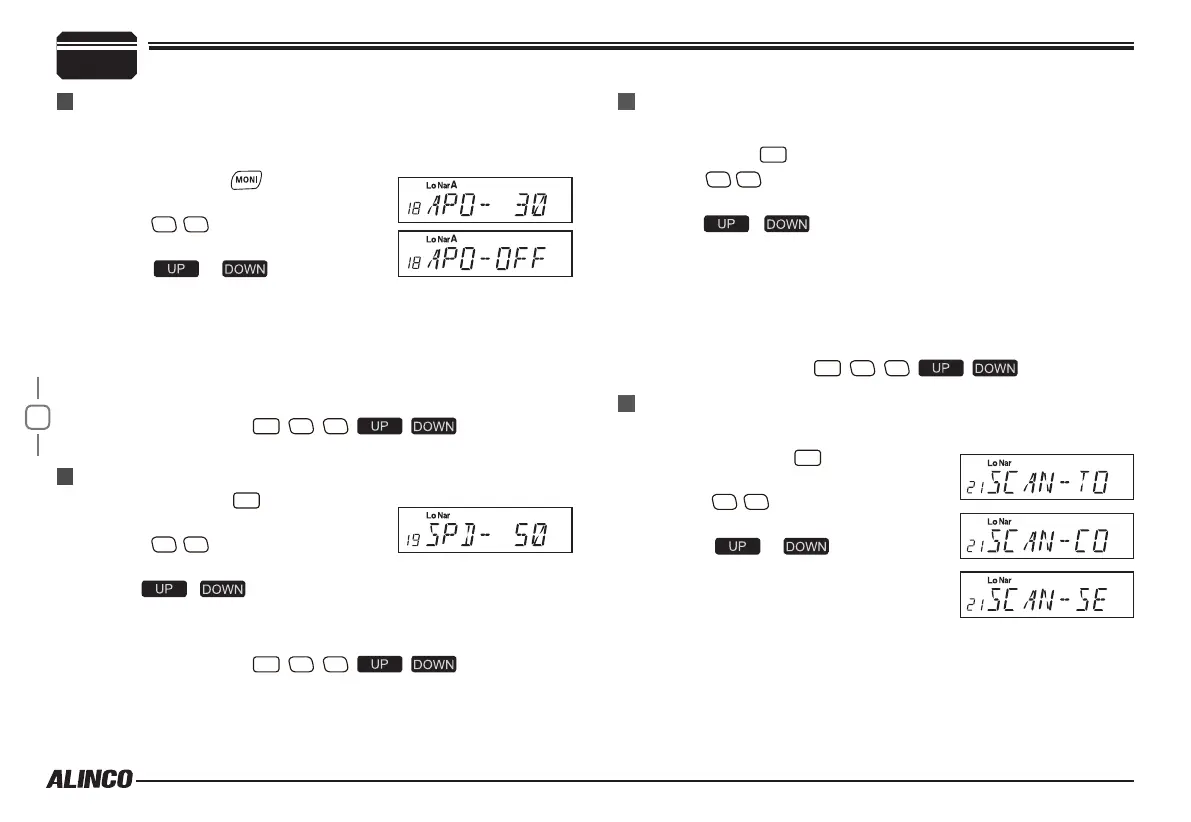
APO (Auto power off)
Once APO is activated, the radio will be automatically switched off when
the pre-set time is elapsed.
1.
Press and hold key for over 2
seconds to enter setting menu.
2.
Press
P3
/
P4
key to choose No.18
menu, LCD displays "
APO--OFF
".
3.
Press / to select the
desired setting.
30MIN:Auto power off after 30m
1HOUR:Auto power off after 1h
2HOUR:Auto power off after 2h
OFF:Disable Auto power off
4.
Press any key except
PWR
,
P3
,
P4
, , key to exit.


 To Next Page