Allworx Phone Model 9224 User Guide
Page 6 +1 866 ALLWORX * +1 585 421 3850
www.allworx.com
Version: L Revised: October 11, 2018
2.4.1 Wall Mounting Plate
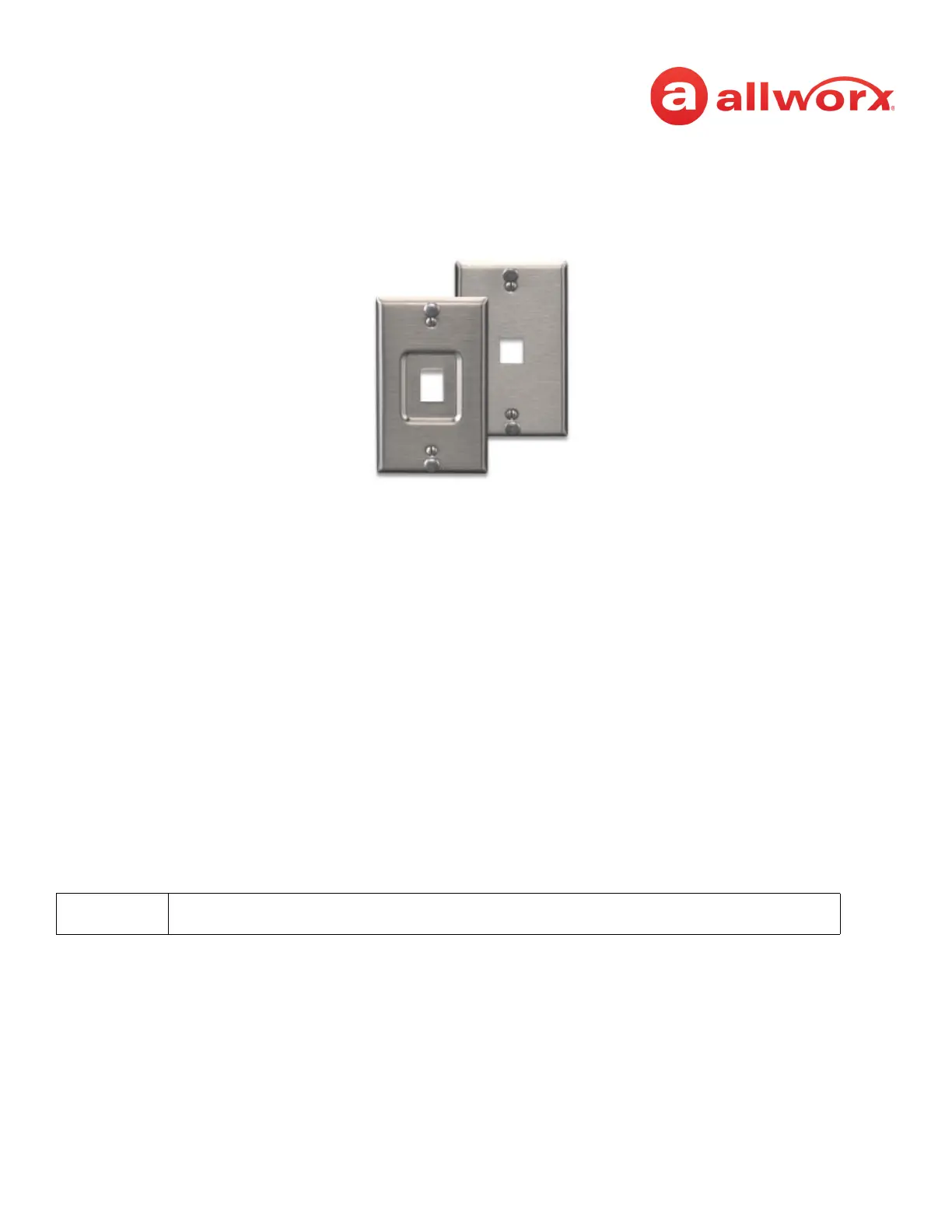
Mounting the Allworx phone on a wall requires a mounting plate that meets the TIA-570-B standard
and is available from a local telephone company or local retailer. The mounting plate has studs that
position the Allworx phone flush to the wall surface.
Remove the Allworx phone base and mount the phone over the mounting plate studs. All power and
RJ-45 cable connections should exit between the phone back and the wall, and then routed to the
network connection and/or a power connection.
2.4.2 Handset Retainer Clip
The handset retainer clip prevents the handset from slipping out of the phone cradle while hanging on
a wall.The Allworx phone ships with the adjustable handset retainer clip in the wall mount position on
the phone cradle.
To adjust the retainer clip for desktop use (for easier handset removal/hang-up) insert a coin in the
retainer clip slot and turn the coin clockwise, 180 degrees. To return the retainer clip to the wall mount
position, insert a coin in the retainer clip slot and turn the coin counter-clockwise, 180 degrees.
2.5 Allworx TX 92/24 Telephone Expander
Increase the flexibility of the phone with the Allworx Tx 92/24 Telephone Expander. Each 92/24
Telephone Expander adds 24 Programmable Function Keys (PFKs) to the phone. The Allworx 9224
phone supports up to three telephone expanders, which links up to 96 Programmable Function Keys
with one phone.
This option is only applicable to the Allworx 9224 phone.



 To Next Page