Allworx Phone Model 9224 User Guide
Page 26 +1 866 ALLWORX * +1 585 421 3850
www.allworx.com
Version: L Revised: October 11, 2018
5.6 Automatic Call Distribution (ACD) Queuing
To login to the ACD Appearance PFK:
Agents log in to ACD queues using an ACD Appearance Programmable Function Key (PFK) configured
on Allworx IP phones. The ACD queues do not use the Queue Appearance PFKs described above.
However, ACD agent phones can use Queue Appearance PFKs to indicate calls in the queue. Use the
PFK only to retrieve calls still in the queue, before distributing to the agents. When a call from an ACD
queue rings an agent’s ACD Appearance, the call is no longer in the queue, and the Queue Appearance
PFK cannot retrieve it. The PFK colors indicate:
To log in to an ACD Queue to receive calls:
Agents can log in to any phone with an ACD Appearance PFK. Agents can only log onto one phone at
a time.
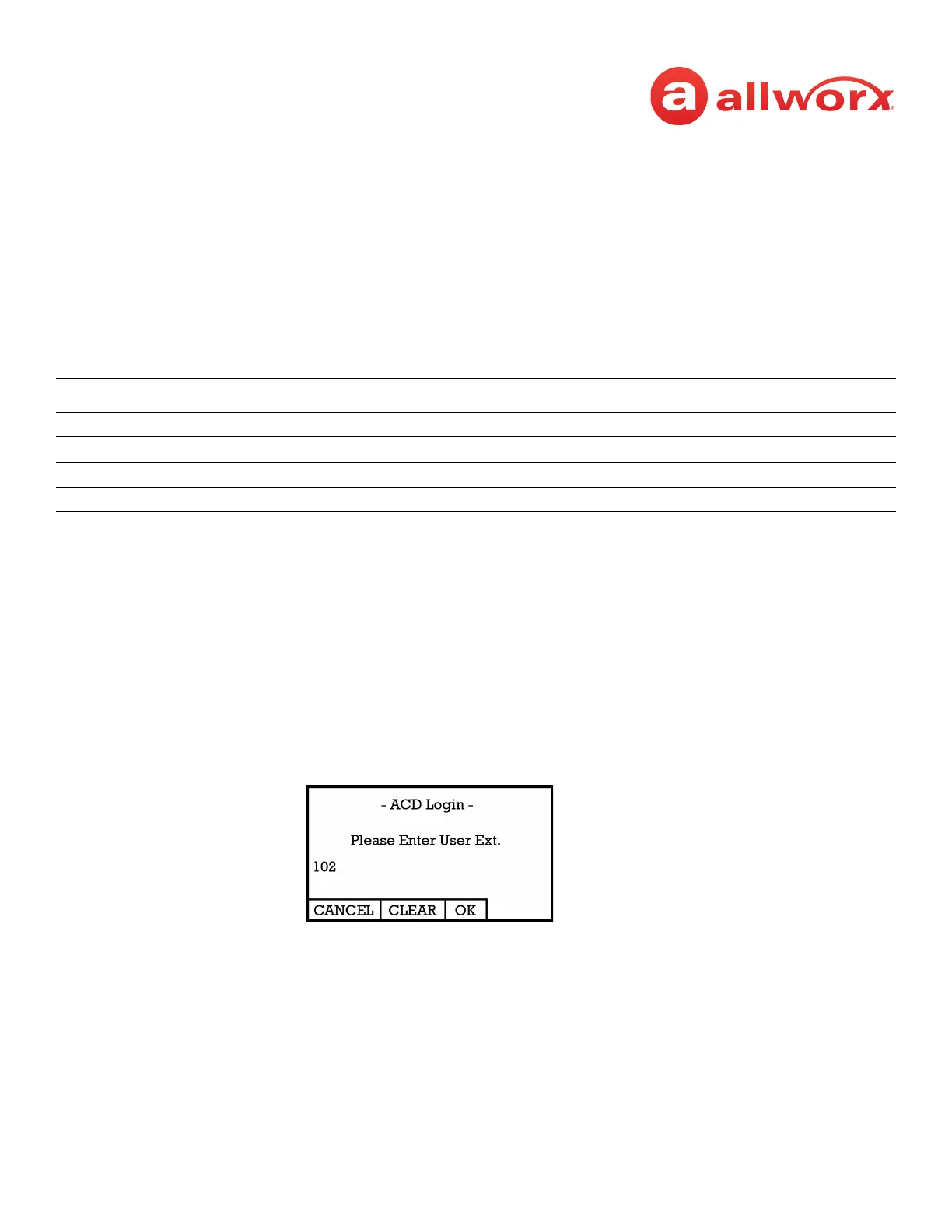
1. Press and hold the red ACD Appearance PFK for five seconds. The login prompt displays on the
screen. Release the button.
2. Enter agent’s extension - if the phone has an assigned user, the user’s extension displays. Use
the dial pad and soft key buttons to enter and edit the extension, as needed.
Color Description
Off Logged In - phone is logged into queue
solid red agent not logged in to the ACD queue.
flashing green incoming call or active call on hold.
solid green active call.
amber only agent logged in.
flashing red agent is in wrap-up time or has specified a business reason.



 To Next Page