%5HY
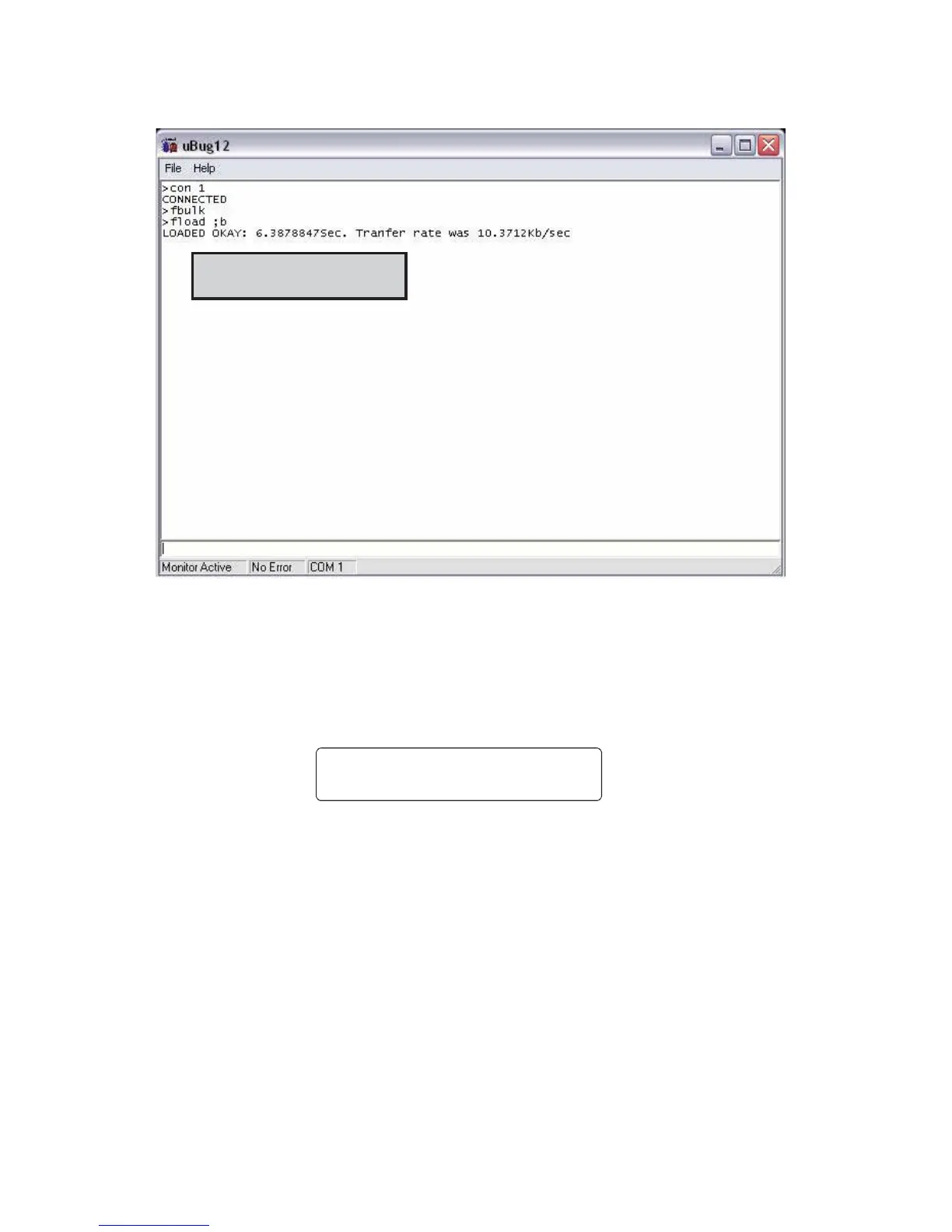
8. When the software has finished loading into the Alpha FXM, the pop-up shows “Loaded OK in (xx)
seconds.” If an error message appears, switch off the Alpha FXM and start over again. It should not take
more than one or two restarts to load the software. If problem persists, contact Alpha technical support.
)LUPZDUHLVORDGHG
9. Type (all lower case) exit and press ENTER. The uBug12 screen disappears.
10. Switch of the battery breaker.
11. To check if the installation was successful, switch on the battery breaker. The LCD’s logo screen should
appear as follows. If it shows “Alpha XP ISP” as shown in Step 3, try installing the firmware again.
$OSKD
);0
1
/,1(



 To Next Page