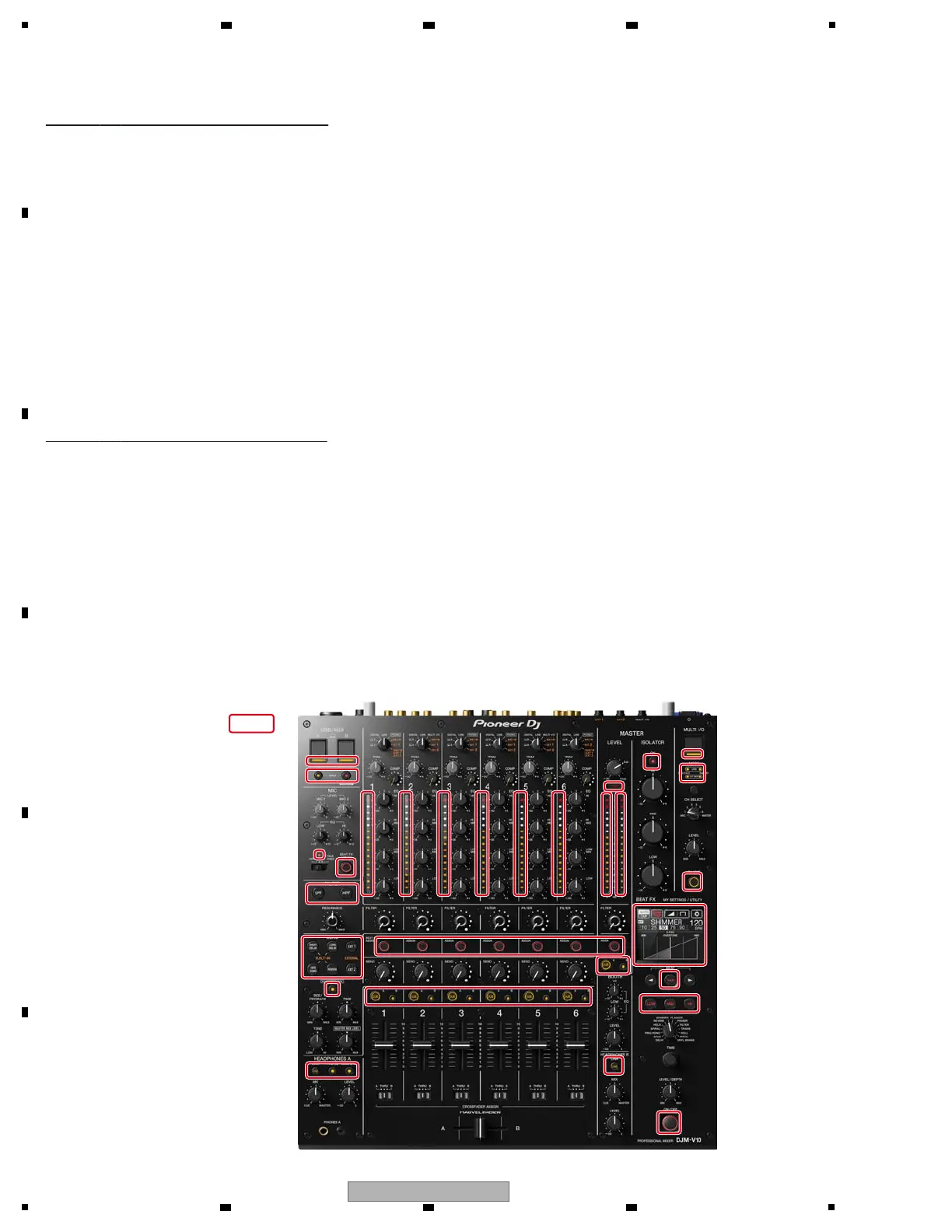
Mode 3: All-LED lights-off mode
It is the mode that all LED and Touch display light off.
[Functional overview]
Mode 4: All-LED lights-on mode
It is the mode that all LED and Touch display light on.
[Functional overview]
LED/LCD All OFF
+ This is shown for about 1 second from the start of the mode.
[Mode Title Display]
LED/LCD All ON
+ This is shown for about 1 second from the start of the mode.
[Mode Title Display]
[TAP button] (Lighting) : Mode change (to next mode)
[BEAT FX ON/OFF button] (Lighting) : Mode change (to previous mode)
[Element]
[TAP button] (Lighting) : Mode change (to next mode)
[BEAT FX ON/OFF button] (Lighting) : Mode change (to previous mode)
[Element]



 To Next Page