AlphaVision ML User manual Rev. 2.60 – 01-01-2015 8
OPERATION
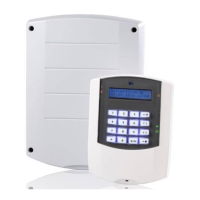
The AlphaVision ML control panel is supplied with an LCD or LCD/Proximity keypad. Both types of keypad
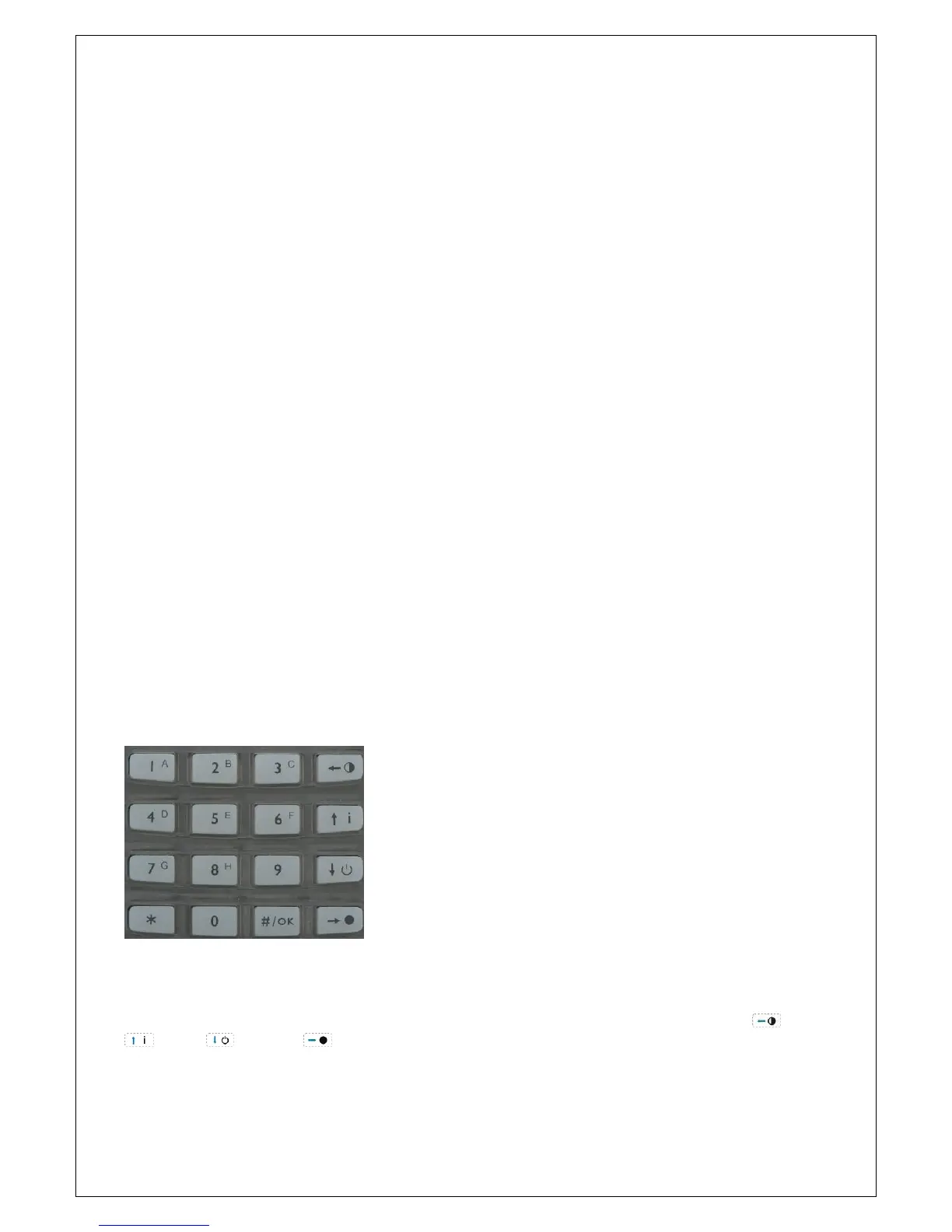
have an LCD display, section LED’s, status LED’s and silicon keys. The keys are divided in numerical and
navigator keys (the 4 right most keys). The numerical keys are mainly used for arming/disarming with a PIN-
code.
The navigator keys are used for easy Partial arming, Total arming, disarming and for navigating through the
user menu.
When using an LCD keypad, the AlphaVision ML is armed and disarmed with a 6-digit PIN code. The
LCD/Proximity keypad has an integrated proximity reader for arming/disarming with a coded tag, known as
a proximity tag. The integrated proximity is located right above the microphone hole, at the bottom center
of the keypad.
When the AlphaVision ML control panel is expanded with a wireless receiver module, the system can also
be armed and disarmed with wireless keyfob transmitters.
The keypads have an LCD display, section LED’s and status LED’s. The LCD display is used to display
messages from the control panel. Next to the LCD display there are status LED’s, each with their own
meaning. Both the LCD display and the silicon keys have a backlight which can be programmed to ‘always
on’ or ‘turn off after 20 seconds’.
Besides optical indications the keypad has an integrated buzzer which is used for audible signaling of the
entry and exit delays and for error indications.
When the AlphaVision ML is expanded with a speech plug-on board, alarm and alert messages can be
reported as speech messages to a (mobile) telephone. One of the LCD or LCD/Proximity keypad can also be
expanded with integrated speakers and microphone. This keypad can be used for vocal assistance.
Navigator keys
The 4 navigator keys on the right hand side are used for Partial and Total arming, disarming and for
navigating through the user menu.
Function of the navigator keys when programming
When programming, the four keys on the right of the keypad have different meanings. To enter the
programming menu, use the <#/OK> key. The four keys on the right are now used for going Left , Up
, Down and Right


 To Next Page